AI Mastering Guide
Introduction
AI Mastering on MusicCreator helps you quickly improve the overall sound of your tracks without needing complex audio engineering skills.
It analyzes loudness, balance, and dynamics, then enhances your song so it feels closer to a finished, release-ready mix.
Open AI Mastering and choose your track
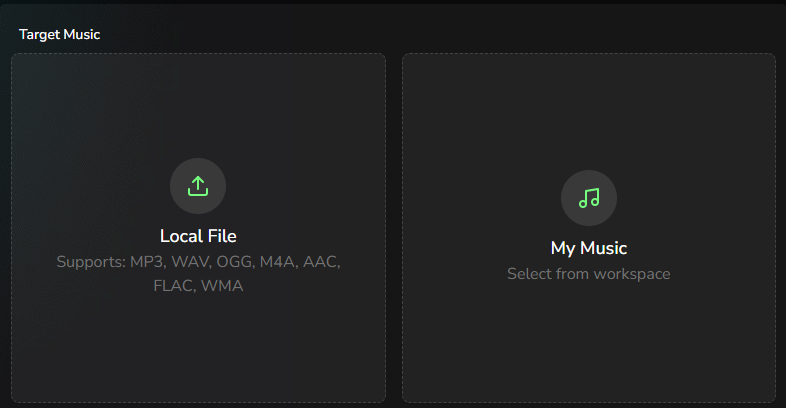
Go to the AI Mastering page and, in the Target Music area, either upload the song you want to master or pick an existing track from your workspace.
Make sure you use the best available version of your mix (no clipping, no heavy limiting) so the mastering process has room to work.
Select a reference track
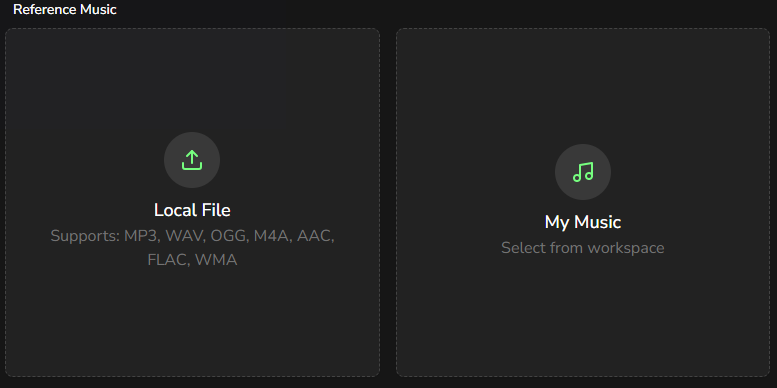
Next, choose a Reference Music track. The AI will analyze the reference song’s loudness, tonal balance, stereo width, and dynamics, then use those characteristics as a target when mastering your own track.
For the best results, use a high-quality, professionally released song, and try to match the reference style to your target song’s genre and mood.
Run mastering and download the result
When everything is set, click the Master button. Within 2–3 minutes, you will receive a mastered version of your track with louder, clearer, and more balanced sound. You can then preview the result and download the mastered audio file for use in your projects or for publishing on streaming platforms.