Placement morning
Soft verse: first breakfast, a set place, porch light on.
Adoption & foster welcome
Personalized songs for adoption-day and foster-welcome mornings start with a consent-first lyric: the name they want sung, first breakfast, porch light, a place at the table. Paste Own Lyrics on the AI Music Generator, set a soft Style and Vocal Gender, generate two takes, and A/B them at living-room volume — without cloning anyone’s real singing voice or packing private case details into the chorus.
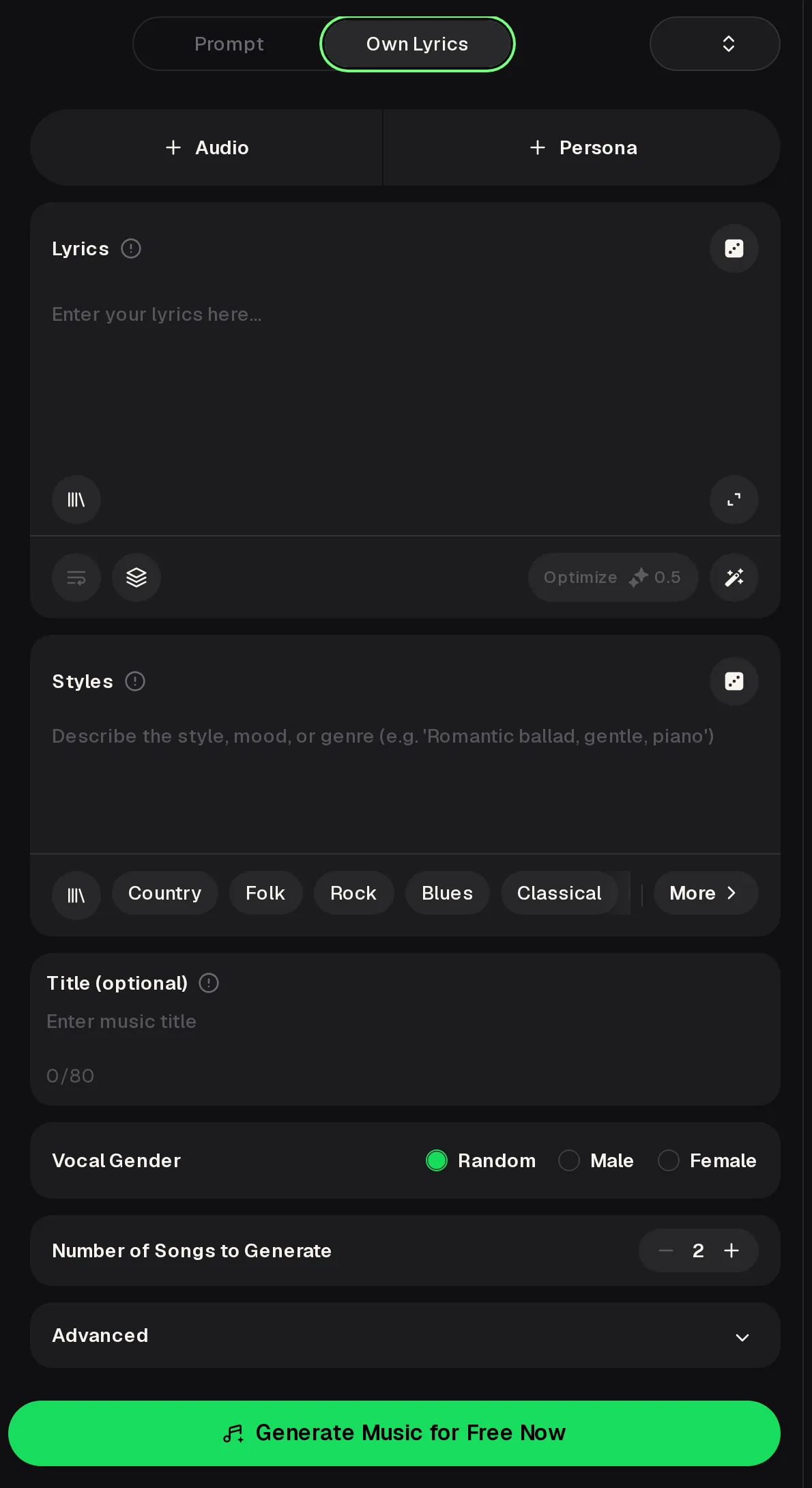
Adoption day and foster welcome songs are for the family in the room, not a public tribute chart. The free plan includes 30 credits a year, and every generation uses credits when you roll a welcome take.
“I adopted a nine-year-old boy last fall, and we filled his room with action figures and video games. He likes the game stuff, but he's super into musicals and animals.”r/AdoptiveParents
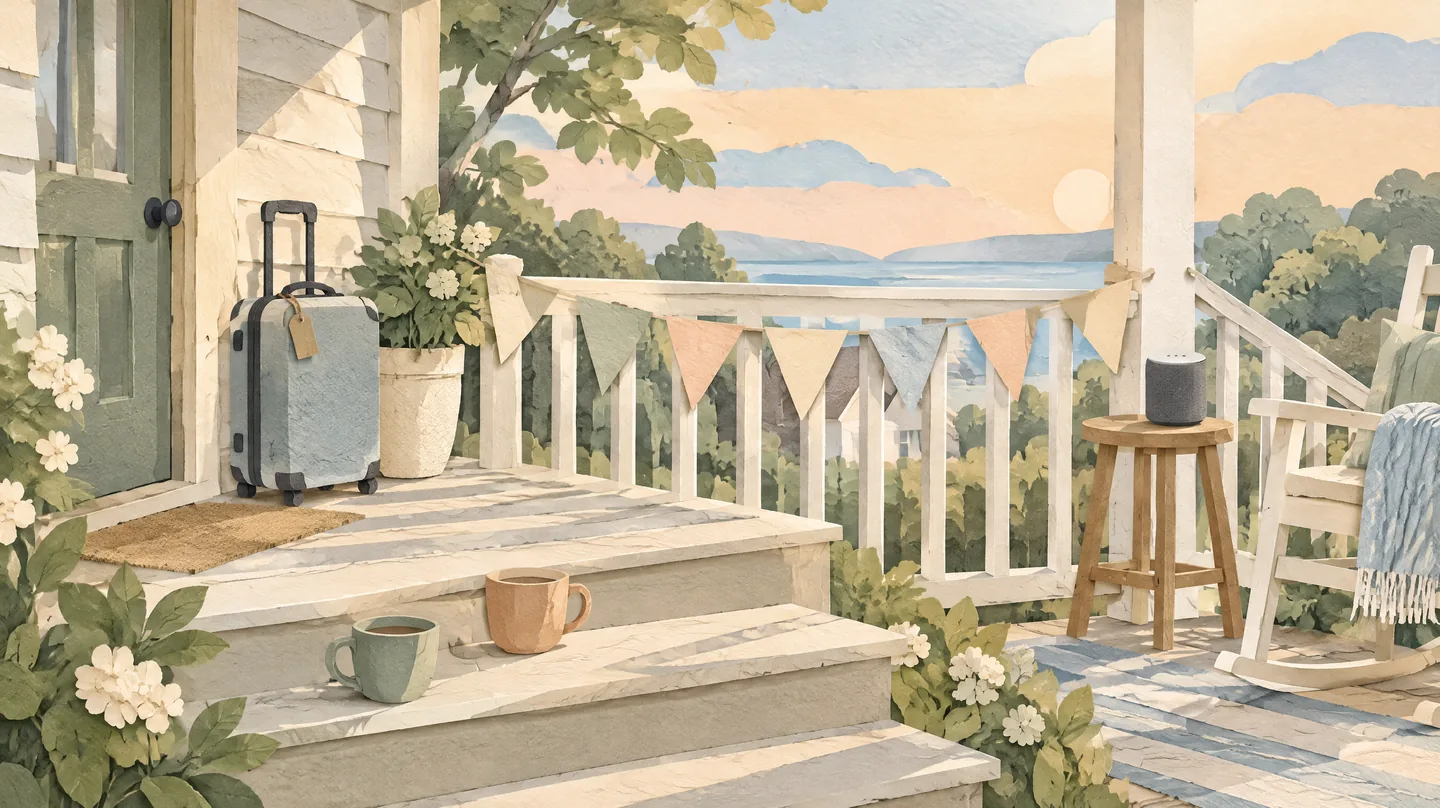
Keep personalized songs short enough to sing in the living room. Skip case numbers, birth names without consent, and agency details.
On MusicCreator these personalized songs run through Own Lyrics on the AI Music Generator — paste verses, set Styles, pick Vocal Gender, generate two takes. It is not a voice-clone of a real person and not a birthday or wedding tribute workflow.
Paste a consent-first welcome lyric so personalized songs keep names and moments yours.
Steer personalized songs toward soft folk or gentle pop without uploading anyone’s voice.
A/B two takes before you play the song on the porch or in the kitchen.
Stuck on a chorus for personalized songs? Sketch lines in the AI Lyrics Generator, then finish by hand.
One short song per moment beats one long medley for personalized songs on a welcome day. Label each file with the day so court-day calm never gets mixed with a loud sibling dance break, and keep every lyric short enough that the whole family can learn the chorus before you hit Generate on the AI Music Generator Own Lyrics panel.
Soft verse: first breakfast, a set place, porch light on.
Calm chorus to hum in the car — grateful, not theatrical.
One kind, short sibling verse that is easy to learn.
Finish the personalized songs lyric brief before you spend credits. Ask the child (when age-appropriate) which name to sing, and leave private case details out.
Go to the AI Music Generator, choose Own Lyrics, and keep Instrumental Only off so the welcome words are sung.
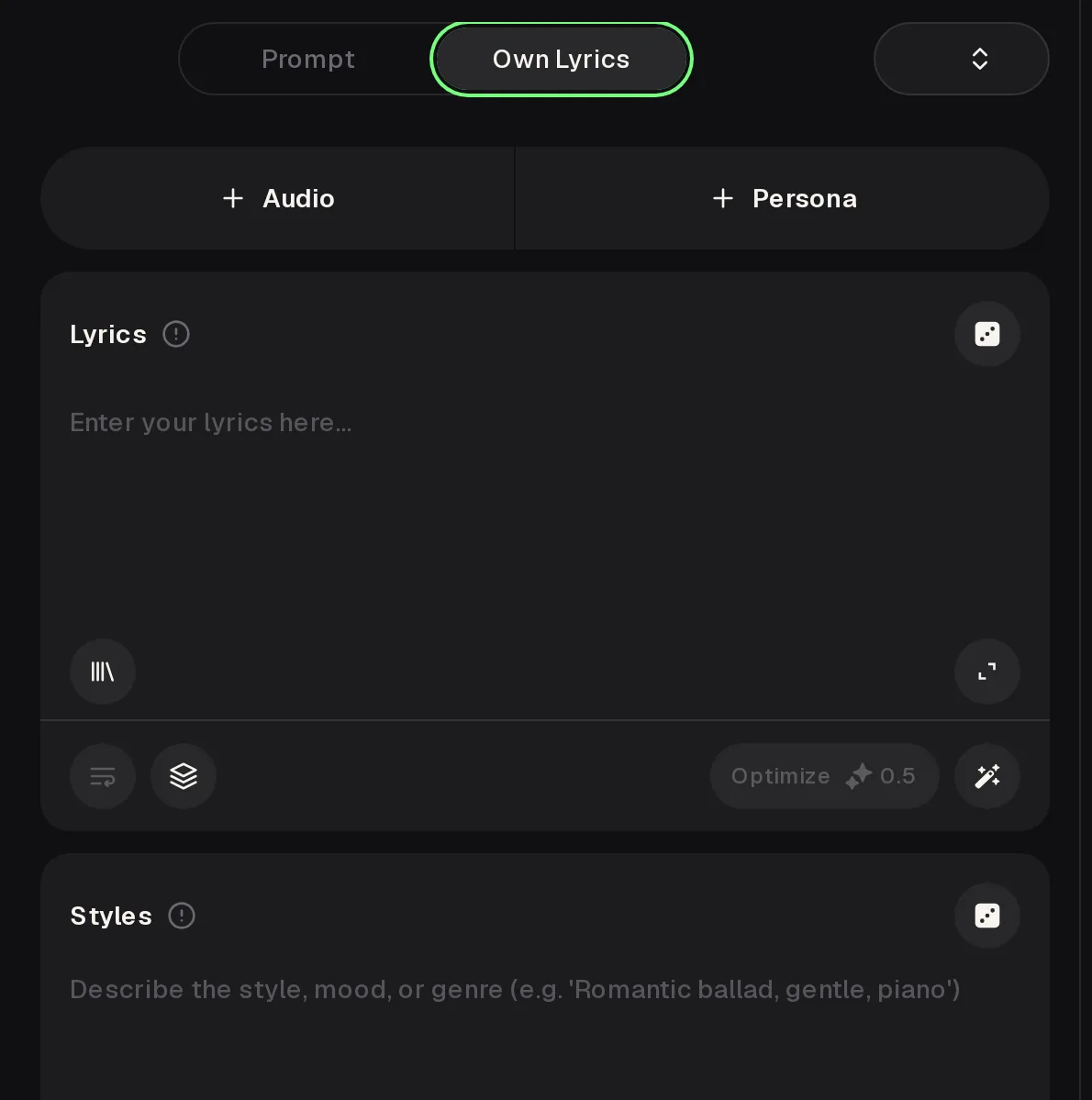
Drop two short verses and a chorus, the usual shape for personalized songs. Put Styles like “gentle acoustic folk, soft voice” and pick Vocal Gender.
Set Number of Songs to 2, generate personalized songs, then A/B on speakers you will actually use that day.
For personalized songs, use consent-first names, paste Own Lyrics on the AI Music Generator, and generate two takes to A/B before the day.
Write the Welcome SongScore personalized songs against what Own Lyrics can verify today. Privacy and consent still sit with your family, not the tool.
Personalized songs sample: fictional name “Jordan” only — swap in the name you have permission to sing. Keep famous melodies out of Styles.
“gentle acoustic folk, soft harmony, calm morning welcome”
“gentle pop, soft pads, clear chorus, family living-room volume”
“soft lullaby feel, low voice, no big drums, bedtime calm”
Gentle acoustic folk, female vocal, fictional welcome lyric for A/B listening at living-room volume.
Second take for A/B: listen for clearer chorus words at living-room volume before the welcome day.
Welcome home, welcome home / Today we sing you into our own
In personalized songs, only use names and stories you have permission to share. No voice cloning of real people.
Write the brief first, keep the chorus singable, and name the tools when something is out of scope. The AI Music Generator sings Own Lyrics; it does not advise on adoption process or clone a relative’s voice.
Aim personalized songs at a middle lyric: enough real welcome moments to feel personal, without case files, trauma detail, or a five-minute medley. Use the AI Music Generator for the song; keep legal and counseling questions with your professionals.
To make a free personalized song, you can open the AI Music Generator and edit Own Lyrics while signed out, but generating opens a login box. New users get free credits when they sign up, and the free plan includes 30 credits a year. Every generation uses credits, including welcome songs. Check the Pricing page for downloads before you A/B several takes the week of finalization day.
No. These personalized songs use Own Lyrics plus Vocal Gender presets on the AI Music Generator — not a clone of a relative, the child, or any real singer. Only write songs and use voices you have permission to use: consent-first names, family-approved moments, and no private case details in the lyric you paste into Own Lyrics before you press Generate for the two takes.
No. This path is for adoption-day and foster-welcome songs you sing at home or in a small celebration, not birthday, wedding, or memorial tribute lyric workflows on other topic pages. For a free personalized song or a paid one, keep the tone calm and present-tense: first breakfast, porch light, a place at the table — not a lifetime montage or a public tribute chart posted later for strangers online to stream.
For songs you generate from your own prompts, sharing is allowed within the scope of the Commercial License on monthly and annual plans; check the Pricing page for what it covers. Still ask the family before any public post, and keep identifying case details out of the lyric even when your plan includes commercial sharing rights for the downloaded file.
Sketch a chorus first, then finish the welcome lyric for personalized songs by hand.
Start From a Mood