Make a Song Online Free with AI
You have a hook in your head, a few lines in your notes app, or just a feeling you want to hear out loud. Describe it in plain words, or paste lyrics you already wrote, and MusicCreator helps you make a song with singing, drums and instruments.
What usually stops you from finishing a song
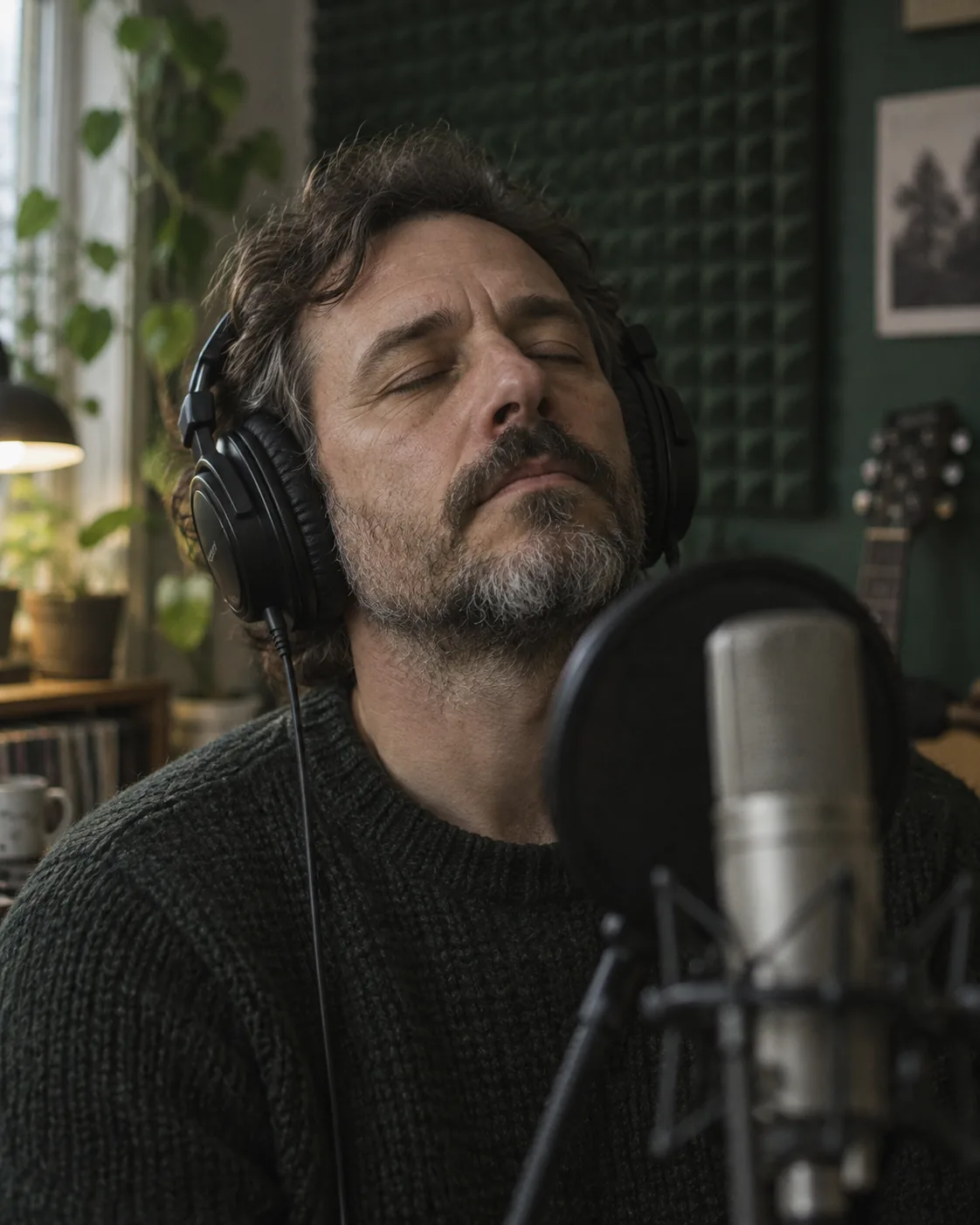
Most people who search for a way to make a song are not short on ideas. They are short on the parts that turn an idea into something you can play for a friend: a melody, a band, and a voice that carries the words.
Four steps to make a song online
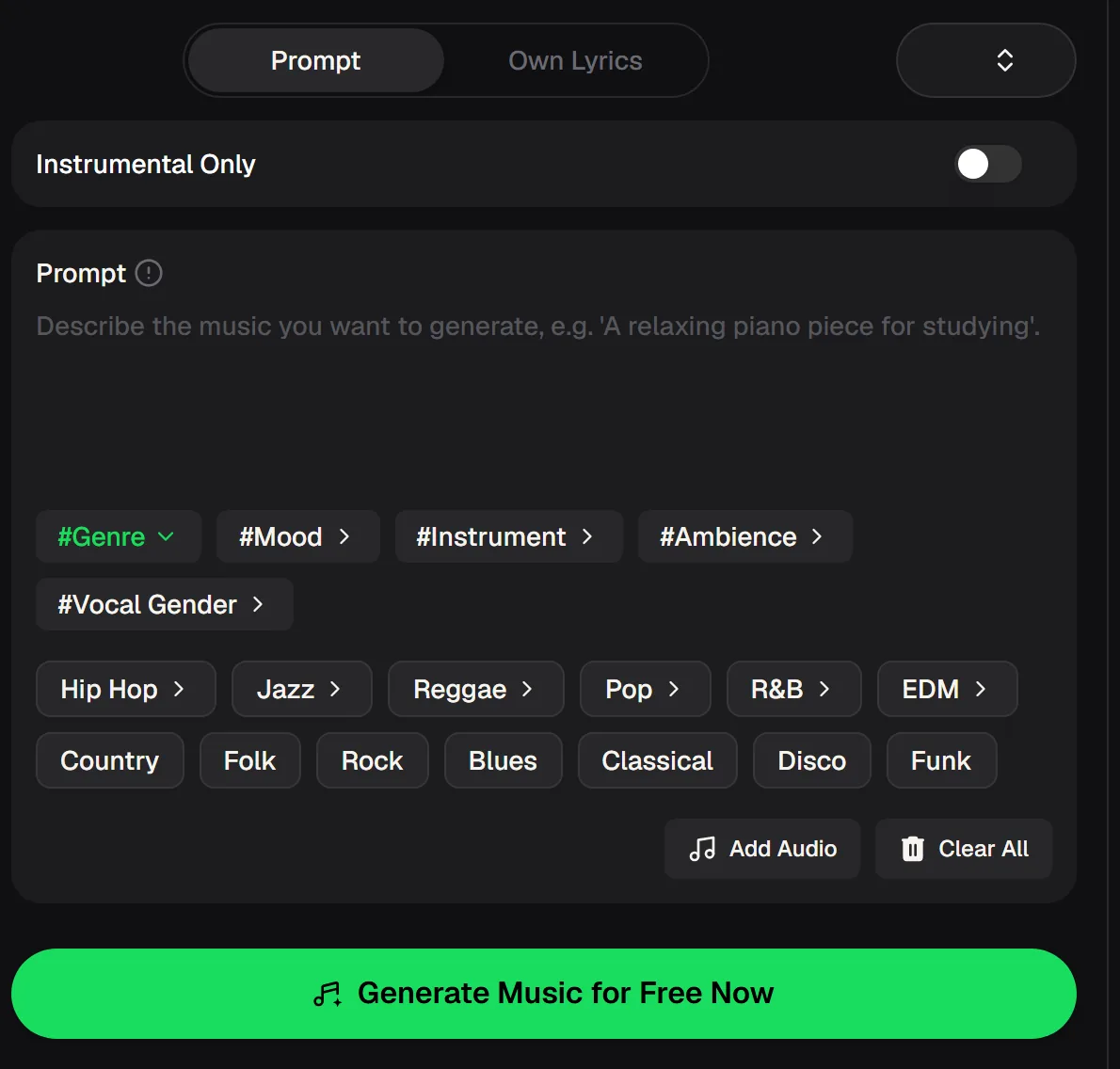
Choose how to start
Use Prompt when you only have an idea, or Own Lyrics when the words are already written and you want them sung as they are.
Describe the sound
Name a genre, a mood, the instruments and the kind of voice. The tag rows for genre, mood, instrument, ambience and vocal gender help if you get stuck for words.
Decide on vocals
Leave Instrumental Only off for a sung track, or switch it on when you need a backing track for a video or for practising your own vocal.
Generate and compare
Listen to the results, keep the take that feels right, and change one detail in the prompt when you want another try.
Prompts that make your own song sound like you meant it
To make a song that sounds intentional, write a prompt like a note you would hand to a session band: what genre, how fast it feels, what is playing, and who is singing. Vague prompts such as “a nice song” leave every choice to chance. These examples show the level of detail that tends to give a more focused first take.
Tip: change one thing at a time. If the chorus feels too busy, keep the prompt and only swap “full band” for “piano and voice”.
The facts behind the song generator
Before you make a song for free, it helps to know what the tool actually offers. These details come from the current MusicCreator tool and pricing pages.
Make a song from one short prompt, like this one
This track started as a two-line idea: a warm acoustic indie song about staying up late with a tune you can't shake. The lyrics were pasted in through Own Lyrics, the style was set to fingerpicked guitar with brushed drums and a soft female voice, and the generator handled melody, arrangement and singing.
Press play and listen for how the chorus lifts. That is the part you would normally need a songwriter, a guitarist and a singer to get right, and it is the part people most want to hear when they first try to make a song.
Who asks “make me a song”, and why
“Make me a song” sounds like a simple ask, but the people typing it want very different things. Here are the situations we see most often, and how each one usually gets set up in the generator.
Personal songs
Names, inside jokes and shared memories go straight into the prompt or the lyrics, so the song is about one real person instead of anyone.
Demo your lyrics
Make a song from words you wrote yourself and hear the arrangement before booking studio time or asking a band to learn them.
Background music
Turn on Instrumental Only for an intro, a podcast bed or a short video, and describe the energy you need.
Lessons that stick
Teachers set a fact list to a catchy tune so students remember it, and pick a genre the class actually listens to.

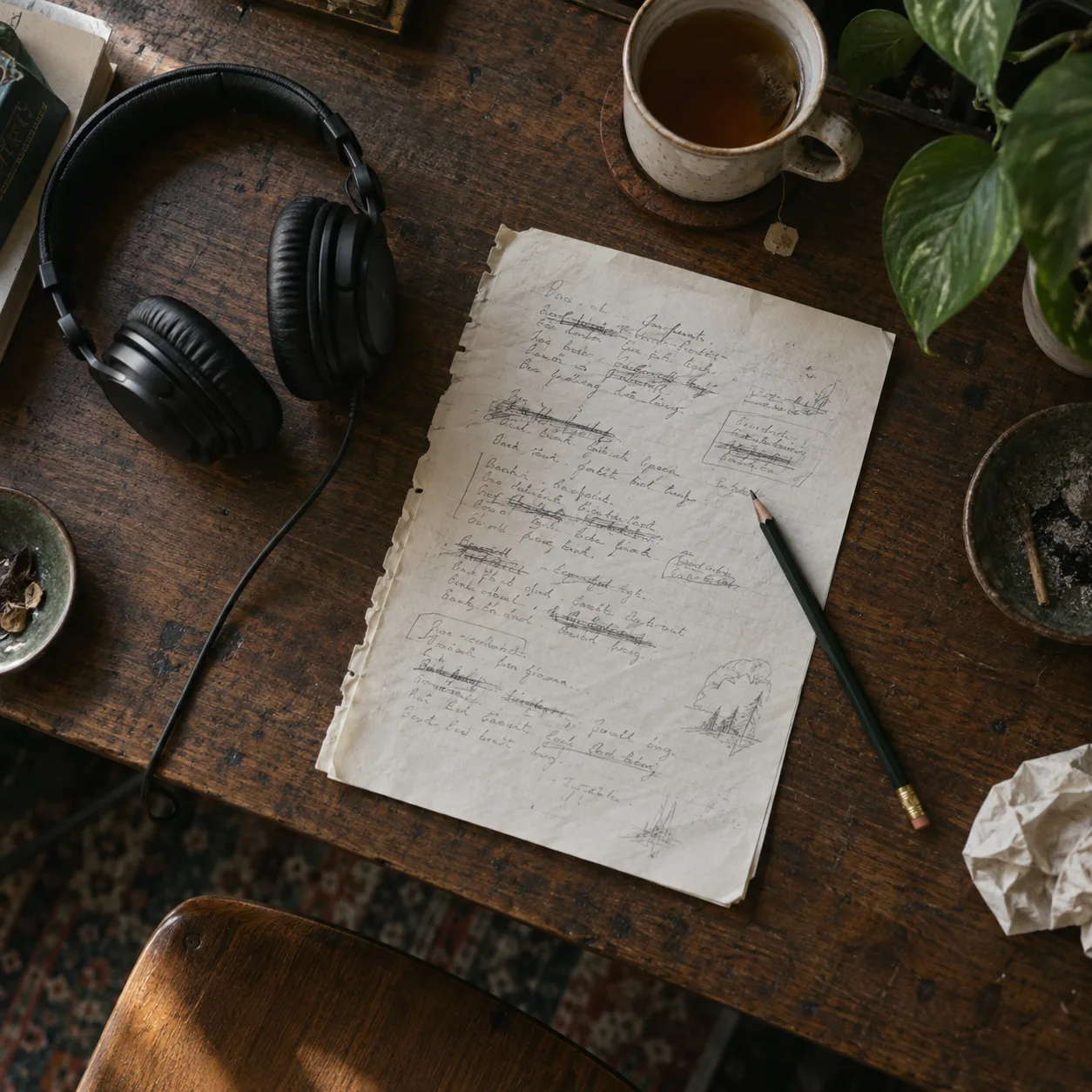
Make a song from what you already have: a feeling, a lyric page or a hummed tune.
What to expect when you make a song for free
- New accounts get 30 free credits a year (15 songs) after a quick sign-up to try the generator before paying anything.
- Each song generation uses 2 credits, and the cost appears on the button before you click.
- You can bring an audio reference with Add Audio when you want the result to follow a sound you already have.
- Need words first? The lyrics generator lets you choose mood, structure, style and language.
- It cannot copy a famous artist's exact voice or rewrite a commercial hit for you.
- It does not guarantee a perfect take on the first try; plan to generate a few and pick.
Monthly and annual plans include commercial rights within the scope of the Commercial License, and Pay Once credits can unlock a license for 5 credits per song.
Questions about making a song
Short answers to what people ask before they make a song for the first time.
Can I make a song online without any music experience?
Yes. You describe the song in everyday words, such as genre, mood and what it is about, and the generator writes the melody, chords, arrangement and vocal. Knowing a little about genres helps you steer it, but you do not need to read music, play an instrument or use recording software. Many first-time users simply start with a sentence about a person or a moment and adjust from there.
Is it free to make a song?
Yes, you can make a song free to start. New accounts receive some free credits, and one song generation costs 2 credits, so you can try a few ideas before deciding whether you need more. Paid plans add more credits each year or month. Unused credits reset on the renewal date, so it is worth checking the pricing page for the current plan details before you pick one.
Can I use my own lyrics?
Yes. To make a song from your own lyrics, switch to Own Lyrics and paste your words. Mark sections like verse and chorus if you want them treated differently. The generator sings the lines you provide instead of writing new ones, so it is a quick way to hear a demo of lyrics you have been sitting on. If you only have a theme, the AI lyrics generator can draft words first.
Can I make an instrumental instead of a song with vocals?
Yes. Turn on Instrumental Only before you generate. You still describe genre, mood and instruments in the prompt, but the result has no singing. This works well for video backgrounds, practice tracks you want to sing over, or a beat you plan to rap on. For drum-focused tracks there is also a dedicated beat maker with BPM and key settings.
How do I make my own song sound less generic?
Be specific when you make your own song. Name real details: a city, a person, a smell, a time of night. Pick two or three instruments rather than “full band”, and say how the voice should feel, such as breathy, raspy or bright. Then change one thing between attempts so you can tell what made the difference. Writing your own lyrics is the strongest way to make the song personal.
Can I edit the song after it is generated?
You can generate new takes with an adjusted prompt, and MusicCreator has separate tools for next steps: the vocal remover splits a song into vocals and instrumental, the stem splitter pulls out drums, bass and other parts, and AI mastering prepares a WAV file. Detailed note-by-note editing is a job for a DAW after you download the audio.
Make a song from your next idea
Write one line about the song you want to hear, or paste your lyrics. Pick a genre, choose vocals or instrumental, and listen to two takes.
The AI music generator lets you set the tempo, key and instruments for pieces without vocals, then compare two takes per run.