Jingle Generator for Livestream Alerts
A jingle generator for livestream alerts should spit out short punchy stingers for follow, subscribe, raid and donation toasts — not a full episode intro. Open the Jingle Maker, tap Social media video, keep Instrumental Only on, generate two takes, then trim the sharper hit to about two to five seconds before you drop it into OBS or Streamlabs.
“bright synth stab follow alert, quick riser, clean end, instrumental only”
Open Jingle MakerWho this jingle generator fits on stream
Alert sounds fire dozens of times a night, so a jingle generator earns its keep. Default packs get old fast. The free plan includes 30 credits a year, and every generation uses credits when you roll a new stinger for follow, sub or raid.
- Twitch, YouTube or Kick streamers who want original follow and sub toasts
- VTubers building a small alert pack that matches their channel voice
- Casters who need a raid or donation hit that is not a stock meme sound
- Full podcast episode opens — use a podcast intro workflow instead
- Long starting-soon or BRB screen beds — those are longer beds, not toasts
- Sung brand-name radio ads for a shop — that is a different jingle job
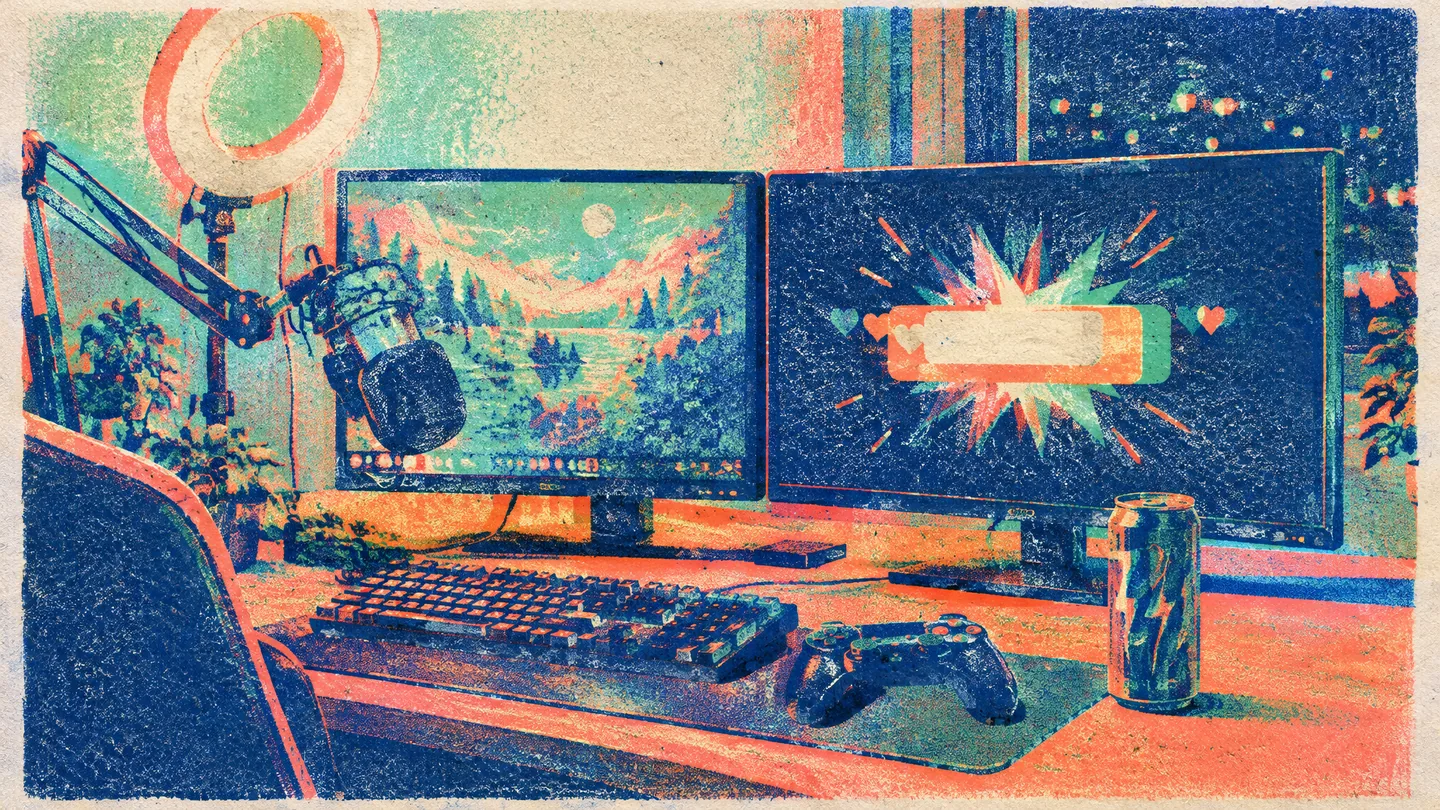
Toast-sized, not track-sized
If the file still feels like a chorus when the alert fires, trim harder. Alerts should clear before the next chat message.
What the Jingle Maker gives alert streamers
On MusicCreator the jingle generator path is the Jingle Maker — Prompt or Own Lyrics, Usage Scenario chips, Instrumental Only, two takes. It is not a length-locked alert designer and not a library of meme sounds. That shape fits streamers who need original toasts they can trim, not another shared pack everyone already hears.
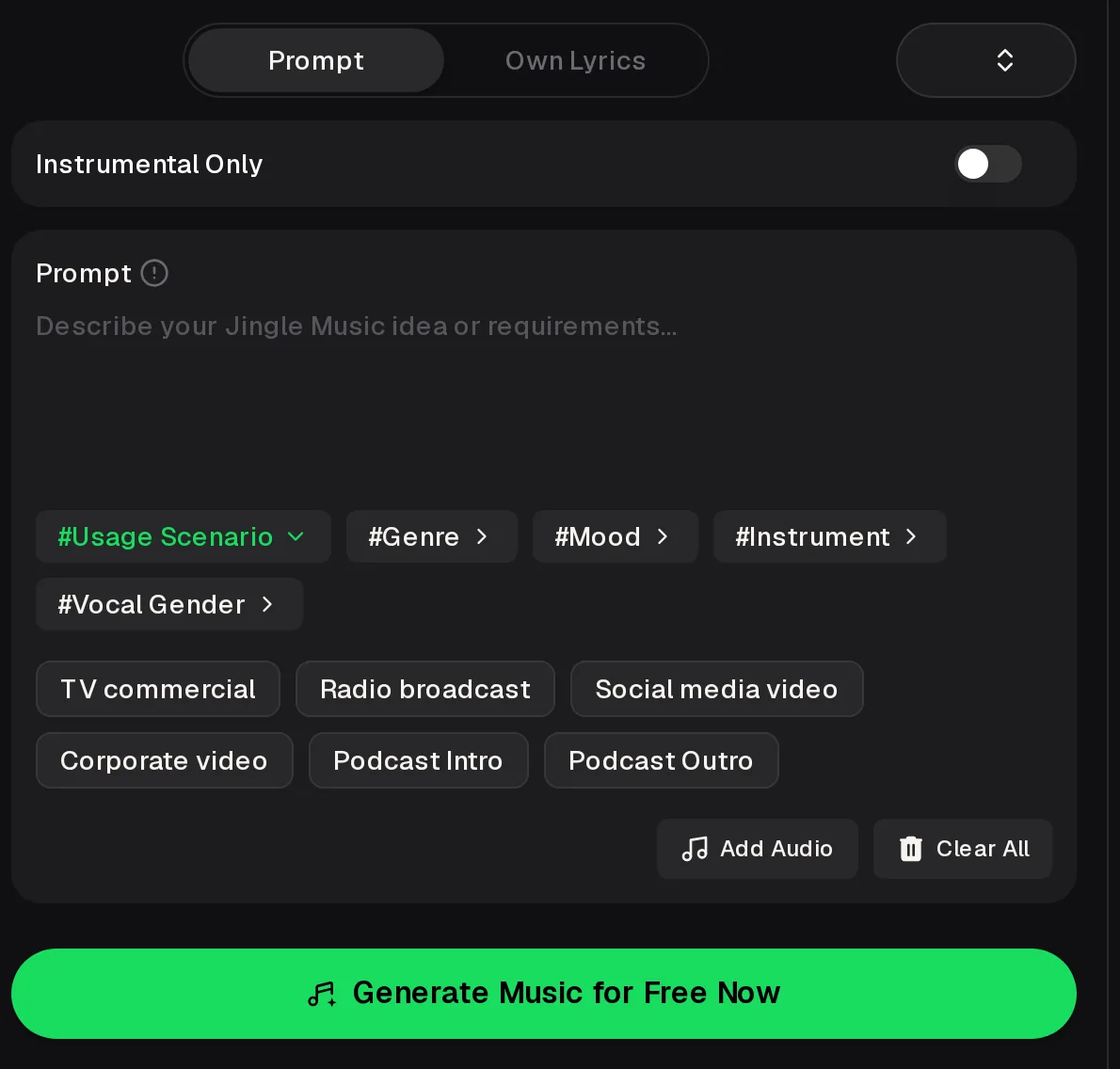
Scenario chip
In the jingle generator, tap Social media video so the brief leans short and on-screen. Podcast Intro chips are for episode opens, not toasts.
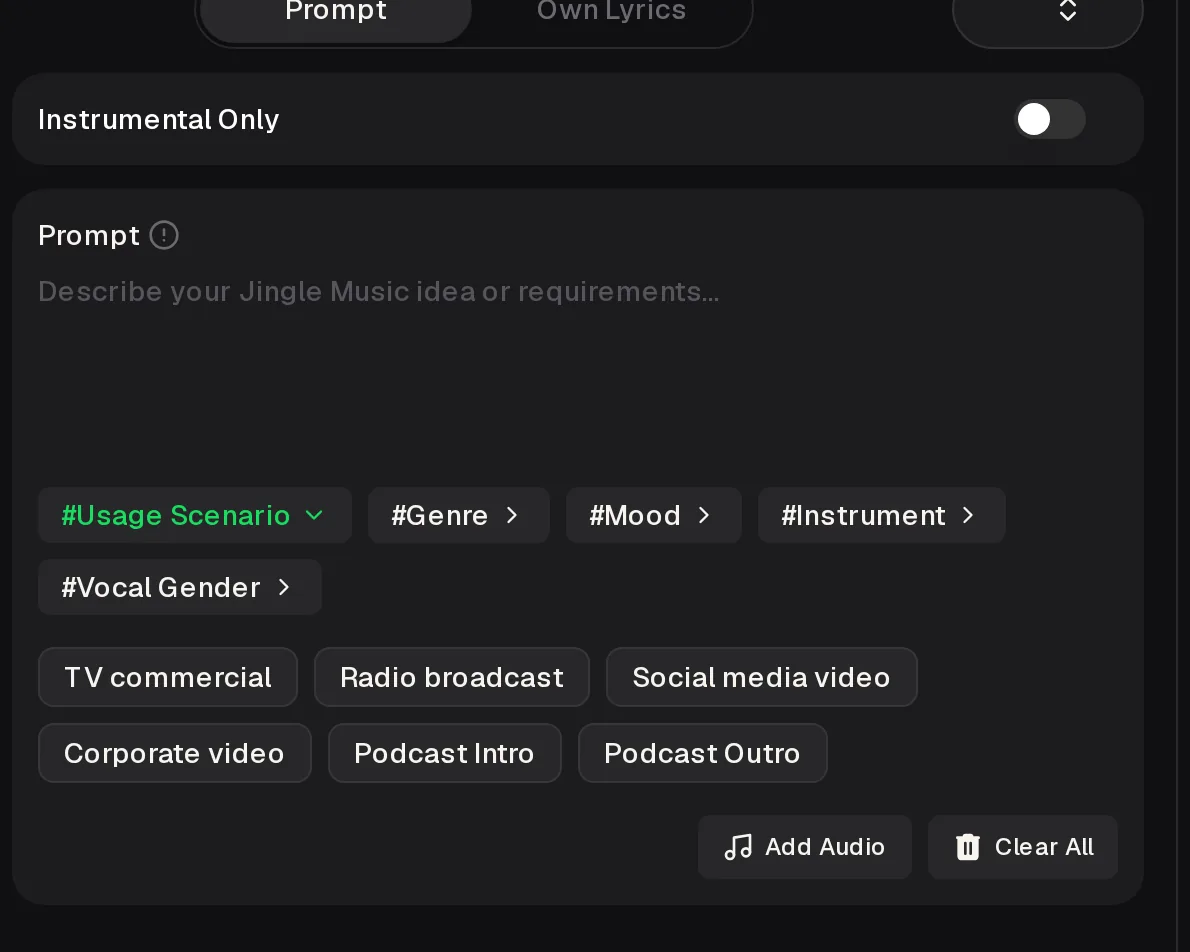
Instrumental Only
Keep jingle generator vocals off unless you want a two-line channel-name shout. Most follow and raid toasts stay clearer instrumental.
Alert types a jingle generator should cover
Build a small jingle generator pack: one cue per toast type, same palette, different energy. Label files before you wire OBS so a raid hit never plays on a follow toast by mistake.
Bright short stab, friendly lift, ends clean in under five seconds after you trim. Keep midrange open so chat TTS can still cut through.
Slightly richer hit than follow — still Instrumental Only on the Jingle Maker, same key family so the night feels consistent.
Bigger riser and punch, then silence. Trim the Jingle Maker take so the raid callout text is readable before the next alert stacks.
How to make a livestream alert in two lanes
Use the jingle generator, then finish length in your editor. The tool will not export a locked two-second alert file for you.
On the Jingle Maker
- Open Prompt, tap Social media video
- Write a short alert brief; Instrumental Only on
- Generate two takes and pick the sharper hit
After download
- Trim to about two to five seconds
- Normalize so it does not clip over game audio
- Map the file to the alert in OBS or Streamlabs
The control that matters
In the jingle generator, Instrumental Only keeps sung lines from fighting your alert text. Scenario chips steer length and energy; you still trim for the toast window.
Jingle Maker vs typical alert packs
These jingle generator rows compare jobs, not plan prices. Use the Jingle Maker when you want original cues you can trim.
| Jingle Maker | Typical alert pack | |
|---|---|---|
| Original cue | Yes — your Prompt | Shared stock sounds |
| Exact 3 s export | No — trim yourself | Often pre-cut |
| Channel voice | Matched by Prompt | Generic meme hits |
| Credits | Each run uses credits | One-time pack fee |
cool stream alertfollow alert, bright synth stab, quick riser, clean end, instrumental only, social toastNaming the toast type and ending keeps the jingle generator from writing a full chorus.
Roll your next follow sting
Open the jingle generator, tap Social media video, keep Instrumental Only on, and trim the sharper of two takes into your alert software.
Make Your SongHear an alert-style jingle take
Both takes come from one follow-alert Prompt with Instrumental Only on the Jingle Maker. Use them as a trim reference for how a jingle generator can stay toast-sized, then roll your own pack for follow, sub and raid instead of shipping these files as your channel pack.
 Take 1 — sharper stabfollow · instrumental
- Take 2same prompt
Do
- Trim every take before wiring OBS
- Keep one palette across follow, sub and raid
- Test alerts over game audio at stream volume
Don't
- Drop a full untrimmed Jingle Maker song on a toast
- Stack five loud alerts that clip the mic
- Reuse a famous meme sting you do not have rights to
Limits of this jingle generator path
Name the tools. The Jingle Maker writes Prompt-based jingles with scenario chips and Instrumental Only. It does not lock toast length or talk to OBS.
Jingle generator FAQs
Alert jingle notes
Credits, length and rights for toast-sized livestream stingers on the Jingle Maker.
Do I need an account, and what about credits?
You can open the Jingle Maker, a free jingle generator to start, and edit the Prompt while signed out. Generating opens a login box. New users get free credits when they sign up, and the free plan includes 30 credits a year. Every generation uses credits, including Instrumental Only alert stingers. Check the Pricing page for what downloads your plan includes before you roll a whole follow-sub-raid pack in one night.
Is this the same as a podcast intro maker?
No. Podcast intro pages score the first seconds of an episode as a theme. This jingle generator path is for toast-sized livestream alerts — follow, subscribe, raid and donation hits you trim to a few seconds. Keep Instrumental Only on unless you want a short channel-name tag, and do not drop an untrimmed full song take onto a live toast window.
Will the Jingle Maker export a 3 second file?
The jingle generator free plan and paid plans do not lock duration to two or three seconds. Write a short alert brief, turn Instrumental Only on, audition both takes, then trim the sharper hit in your editor until the toast clears before the next chat line. If a take still feels like a chorus, discard it and roll again with “short stab, clean end” in the Prompt.
Can I use these alerts on a monetized stream?
For cues you generate from your own prompts, sharing is allowed within the scope of the Commercial License, which comes with monthly and annual plans; check the Pricing page for what it covers. Keep prompts original. Platform rules for music on stream still apply, so skim your host’s music guidelines before you wire a loud pack over a copyrighted game soundtrack.
craft the next raid hit
Open the jingle generator, keep Instrumental Only on, write a short raid brief, and trim the punchier take into your alert software tonight.
Start Creating