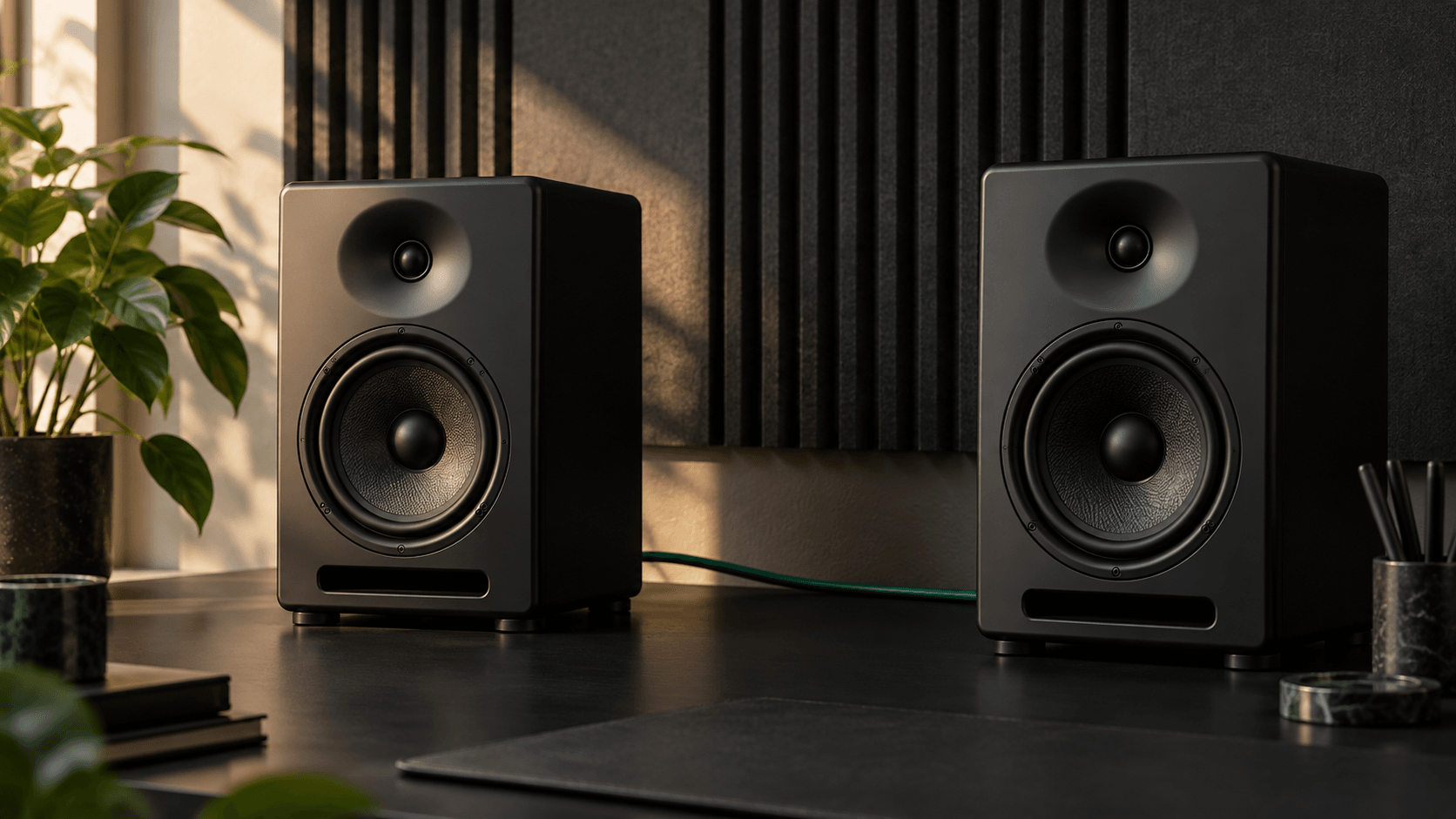
Understand The Audio Spectrum Analyzer
The Audio Spectrum Analyzer by MusicCreator AI is a real-time browser tool mapping sound frequencies from twenty hertz to twenty kilohertz instantly.
It helps creators identify peak frequencies and monitor audio levels to ensure perfect sound balance without installing complex desktop software.
Why Use Our Frequency Analyzer
Smarter Real Time Audio Analysis
Experience precise sound visualization directly in your browser. Our tool delivers instant visual feedback for better mixing decisions and flawless frequency distribution.
Instant Browser Access
Skip heavy downloads. Analyze your local files or live microphone input instantly using our fast online platform.

Precise Frequency Mapping
View accurate logarithmic scales capturing everything from deep bass to high treble with exact musical note detection.
Actionable Visual Feedback
Monitor low mid and high frequency ratios clearly to fix muddy mixes and achieve professional sound balance.
Start Your Sound Visualizer
Master Your Audio Frequency Spectrum
Getting started requires zero technical setup. Follow these simple steps to monitor your sound profile and adjust your mix with complete confidence.
Upload Or Record
Drop your local audio file directly into the browser window or grant microphone access to capture live sound.
Play And Observe
Watch the real-time graph display peak frequencies and volume levels across the entire twenty hertz to twenty kilohertz range.
Adjust Your Mix
Use the visual data to identify frequency clashes and refine your audio balance for a polished final output.
Explore Audio Spectrum Analyzer
Core Audio Spectrum Analyzer Features
Unlock powerful visual tools designed for modern creators. Monitor every detail of your sound profile to achieve perfect clarity and professional results.

Logarithmic Spectrum Display
View your audio frequency spectrum naturally. The logarithmic scale matches human hearing for accurate sound visualizer representation.

Live Microphone Input
Test room acoustics or vocal tones instantly. Route your microphone directly into the frequency analyzer for immediate visual feedback.

Peak Frequency Detection
Pinpoint exact musical notes and dominant frequencies. Identify harsh resonances quickly to clean up your overall audio mix.
Band Distribution Analysis
Track the exact percentage of low mid and high frequencies. Ensure your track translates perfectly across all speaker systems.
Perfect For Audio Creators
Improve Your Sound Production Workflow
Different creators need reliable visual feedback. This tool provides essential frequency data to help you solve specific audio challenges and improve quality.
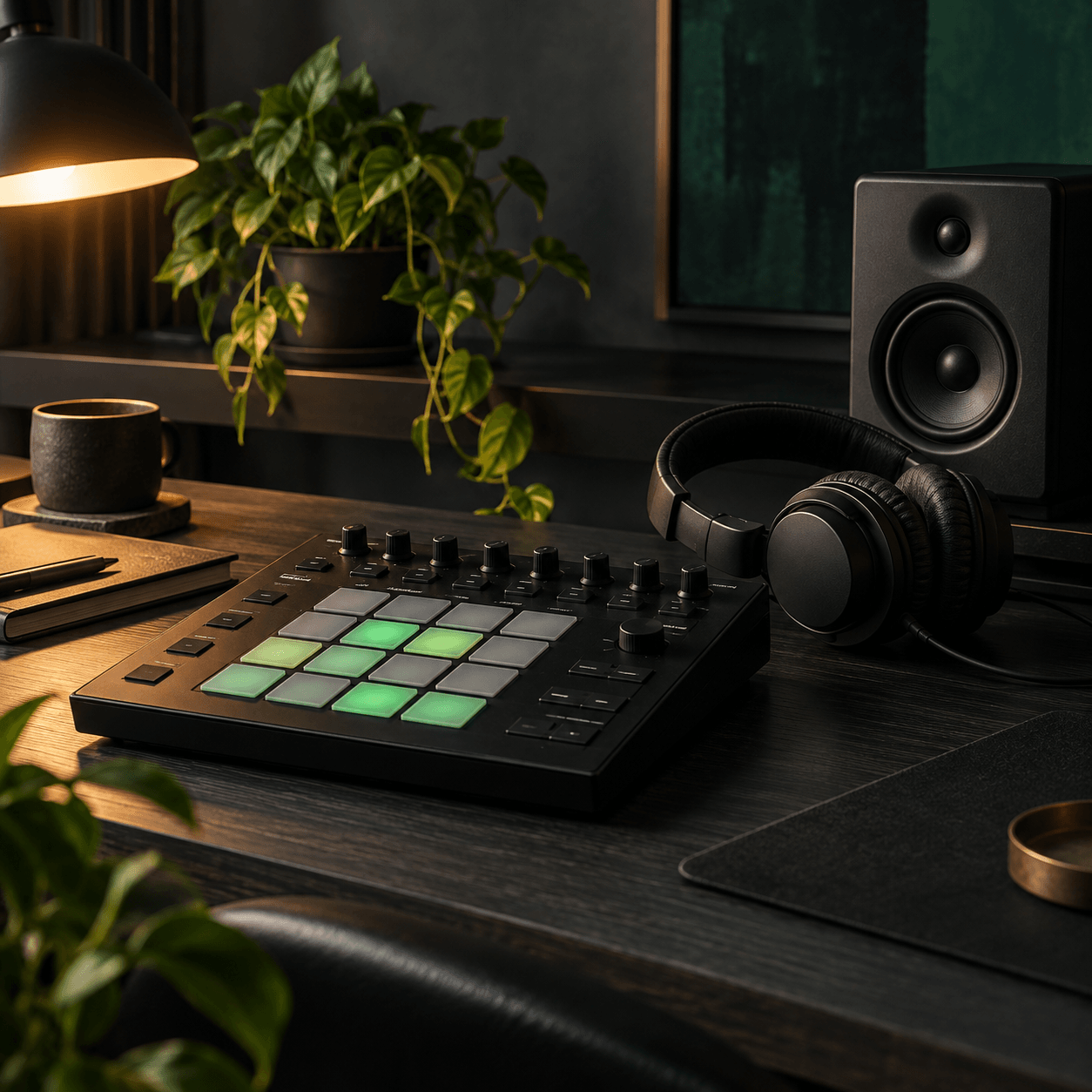
Music Producers
Balance your kick drum and bass perfectly. Use the visualizer to carve out EQ space and prevent muddy low-end frequencies.
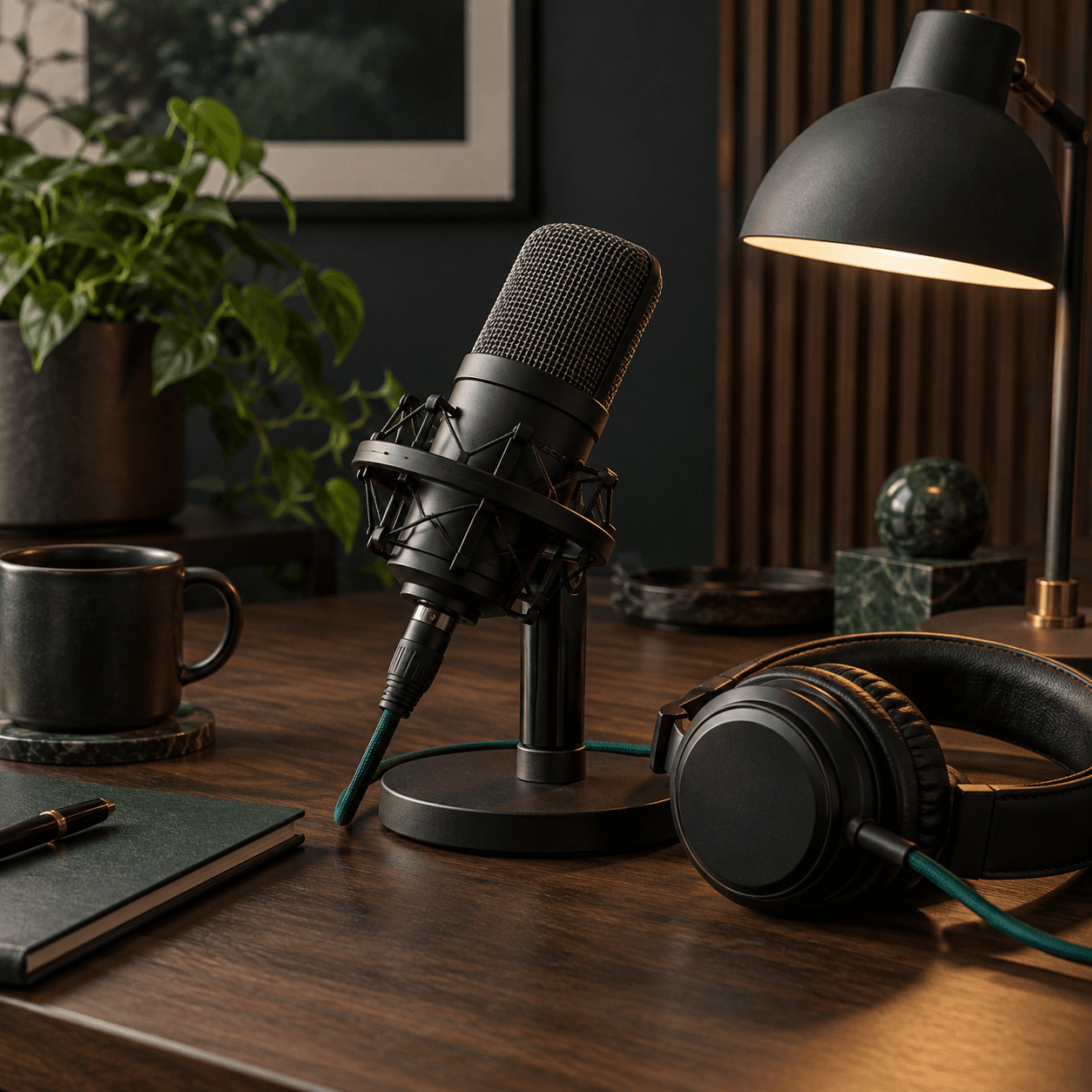
Podcasters And Streamers
Ensure your voice sounds clear and professional. Monitor your vocal frequencies to remove harsh room resonance and background rumble.
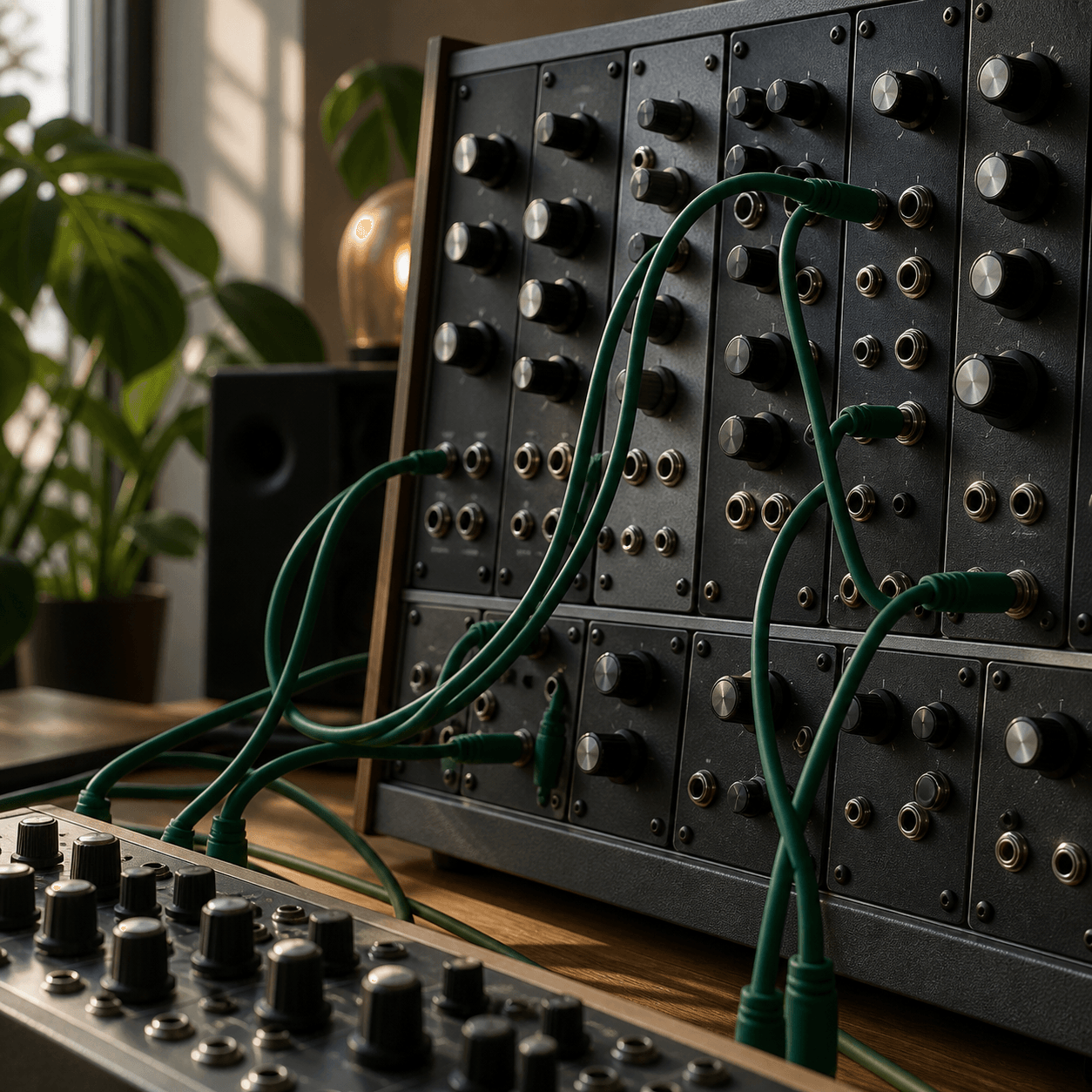
Sound Designers
Verify the exact pitch and harmonic content of your synthesized sounds. Match frequencies accurately to build cohesive audio landscapes.

Frequently Asked Questions
What file formats does the online sound visualizer currently support?
The platform supports standard formats like WAV and MP3 directly in your browser. You can simply drag and drop your files to begin real-time audio analysis.
How accurate is the frequency analyzer for detecting musical notes?
The tool maps frequencies to exact musical notes with high precision. This helps you identify the root pitch of any sound source instantly.
Can I use this audio frequency spectrum tool on mobile devices?
Yes, the platform is fully responsive and works on modern mobile browsers. However, a desktop environment provides a larger display for detailed visual feedback.
Does the platform store my uploaded audio files on its servers?
No, all processing happens locally within your browser for maximum privacy. Your files are never uploaded or saved to our external databases.
What is the best way to read the logarithmic spectrum graph?
Focus on the peaks to identify dominant tones and check the overall curve for balance. A flat response generally indicates a well-balanced mix across all bands.

Launch Your Audio Spectrum Analyzer
Stop guessing your mix. Visualize your sound frequencies instantly and achieve professional audio balance today.