Remove Vocals for Dance Practice
Make an instrumental of your routine's song so dancers can hear every count, cue and accent. Lyrics are great on stage, but in rehearsal they can bury the beat you are trying to teach. When you remove vocals from the track, the drums, bass and melody stay, and the room can finally hear the eight-count.
Upload the song your team dances to, let the AI split it into an instrumental and a separate vocal track, and rehearse with whichever one helps. It runs in the browser, with free credits after a quick sign-up.
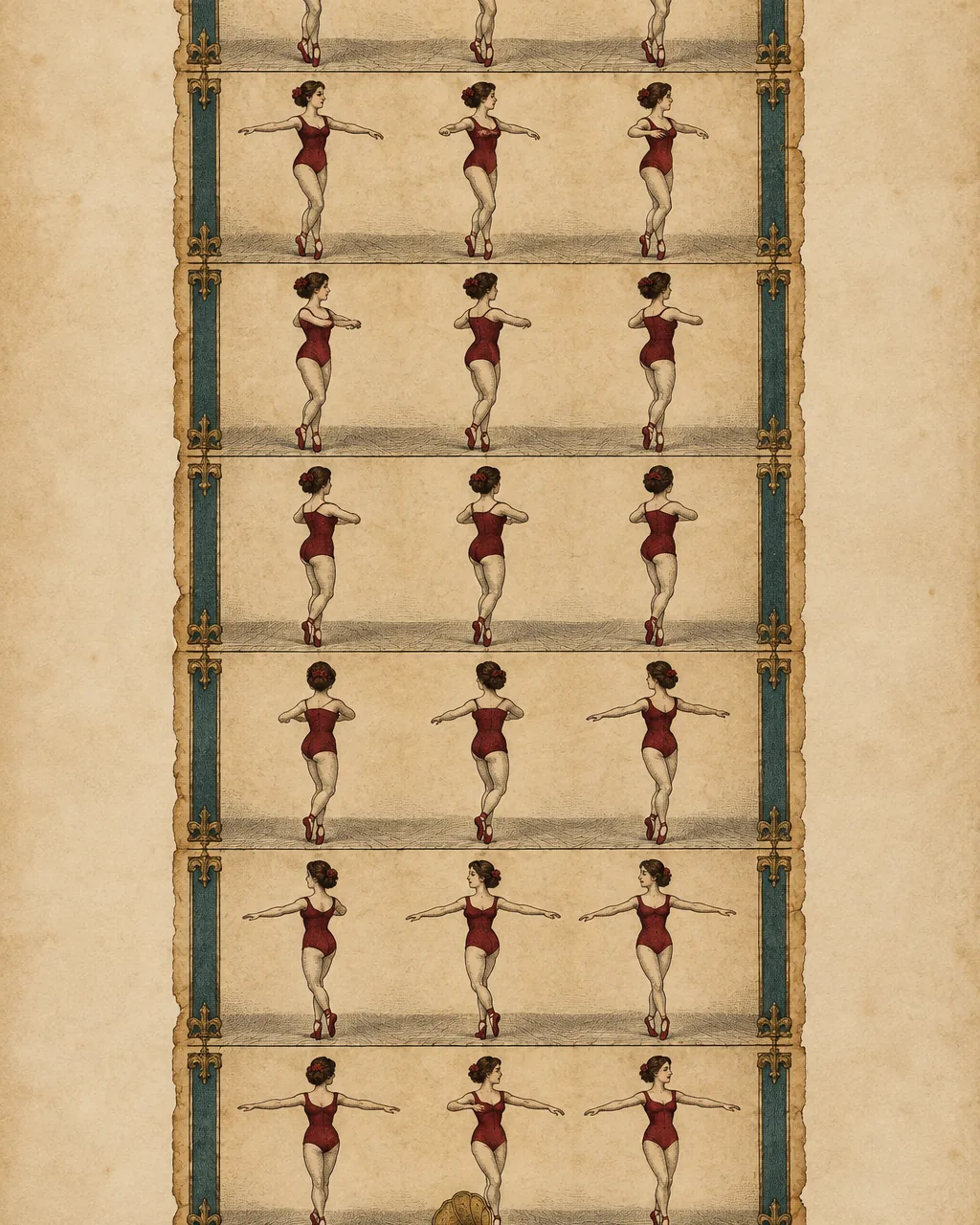
Why dancers remove vocals from rehearsal music
Teachers, captains and choreographers remove vocals for different reasons, but the goal is the same: a cleaner practice track that keeps the music's shape without the words pulling attention. These are the rehearsal situations where an instrumental tends to help the most. In every case the original song stays untouched, so you can switch back to the full version for run-throughs and performances.
Teach on the beat
Call out counts over the drums without competing with a lead singer.
Hear the accents
Hits and breaks are easier to place once you remove vocals.
Fewer distractions
Students follow the rhythm instead of singing along mid-routine.
Mark it quietly
Walk through choreography at home with just the groove playing.
What you need to remove vocals from a routine song
The panel is deliberately small. You bring the audio file of your routine song, and the tool gives back two tracks you can play in the studio. These are the basics.
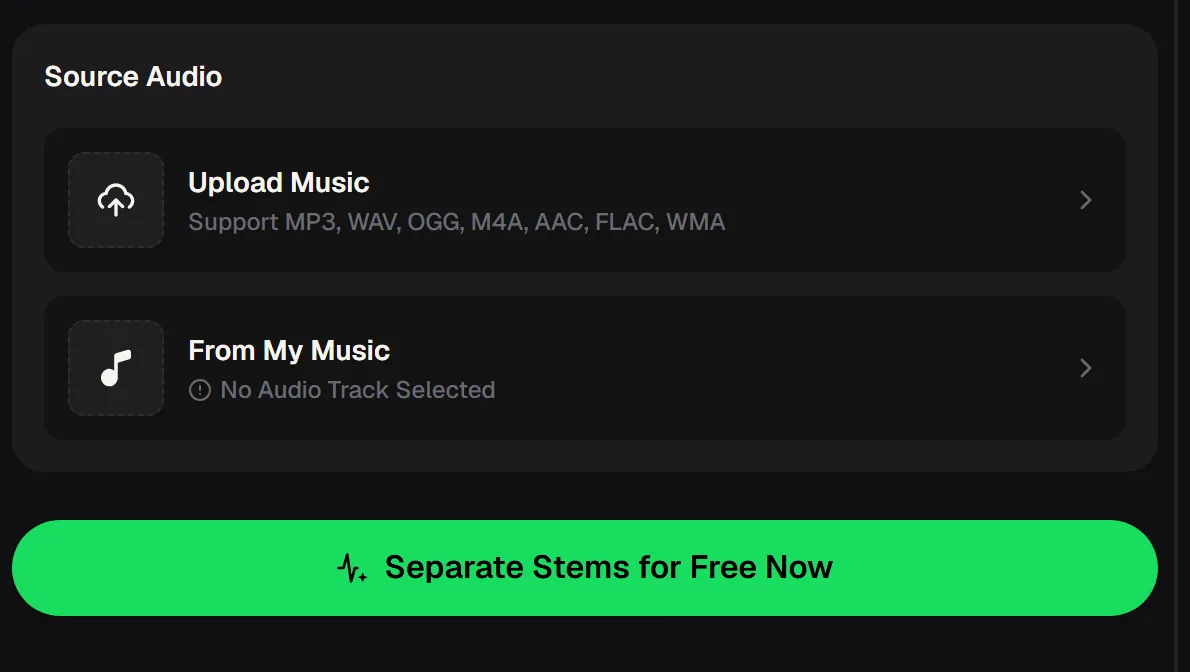
- Upload
- MP3, WAV, OGG, M4A, AAC, FLAC or WMA
- Or pick
- A song already in My Music
- You get
- An instrumental and an isolated vocal track
- Account
- Sign in to process; no credit card needed
- Downloads
- Paid plans: MP3, WAV and FLAC
Keep both results. The instrumental is the practice track, while the isolated vocal is handy for learning exactly where lyric cues fall, which matters when choreography hits on a specific word rather than a beat.
How to remove vocals and build a practice track
Most teams want a practice version ready before the next class. This routine keeps the process simple and leaves you with a track that matches the performance edit, so counts learned in rehearsal still land on stage.
If the routine uses a medley, finish the edit first and then remove vocals from the final mix rather than from each song separately. Start from the exact file you will perform to, ideally the highest quality copy you have, because the separation can only be as clean as the source.
Use the performance edit
Upload the same cut and length the routine is set to.
Separate the tracks
The tool returns the instrumental and the vocals as two files.
Listen on studio speakers
Check that the beat and accents are clear at full volume.
Label both versions
Name them clearly so nobody plays the wrong one at a show.
Upload the performance edit, remove the vocals and play the instrumental while you count and clean the routine with your dancers.
Ways to rehearse once you remove vocals
An instrumental opens up rehearsal techniques that are hard with the full song. Coaches often alternate between versions within one session, starting with the instrumental for precision and finishing with the vocal mix for performance energy.
Here are a few drills that work well with a track that has had the vocals removed. Mix and match them across the week so dancers hear the routine from more than one angle before the show.
- Count-only runs over the instrumental, then full-song runs
- Formation changes timed to drum fills instead of lyrics
- Isolated vocal track for learning where the lyric hits fall
- Slow, quiet marking at home without singing along
- Cleaning sessions focused on accents and freezes

When a practice track needs another pass
Tools that remove vocals work best on clear studio recordings. If the result is not quite right for rehearsal, one of these adjustments usually helps before the next class, and none of them require audio editing skills.
A higher-quality WAV or FLAC of the same song usually separates more cleanly than a compressed copy from a video site.
More tools for routine music on the same site
Once you remove vocals, the rest of a routine's music often needs work too. MusicCreator keeps several related tools in one account, so the practice track, the stems and any original music for the next season can live side by side. These are the ones dance teachers find most relevant when a season brings several routines, each with its own music and its own practice version to prepare.
Stem splitter
Split a track into 4 stems (vocals, drums, bass, others) or 6 stems.
Song generator
Create a new track for a routine, with two versions per run.
Extend
Songs you generate can be extended from My Workspace.
Mashup
Generated songs also offer Mashup, Cover and Replace Section.
Remove vocals for dance questions
Short answers for teachers, captains and dancers preparing rehearsal music.
Is it free to remove vocals?
MusicCreator is free to start, with free credits after a quick sign-up, and the vocal remover needs no credit card. Paid plans can download MP3, WAV and FLAC; free users can download a limited number.
Which files can I upload?
MP3, WAV, OGG, M4A, AAC, FLAC and WMA. You can also choose a song that is already in My Music.
Can I paste a YouTube link?
No. You remove vocals from audio files you upload, so start from an audio file of your routine song.
Will backing vocals disappear too?
The tool separates vocals from the instrumental, but complex layers of background vocals may not separate cleanly. A clear studio recording gives the best result.
Can I use it on my phone?
Yes, you can remove vocals in your phone's browser, which helps when you are setting up music in the studio. There is no separate app to install.
Can I play the instrumental at a competition?
Check the rules of the event and the rights to the original song. Removing the vocals does not change who owns the music.
Give your next rehearsal a cleaner beat
Remove vocals from the performance edit before your next class, label both versions, and spend the session on technique instead of shouting over the chorus.