
Advanced Stem Splitter Online
Split Any Song into Stems in Seconds
Effortlessly separate vocals, drums, bass and other instruments from any track with AI Stem Splitter.
Simple Steps to Split MP3
Experience Seamless Audio Separation
MusicCreator provides an intuitive workflow to transform your audio files into isolated tracks quickly and efficiently.
Upload Your Audio
Drag and drop your MP3 file or select a track from your MusicCreator library. Our platform supports various audio formats for easy processing.
AI Separation
Our powerful AI Mp3 Splitter analyzes your track and intelligently separates it into four distinct stems: drums, vocals, bass, and instruments.
Download Your Stems
Preview your separated tracks and download them individually or as a complete package. Get high-quality audio ready for your next project.
Powerful Mp3 Splitter Features
Discover the Best Way to Isolate Audio Tracks
MusicCreator provides cutting-edge features designed to give you precise control and exceptional quality when you split MP3 files.
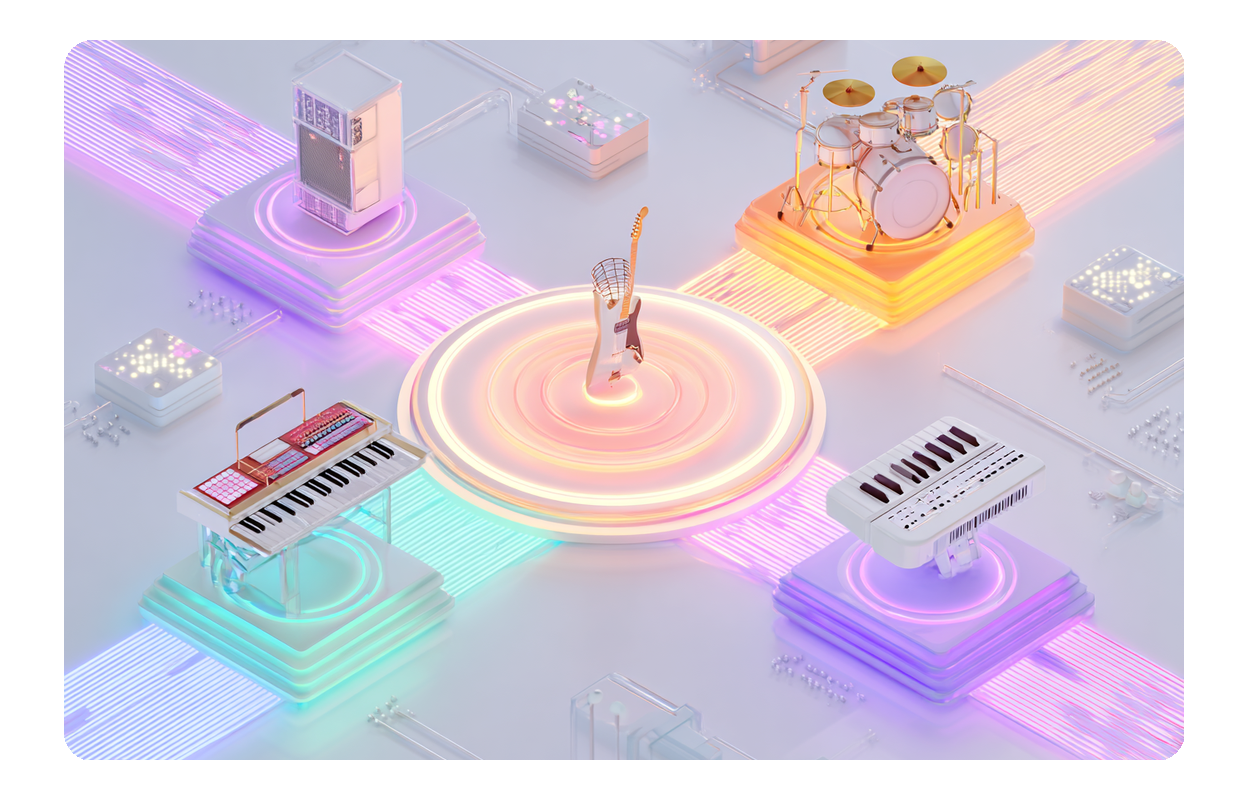
Precise Stem Separation
Our advanced AI Mp3 Splitter accurately isolates drums, vocals, bass, and instruments from any MP3. Achieve studio-quality separation for your remixes and edits.

Online Accessibility
Access our Mp3 Separator anytime, anywhere. No downloads or installations required. Simply upload your audio online and start splitting instantly.
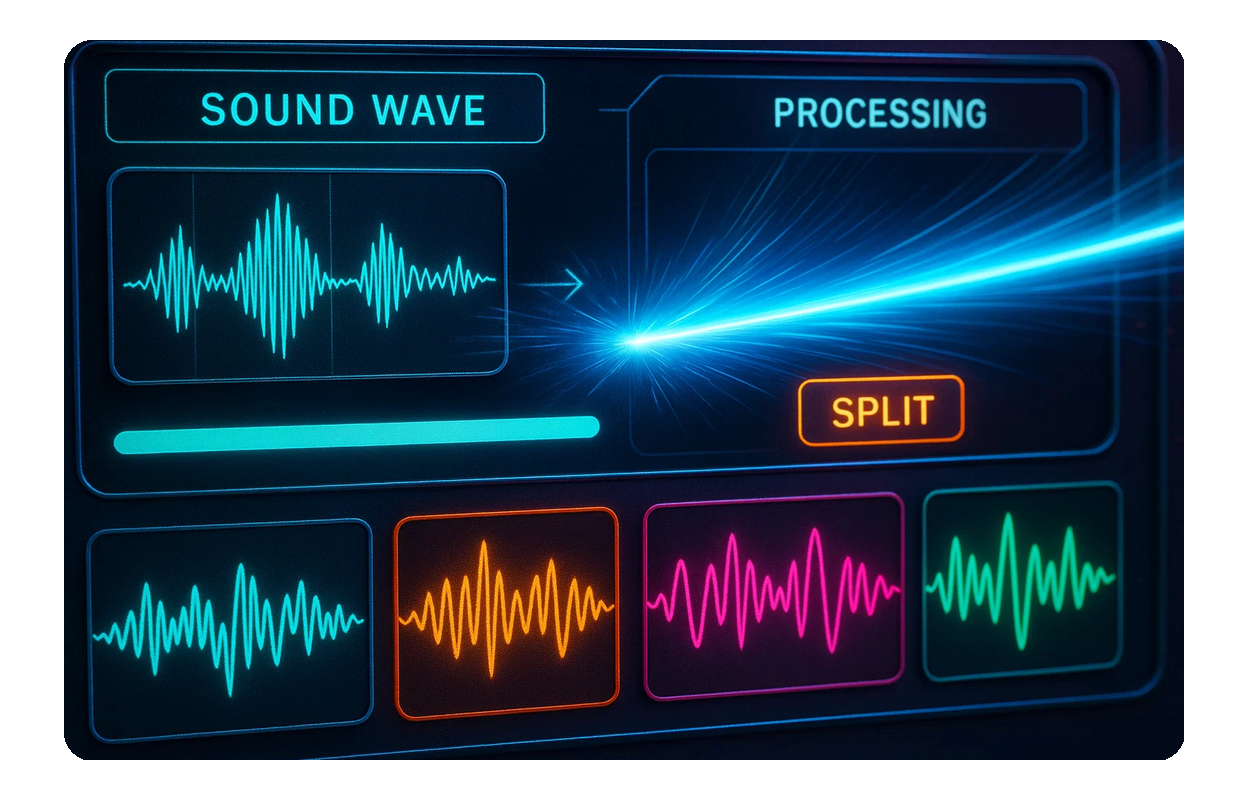
High-Quality Output
Maintain the integrity of your sound. Our Mp3 Splitter ensures your separated stems retain their original audio quality, perfect for professional use.
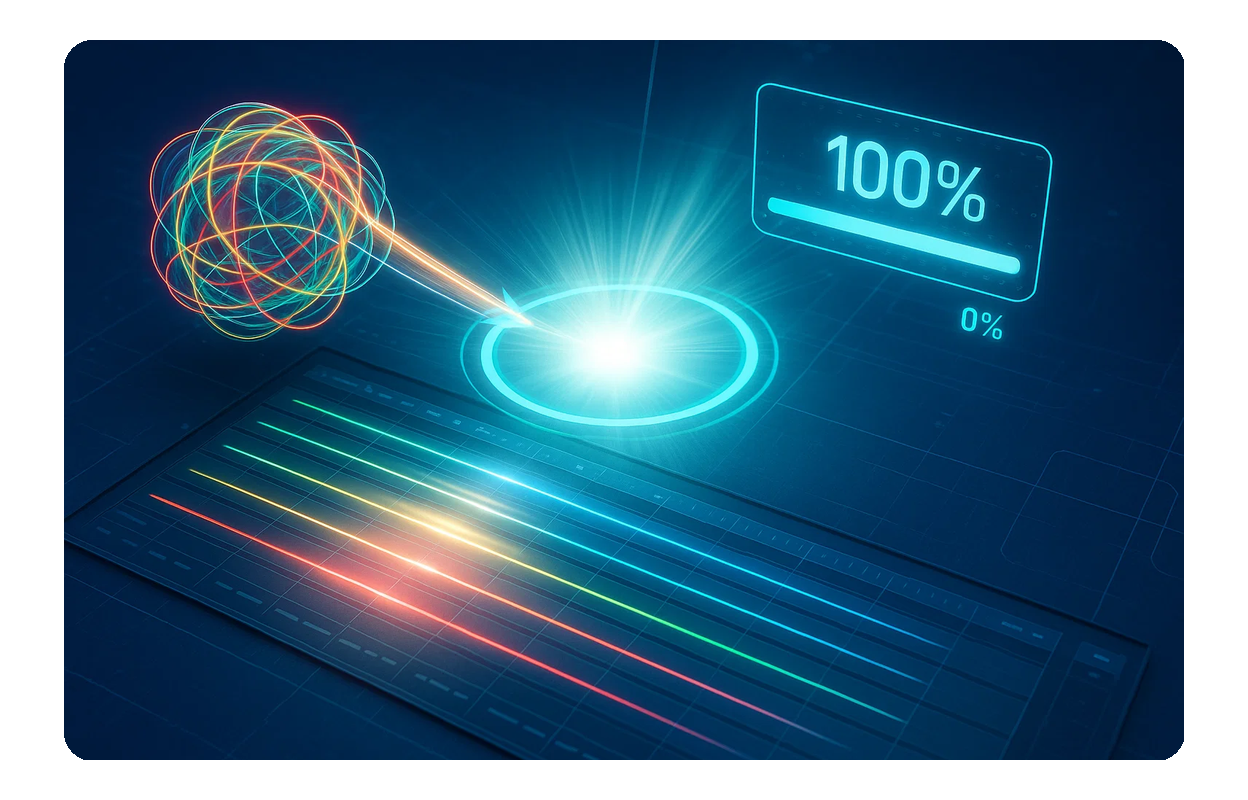
Fast Processing
Save time with our efficient processing engine. Get your separated audio tracks in minutes, allowing you to focus more on your creative flow.

Frequently Asked Questions
What is the best online Mp3 Separator?
MusicCreator offers a highly-rated online tool for separating audio tracks into individual stems like drums, vocals, bass, and instruments, known for its accuracy and speed.
Can I use the AI Mp3 Splitter for free?
Yes, MusicCreator provides a certain number of free credits for you to try our AI Mp3 Splitter. For unlimited access and more features, consider our subscription plans.
How does the Mp3 Splitter ensure audio quality?
Our advanced algorithms are designed to minimize artifacts and preserve the original fidelity of your audio during the separation process, delivering clean, high-quality stems.
Is my uploaded music secure with your Mp3 Separator?
Absolutely. We prioritize your privacy and data security. All uploaded files are processed securely and are not shared or stored beyond the necessary processing time.
What types of files can I use with this online Mp3 Splitter?
While optimized for MP3, our online tool supports various common audio formats, allowing you to separate stems from a wide range of your music files.

Ready to Split Your Music
Transform your audio files into isolated stems with the ultimate online Mp3 Splitter.