Lyric Generator Without Stock Lines
Steer mood, structure and style so your drafts stop sounding like every other song. Most people who try a lyric generator hit the same wall: the lines rhyme, but they sound like every other song. Hearts break, fires burn, nights are endless. The fix is not a smarter button.
It is a better brief. The MusicCreator lyric generator lets you set the mood, the song structure, the style and the language before it writes, and you can give it a title and a prompt full of your own details. Below you will see how to use those settings to get drafts that feel specific, and how to edit what comes back so it ends up sounding like you.

Four lyric generator settings that decide how a draft sounds
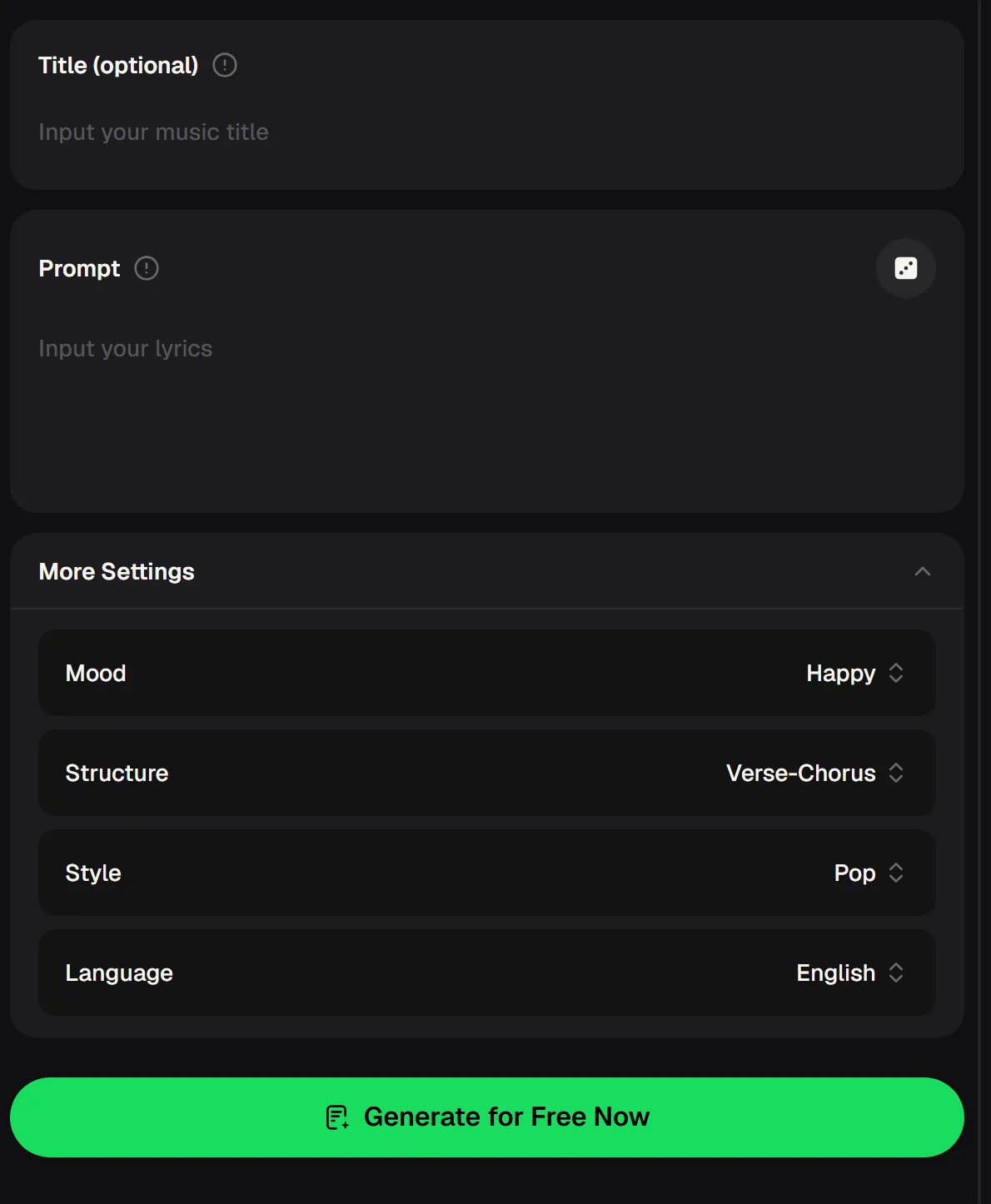
The lyric generator on musiccreator.ai is short and direct. You can name the song in an optional Title field and describe what it is about in the Prompt box. Under More Settings sit four choices: Mood, which starts on Happy; Structure, which starts on Verse-Chorus; Style, which starts on Pop; and Language, which starts on English.
Leaving all four lyric generator settings on their defaults is the fastest route to a generic draft, because you are asking for the most common kind of song. Changing even one of them, and writing a prompt with real names, places and objects, moves the output away from the middle of the road.
- Title
- Optional
- Prompt
- Your story and details
- Mood
- Default: Happy
- Structure
- Default: Verse-Chorus
- Style
- Default: Pop
- Language
- Default: English
Why a vague prompt gives you greeting-card lines
A lyric generator fills gaps with the most familiar words it knows. If your prompt says "a sad love song", the gaps are huge, so they get filled with stock phrases. If your prompt says who left, where, and what they forgot to take, the lyric generator has something concrete to build on. The table compares the two habits.
| What you give it | Steered brief | Vague brief |
|---|---|---|
| Subject | "My brother moving to Lisbon, his empty desk, the bike he left in the hall" | "Missing someone" |
| Mood | Changed on purpose to fit the story | Left on Happy even for a goodbye song |
| Structure | Chosen for how the song will be sung | Never looked at |
| Style | Matches the genre you will record in | Pop by default |
| Title | A phrase you want the hook to land on | Empty |
| Typical result | Lines with objects and places you recognise | Rhymes you have heard a hundred times |
Lyric generator prompts that push past stock phrases
Each example below keeps the request short but packs in specifics: a person, a place, a small object, and one feeling that is not the obvious one. Copy the pattern, swap in your own story, and set the Mood and Style to match before you generate.
A writing session with the lyric generator, start to finish
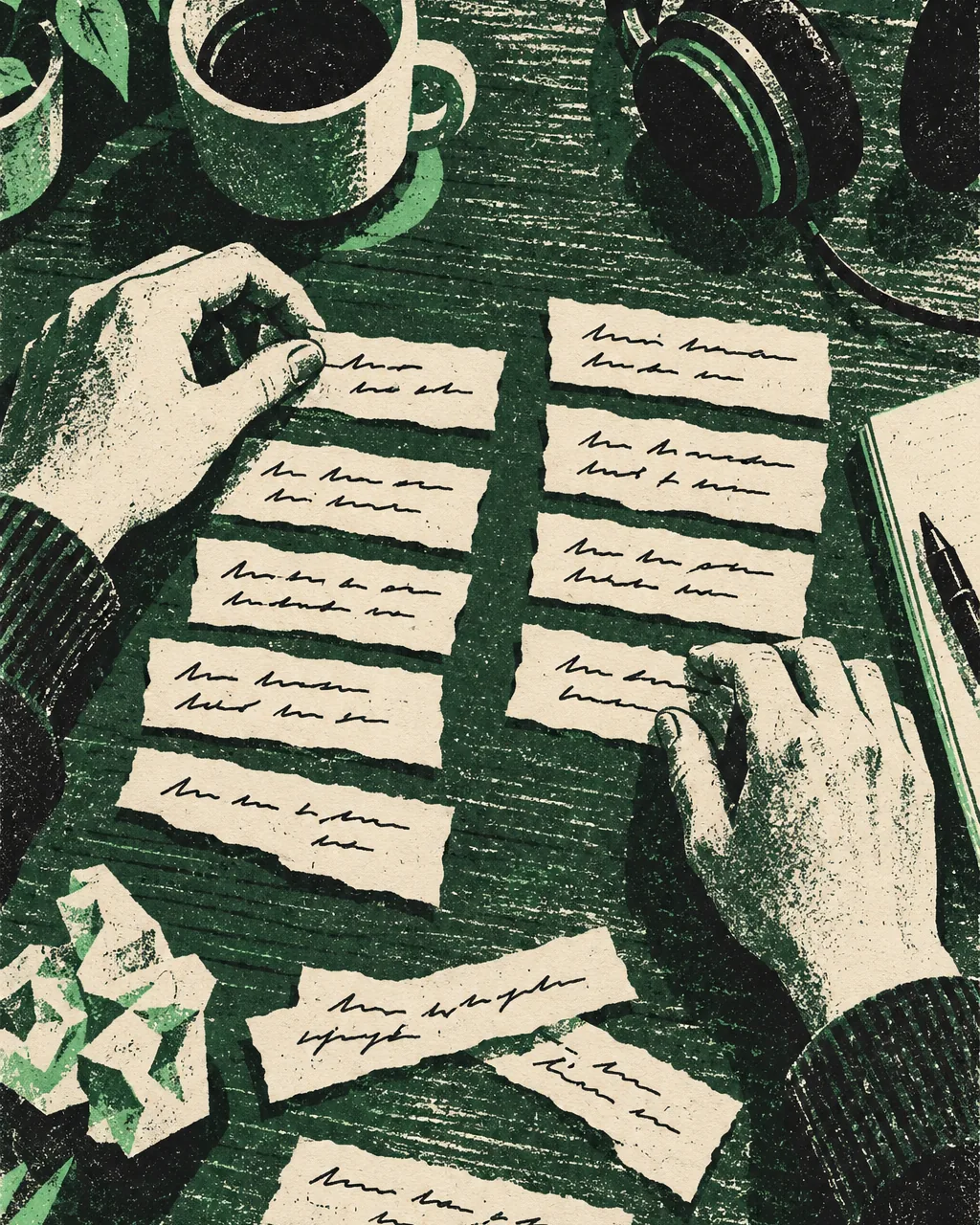
Treat the lyric generator as a co-writer who is quick but has no memories of your life. You bring the memories, it brings options, and you make the calls. Here is how a single session tends to run.
Write down five concrete details
Names, a place, an object, a time of day, a line someone actually said. These become your prompt.
Pick Mood, Structure, Style and Language
Decide each lyric generator setting on purpose instead of leaving the defaults. Add a title if you already know your hook phrase.
Generate and read it out loud
Mark lines that sound like yours and lines that sound like a greeting card. Keep the first group only.
Feed the best lines back in
Put your keepers into a new lyric generator prompt and ask for the missing verse or bridge around them.
Paste the final words into a song
Take the lyrics to the music generator's Own Lyrics mode so a vocal sings exactly what you wrote.
Set the mood, structure, style and language, add a title if you have the hook, and let the lyric generator write a first draft.
How to edit a lyric generator draft so it sounds like you
Even a good draft needs a human pass. These are the edits that make the biggest difference, in the order that tends to work best. None of them need music theory, only a pencil and your own ear.
Cut the abstract nouns
Swap "pain", "love" and "dreams" for something you could photograph.

Say it out loud
If a line is awkward to sing, change the word order until it falls naturally on the beat.
Check the chorus repeats
A chorus should survive being heard three times. If it gets tiring by the second, simplify it to one strong image and the title.
Keep one surprise per verse
A detail the listener did not expect, like the cat in the breakup song, does more than any rhyme. Protect it when you edit everything else.
The cliché problem is the most common complaint
Look through songwriting forums and the same request keeps coming up: people do not want more lyrics, they want lyrics that do not sound recycled. That is why getting value from a lyric generator depends on briefs and editing rather than on the button itself.
"Any updates on finding a lyric generator that avoids clichés?"Thread title, r/SunoAI
- Give the lyric generator specifics it cannot invent: your people, places and objects.
- Change the Mood and Style settings instead of trusting the defaults.
- Ban the words you are sick of, right in the prompt.
- Keep only the lines you would say yourself, then regenerate around them.
- A lyric generator cannot know your memories unless you write them down first.
Where a steered lyric generator earns its keep
Writers use the same lyric generator settings for very different jobs: a diss verse, a lullaby, a jingle for a friend's bakery, a country ballad about a pickup truck that finally died.
The genre names below match the generators in the MusicCreator Music Genre menu, so once the words are done you can carry them straight into a song in that style. In the lyric generator, writing in another language is a Language setting away, which helps bilingual writers draft a verse in each.
Questions about using a lyric generator well
Is the lyric generator free to use?
Yes, you can start with the free lyrics generator plan. New MusicCreator accounts receive 30 free credits a year after a quick sign-up, and the cost of each action is shown on its generate button before you commit, so there are no surprises. If you write a lot and want more drafts each month, paid plans add more credits. Unused plan credits reset on the renewal date, so it makes sense to pick a plan that matches how often you actually write rather than the biggest one.
How do I stop AI lyrics from sounding generic?
Give the lyric generator material that only you have. Put names, places, objects and a specific moment into the prompt, change the Mood, Structure and Style settings on purpose, and list words you do not want to see. Then edit hard: keep the lines that sound like something you would say and delete the rest. Feeding your favourite lines back into a fresh prompt is the quickest way to get a second draft that stays in your voice.
Can it write lyrics in languages other than English?
The online lyric generator has a Language setting under More Settings, and it starts on English. Change it before you generate if you want the draft in another language. It also helps to write the prompt in the language you are aiming for, and to include local place names or expressions, so the result reads like it came from someone who lives there instead of a word-for-word translation.
Can I turn the lyrics into a full song?
Yes. Copy the finished words into the MusicCreator music generator and choose Own Lyrics mode, so the vocal follows your text exactly. Pick a genre, decide how many songs to generate, and compare the takes. Each generated song uses 2 credits. If you want a backing track first, the Instrumental Only switch leaves vocals out so you can sing the lyrics yourself over it.
Can I publish songs that use these lyrics?
Paid plans, monthly or annual, include the right to use your songs within the scope of the Commercial License; a license certificate costs 5 credits per song on monthly plans and nothing extra on annual plans, and Pay Once credits can unlock one for 5 credits per song. Whatever the terms, the more of your own editing goes into a lyric, the more it becomes your writing rather than a draft you happened to keep, which is good practice for any songwriter.
Bring the Details, Get a Draft
Write down five details only you know, set the mood and structure, and run the lyric generator. Keep the lines that sound like you and rewrite the rest.