Music Making Websites
That Run in Your Browser
No download, no plugin folder, no laptop that has to be powerful enough. Music making websites put songwriting, beat making and audio clean-up in a browser tab, so a school Chromebook, a work laptop or a borrowed computer can all become a studio for the evening. MusicCreator is built for exactly that: describe a song or a beat, get two takes back, and keep shaping it online.

Why people pick a website over installed software
Most people who search for websites to make music are not avoiding software out of laziness. They share a family computer, they are on a machine where installing is blocked, or they simply want to try an idea before spending a weekend learning a full production app.
- Opens on any modern computer with a browser
- Your songs stay in your account, not on one machine
- Nothing to update, patch or license per device
- Easy to show a friend: send the finished track, not a project file
MusicCreator as a music making website, by the numbers
A good browser studio should tell you plainly what it handles. These figures cover the MusicCreator tools, so you can compare them with other music making websites you are considering before you create an account and start spending credits.
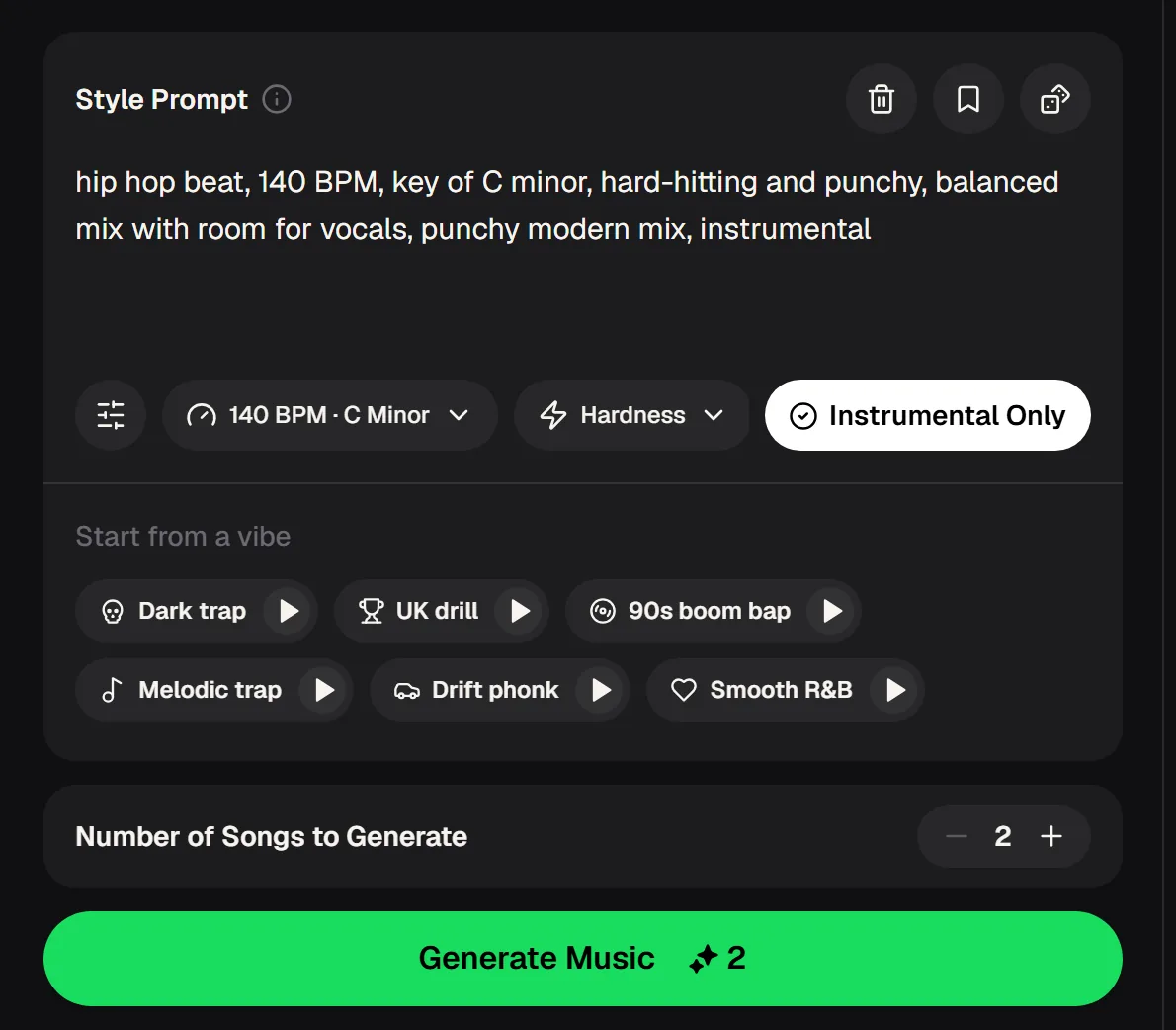
Make a beat on a website, start to finish
On music making websites, the beat maker is where most sessions start. Write the feel in plain words, set the tempo and key, decide how hard the drums should hit, and keep it instrumental for rapping or singing over later.
Describe the vibe
"Late-night drill, sparse piano, sliding bass" says more than a genre name alone.
Lock tempo and key
Pick a BPM and key so the beat matches a hook you already hum.
Start from a preset
Not sure where to begin? Load one of the six vibes and tweak from there.
Open the beat maker, load one of the six vibes and tweak the tempo and feel until it matches the idea in your head.
Three kinds of music making sites, and which one fits
Free music making websites fall into three groups. Knowing which one you need saves hours of clicking through tools that were built for a different job.
Idea-to-song generators
Type a description or paste lyrics and get a full song back. Best when you want a finished-sounding demo fast. MusicCreator's AI music generator lives here.
Beat and loop makers
Focused on drums, bass and instrumentals at a set tempo and key, ideal for rappers, singers and video creators who need a backing.
Audio utilities
Stem splitting, vocal removal, mastering, key and BPM finders, a metronome and a tuner: the small jobs around a song that once needed separate apps.
The music making websites covered here run in a desktop or laptop browser. Mobile music apps are a different category with their own strengths.
Real situations where a website beats an install
The people who rely on music making websites most are the ones who cannot or should not install anything. Here are three typical cases and the part of MusicCreator each one opens first.
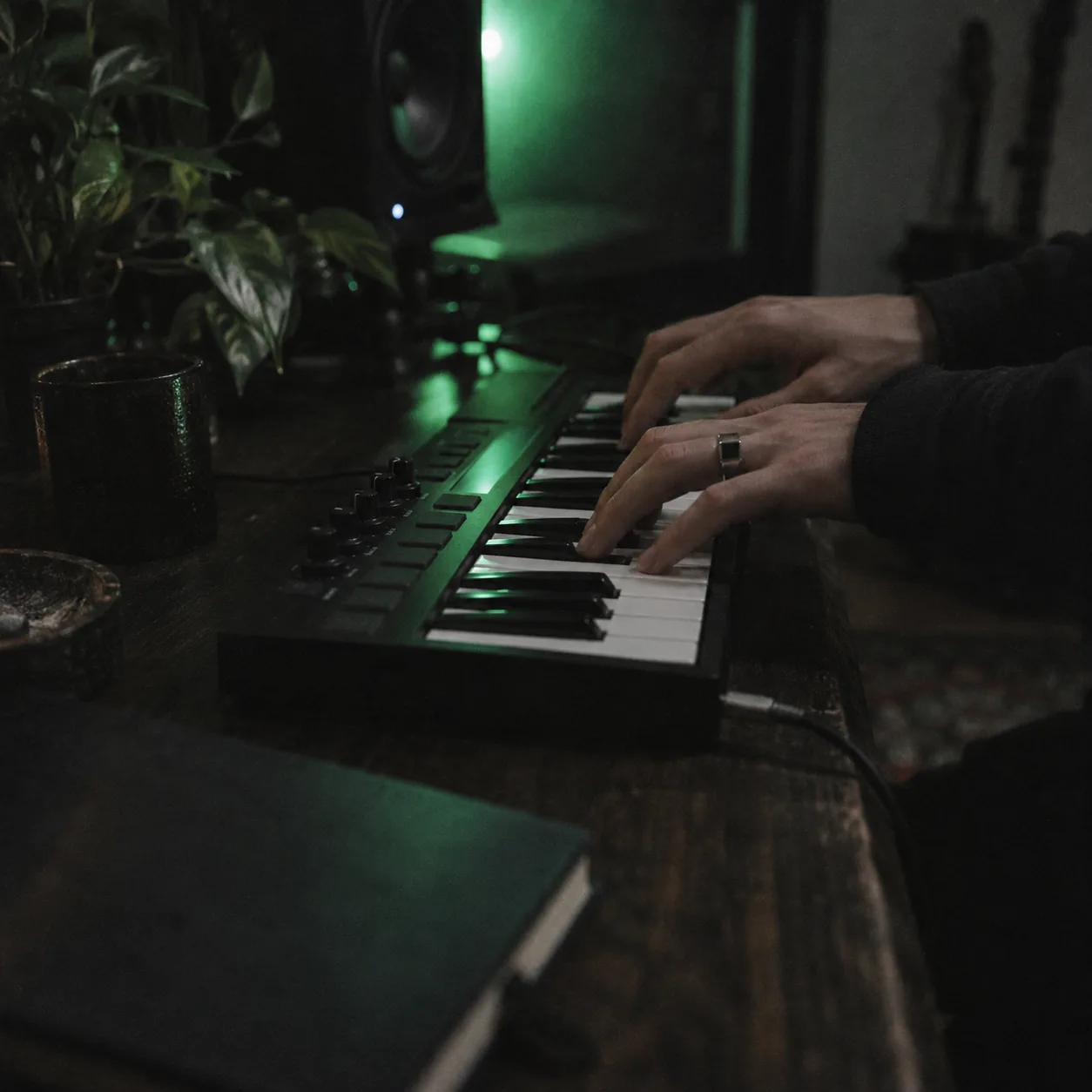
Music class on a school laptop
Installs are locked, but music making websites still work in the browser. A student can describe a chord-heavy pop idea, compare two takes and split the result into stems to study how the parts fit together.
Hobby players with a small keyboard
Plug in a mini keyboard to work out a melody by ear, then hand the idea to the generator as a prompt and hear it with a full band behind it.
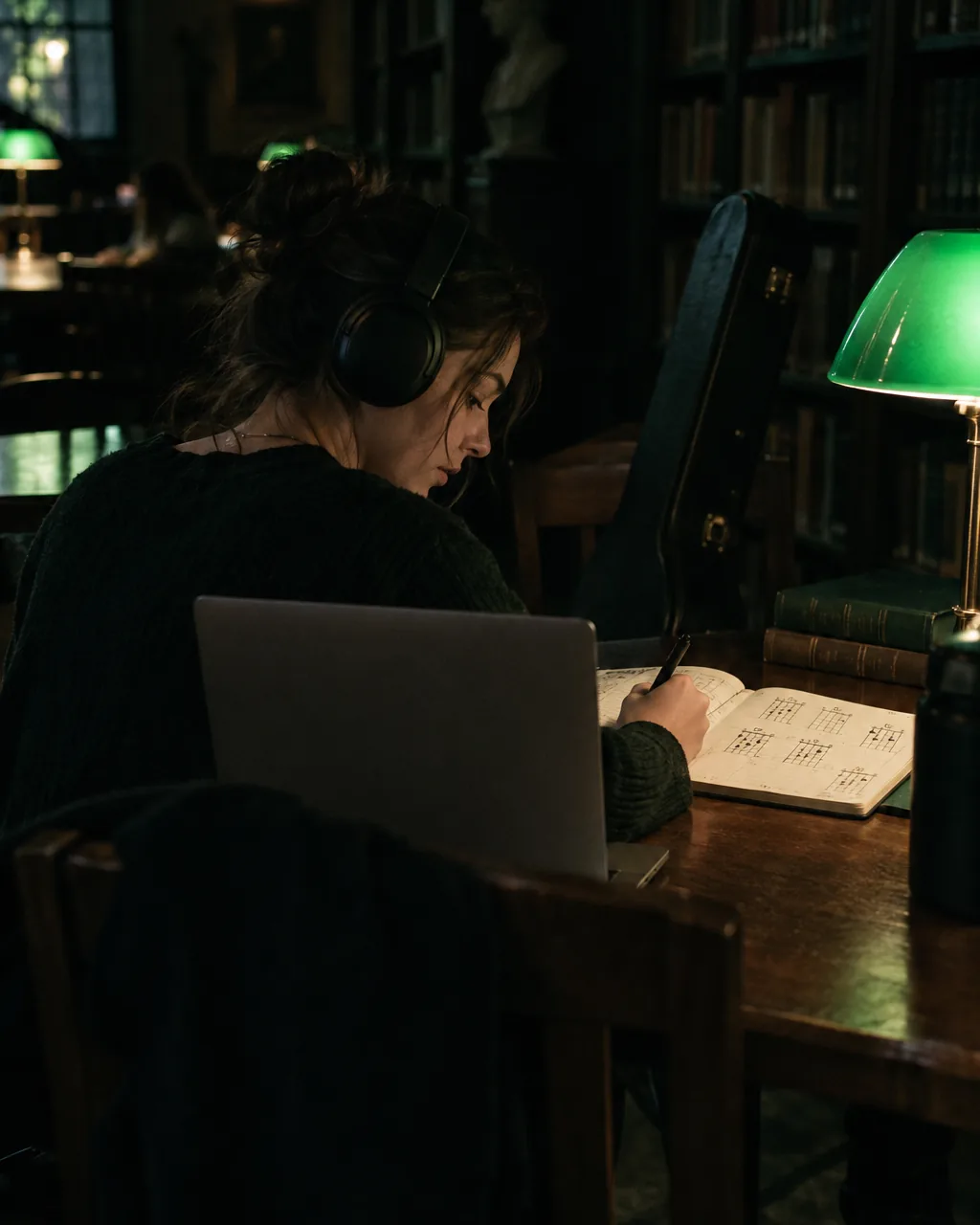
Lunch-break songwriters
Writing on a work or library computer? Sketch words with the lyrics generator, generate a version with vocals, and pick it up again at home from the same account.
Sketch words with the lyrics generator, generate a version with vocals and pick it up later from the same account.
Music making website vs. a desktop studio
Music making websites do not replace a full production setup for everyone. Where they win, and where an installed studio still makes more sense, is fairly clear once you line the two up side by side.
| Need | MusicCreator in the browser | Installed desktop studio |
|---|---|---|
| Getting started | Open the site and sign in | Download, install, set up audio drivers |
| Computer power | Generation runs on the service | Heavy projects need a strong machine |
| Full song from an idea | Prompt or own lyrics, vocals included | Record or program every part yourself |
| Note-by-note editing | Not the focus | Detailed piano roll and mixer |
| Works on a locked machine | Yes, if the browser is allowed | Usually blocked |
Music making websites, answered
What people ask before they use music making websites for the first time.
Are there free music making websites?
Yes. MusicCreator is free to start: new accounts receive 30 free credits a year (15 songs) after a quick sign-up, and each generated song uses 2 credits. Small tools such as the BPM tapper, key finder, metronome and tuner sit alongside the generators. For more songs per month you can move to a paid plan, and the pricing page on musiccreator.ai always lists the current amounts.
Do I need to download anything?
No. Like other music making websites, MusicCreator runs in a modern browser on a desktop or laptop. You sign in, create, and your tracks are saved to your account, so you can start a song on one computer and continue on another. You only download files when you want to keep a copy of a finished song, stems or a mastered version on your own drive.
What is the best website to make music as a beginner?
Among music making websites, pick the one that matches your first goal. If you want a full song to hear your idea, start with an AI music generator where you type a description. If you want something to rap or sing over, use a beat maker with tempo and key control. Beginners usually stay motivated when they hear a complete result in their first session, then learn details later.
Can I upload my own recordings?
Yes, for the tools that work on existing audio. The stem splitter, vocal remover, mastering and music video tools accept MP3, WAV, OGG, M4A, AAC, FLAC and WMA. The generator can also take an audio reference alongside your prompt. Only upload recordings you made yourself or have permission to use.
Can I use what I make on a music making website in public?
That depends on which of the music making websites you use and the plan you are on. For MusicCreator, monthly and annual plans include commercial rights within the scope of the Commercial License, and Pay Once credits can unlock a license for 5 credits per song. Keep a note of which account created each song in case you need it later.
Turn this browser tab into your studio
Describe a song, build a beat or clean up a recording from one account. Keep the takes you like and return to them from any computer.