Dusty Keys Loop
Prompt asked for 88 BPM in D minor with no drums. Measured at about 88 BPM.
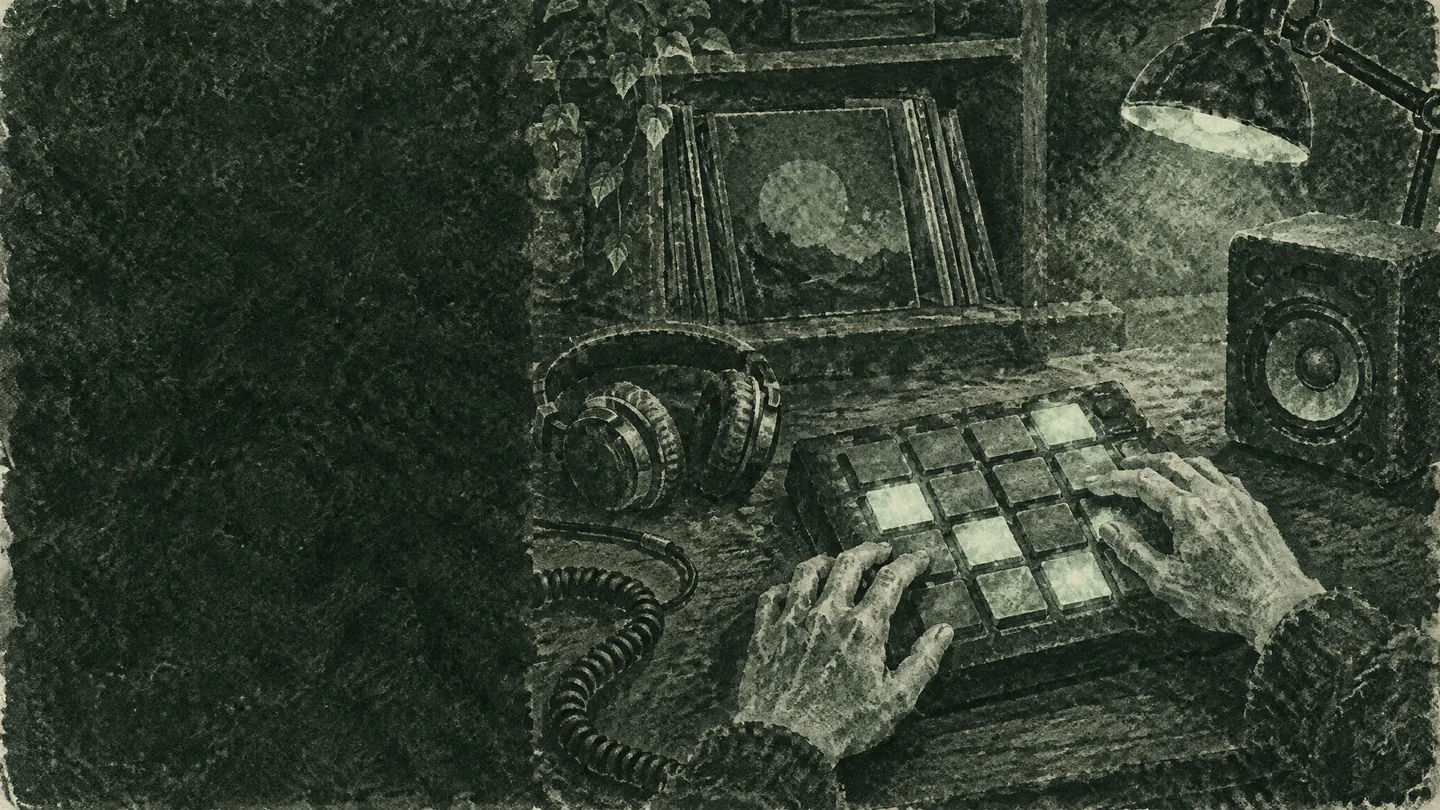
For SP-404, MPC and phone sampler owners
A sample maker for people who would rather play pads than dig for records. Describe a short instrumental phrase with its tempo and key, generate it, pull out the part you want, and load a loop you made yourself. No crate to dig through, and every pad in the bank can share one tempo and key.
Short answer: beatmakers who want something to chop that nobody else has, and who would rather use a sample maker than dig for a record.
Want fresh loops for a bank of pads → generate short phrases at one tempo and fill the bank in one evening.
Want to stay on the hardware → make the sample on a laptop or phone, then do the chopping where they like to work.
Want material without a crate of records → write a prompt on the train and import the file into the app.
Want a few backing phrases in one key → generate keys, strings and a riff that sit together on stage.
"I want it to sound like a sample. It always sounds like something someone made cheaply."
r/mpcusers
"I often get it just close enough but there's things that are off and it throws off the entire beat."
r/mpcusers
Short answer: a sample maker should give you short instrumental phrases with one job each, not full songs.
Four bars of keys or guitar in one key, with no drums, so your own drums can sit underneath.
A sample maker phrase with clear, separated chords that you can slice into single hits and play across the pads.
A two-bar guitar and bass figure that loops cleanly, so a whole groove lives on one pad.
Long string or pad chords that fade in and out, useful for intros, breakdowns and transitions.
Short answer: in the sample maker, write the tempo, key and "no drums" into the prompt, then switch on Instrumental Only.
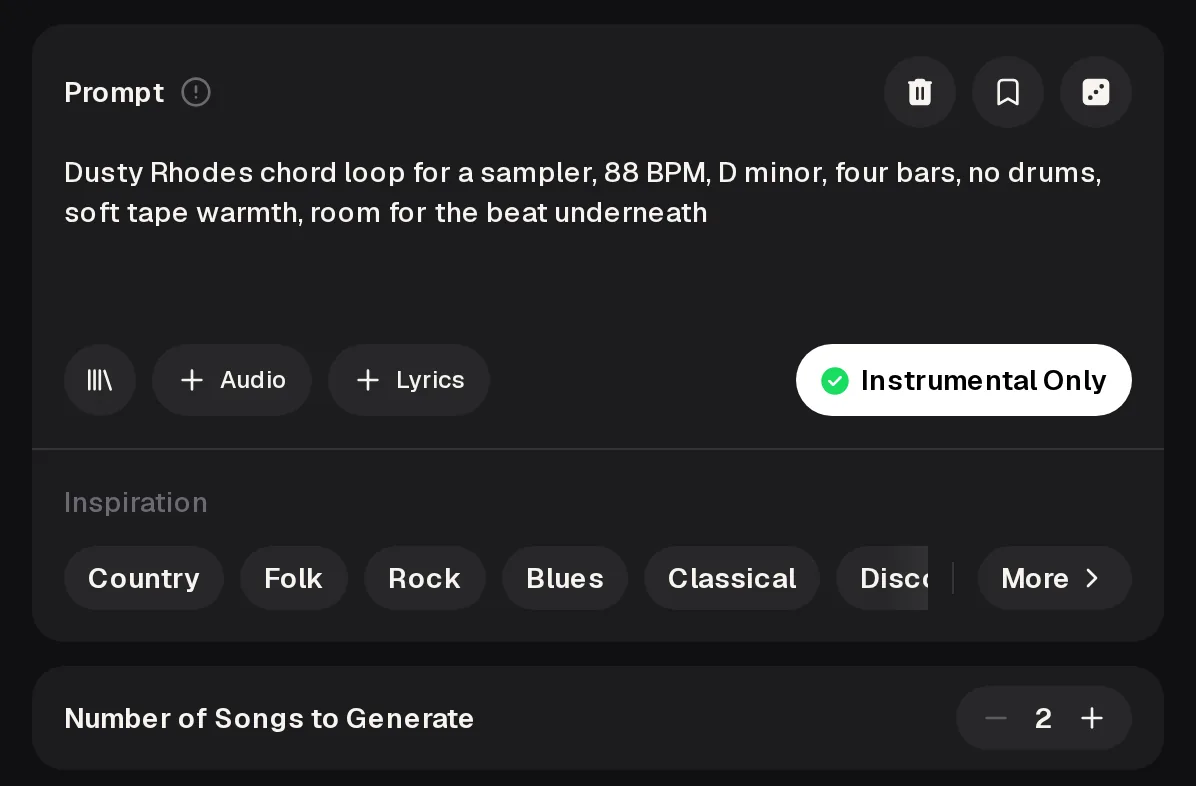
Pressing Generate Music for Free Now without an account opens a Login window, so sign in first. The tempo and key in a sample maker prompt are a request, not a setting, so check the result before you chop.
A sample maker prompt works best when it names what to leave out as clearly as what to put in.
chill lofi beat with pianodusty electric piano chords, slow four-bar minor progression that repeats, 88 BPM, D minor, light tape warmth, no drums, no vocals, no bass, steady tempoWhat changed: one instrument, a fixed tempo and key, a loop length, and no drums or bass to fight your own kit. Write every sample maker prompt this way and your pad bank stays in one key and tempo.
Short answer: generate, separate, measure, then chop. The sample maker part is step zero; these three steps happen after.
Open the sample maker track in the AI Stem Splitter from My Music. 6-Stem Split gives vocals, drums, bass, guitar, piano and others, and All Detected Stems goes up to 12 stems for songs made on the site.
Play the sample maker loop and tap along in the BPM Tapper with the spacebar, mouse or a finger. Set your sampler project to that tempo before you trim.
Export the sample maker file, load samples onto pads the way your sampler or app imports audio, and cut on the downbeat so loops restart cleanly.
Short answer: three prompts written the way you would write them in a sample maker, with the tempo we measured.
Prompt asked for 88 BPM in D minor with no drums. Measured at about 88 BPM.
Asked for 100 BPM. Measured at about 100 BPM.
Asked for 72 BPM. Measured at about 72 BPM.
Each clip is an example made with the MusicCreator AI Music Generator from the prompt described on its card. Each is about 75 seconds, so there is room to pick the bars you like.
Short answer: decide these four things before you write the sample maker prompt.
Paid plans download MP3, WAV and FLAC, and free users can download only a limited number of files. Songs you make are yours to use within the scope of the Commercial License.
Name files with tempo and keyKeep one key per pad bankCut on the downbeatTrim silence at the startCompare both takesTap the tempo twice
Short answer: whether to split or use the sample maker depends on whether the source is yours.
Short answer: what sampler owners ask before they try the sample maker.
Ask for the texture in the sample maker prompt, such as tape warmth, light vinyl crackle or a small room, and keep the phrase to one instrument. Then treat it like any record you would flip: pitch it down a little, filter the low end and chop it into new patterns. A loop that sounds too clean usually needs less in it, not more effects on top.
Yes. Switch Instrumental Only off and describe a short hook or ad-lib, or use Own Lyrics to write the words. The singer may change, repeat or skip some words, so listen before you chop. To get the vocal on its own, run the track through the AI Stem Splitter and take the vocals stem. Keep vocal ideas short, such as one phrase or a few ad-libs, so they chop well.
Often close, but not always. The tempo in the prompt is a request, so measure the result before you set your project. Tap along in the BPM Tapper for a few bars and tap a second time to confirm. If the take drifts or the feel is off, change one word in the prompt and generate again. Write the measured tempo into the file name, so you never have to tap it twice.
Songs you make are yours to use within the scope of the Commercial License, so read the license terms for how you plan to release. Keep the prompt, the date and the file names with each sample bank. That record helps if anyone asks where a loop came from, which is harder to show with a sample lifted from a record.
No. You download the file and load it the way your sampler or app expects, such as from an SD card, over USB or through the app's import screen. Check which formats and sample rates your device accepts before you start a big bank, and convert the files first if you need to. Many samplers also prefer short files, so trim each loop to the bars you want before you copy it over.
Open the sample maker, write one prompt with a tempo and key, generate two takes, and chop the one that makes you want to play.
Start Making Samples