Music Generator for Every Genre
Most people do not listen to one kind of music, so why make only one? From country to K-Pop, this music generator moves between styles as fast as your playlist does. Tap a genre tag, name the instruments you want and hear two takes, or jump into a dedicated generator for jazz, EDM, rock or K-Pop when you want to go deeper into one sound.
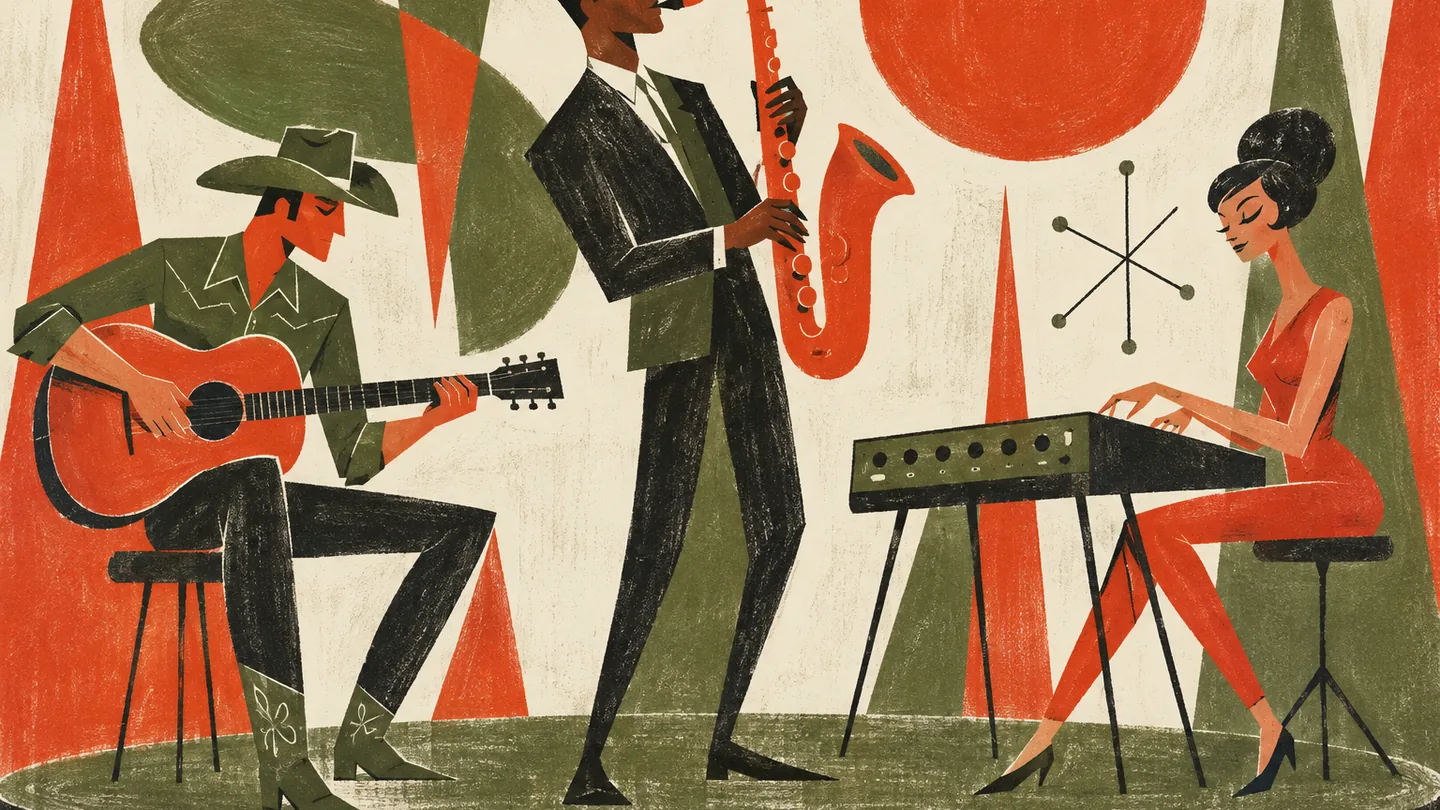
Nineteen genres, each with its own music generator
The site menu lists 19 genre generators: Rap, Lofi, Pop, Rock, Jazz, EDM, Country, R&B, Blues, Folk, Metal, Punk, Funk, Techno, House, Trap, Dubstep, Ambient and K-Pop. Each one opens with presets and wording tuned to that style, which saves you from describing the basics every time. If you are still deciding, the main music generator lets you mix and switch styles freely with tags.
How each genre changes what you ask the music generator for
A good prompt sounds different in every genre. Jazz responds to words about feel and solos, electronic styles to words about energy and drops, and country to words about stories and places. These three examples show how the same tool needs a different vocabulary depending on where you point it, and which dedicated generator to open for each.
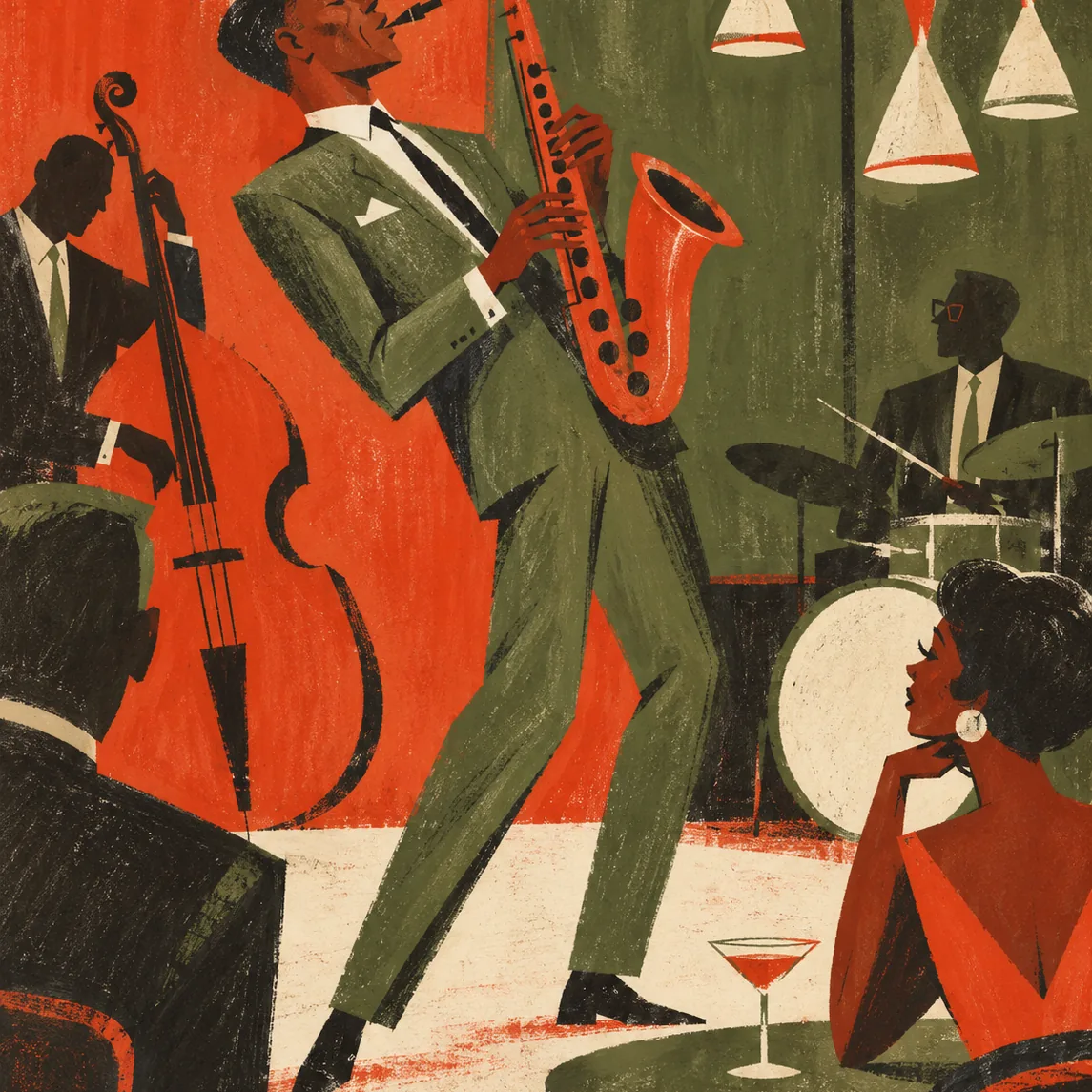
Jazz: describe the feel
Ask for swing or a slow ballad, name the lead instrument and mention a solo or a quiet trio texture. The jazz music generator starts from this kind of brief.
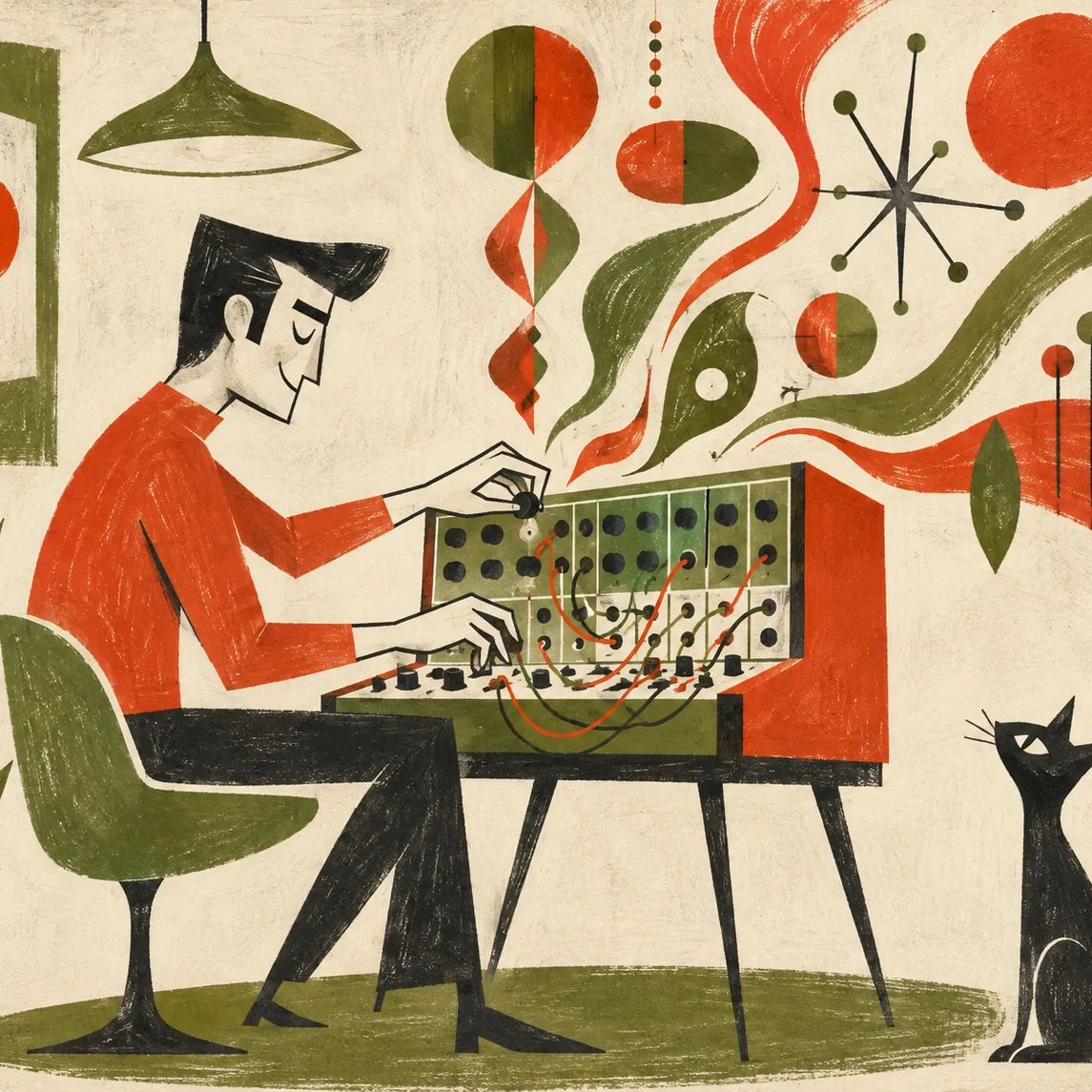
EDM: describe the energy
Say how the track should build, where the drop lands and how hard the bass should hit. Try the EDM music generator for club-ready ideas.
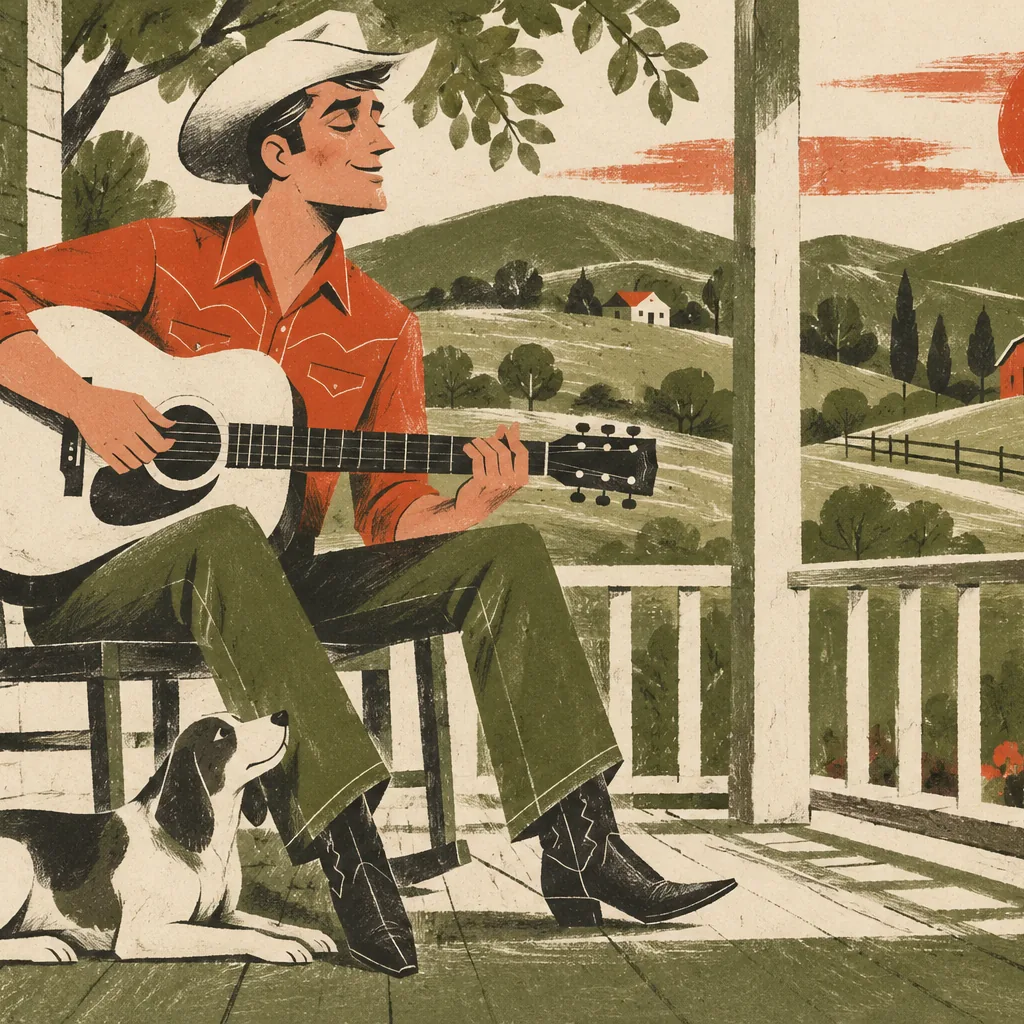
Country: describe the story
Name a place, a person and a feeling, then add steel guitar or fiddle. The country song generator is built for storytelling.
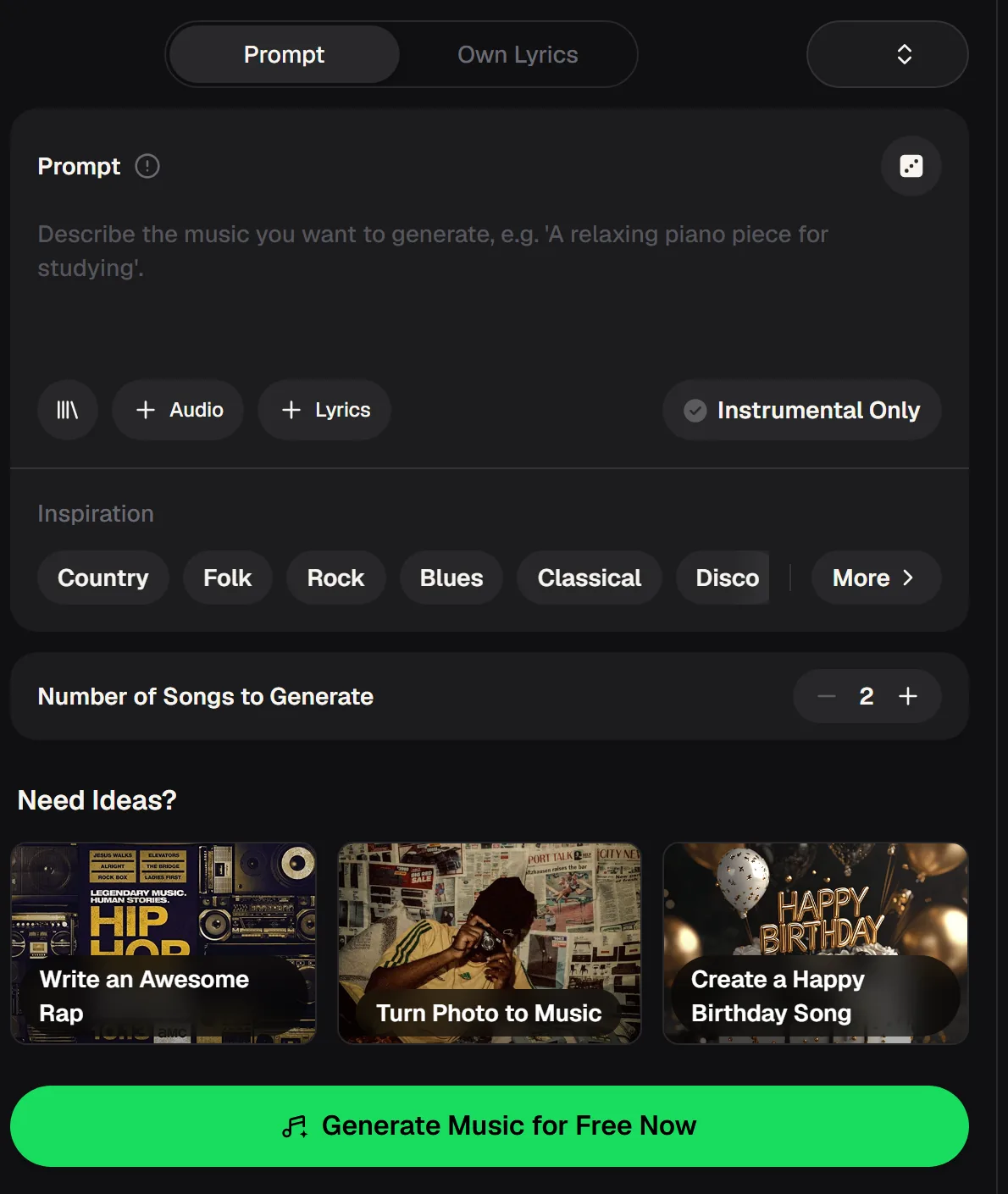
Switching genres inside the music generator
When you are not sure which style suits an idea, stay in the main music generator. Write your idea once, then tap a different Inspiration tag on each run: Country, Folk, Rock, Blues, Classical, Disco and more.
Because each run returns two songs by default, three quick runs give you six versions across three genres to compare. Switch on Instrumental Only when you want a genre bed without vocals, for example for a video or a playlist intro.
- Modes
- Prompt / Own Lyrics
- Songs per run
- 2 by default
- Genre generators
- 19 in the site menu
- Cost per song
- 2 credits
Run your idea in three genres to get six versions, and switch on Instrumental Only when you need a bed without vocals.
A sample from the music generator
Before you start switching genres, play this sample to hear what a single run of the music generator returns. Then imagine it in a different style: slower and swung for jazz, brighter and tighter for pop, rawer for punk.
That exercise is a quick way to work out which genre tags and words to try first with your own idea, and which dedicated generator to open next. Keep a note of what you would change.
Prompts to try in five genres
Copy one of these into the online music generator and press generate, or open the matching genre page for presets. Each prompt names a style, an instrument focus and a mood, which is usually enough for a strong first take. Once you hear the result, change only one word, such as the tempo feel or the lead instrument, and compare the next pair of takes side by side.
Late-night jazz trio, brushed drums, upright bass, mellow piano solo, slow swing
Festival EDM, long build with rising synths, big drop, punchy kick, euphoric
Heartfelt country ballad about a small hometown, steel guitar and fiddle, warm male vocal
Bright K-Pop dance track, layered vocals, catchy chorus hook, energetic synths
Calm ambient soundscape, soft pads, distant piano, slow and spacious, instrumental
Which genre suits which project
Choosing a genre is often about where the music will be heard. A study session, a workout and a family video all call for different energy, and the right style does half the work before you write a single detailed prompt. Use these pairings as a starting point, then let the music generator surprise you with a style you had not considered.
Lofi or ambient
Soft, steady and instrumental, so it stays in the background while you read or work.
EDM, trap or house
Driving beats and big drops that keep the pace up from warm-up to cool-down.
Pop or funk
Bright hooks and groove for birthdays, parties and happy video moments.
Country or folk
Warm acoustic sounds that leave room for lyrics about people and places.
Online music generator questions about genres
Common questions from people who want to make music in more than one style. For current plans, see the pricing page.
Which genres can the music generator make?
The site menu lists 19 dedicated genre generators: Rap, Lofi, Pop, Rock, Jazz, EDM, Country, R&B, Blues, Folk, Metal, Punk, Funk, Techno, House, Trap, Dubstep, Ambient and K-Pop. In the main free music generator you can also describe any style in your own words or tap Inspiration tags such as Classical and Disco, and mix two styles in one prompt when you want a crossover.
Should I use the main generator or a genre generator?
Use the main music generator when you want to try one idea in several styles or blend genres. Open a dedicated genre generator when you already know the style and want presets and wording tuned to it. Many people start broad, find the genre that fits, and then move to that genre's page to refine the song further.
Can I mix two genres in one song?
Yes. Describe both in the prompt, for example "lofi hip hop with jazz piano" or "country pop with an EDM drop", and say which one should lead. Crossovers can take a couple of runs to balance, so compare the two takes and adjust which genre you mention first.
Can I make instrumental music in any genre?
Yes. Switch on Instrumental Only before you generate and the music generator leaves out vocals in whatever style you choose. That is useful for background music, study playlists or beats you plan to write lyrics over later.
How much does it cost to try different genres?
You can try the music generator free: 30 free credits a year (15 songs) after a quick sign-up, and each generated song uses 2 credits. Monthly and annual plans include commercial rights within the scope of the Commercial License, and Pay Once credits can unlock a license for 5 credits per song.
Hear your idea in a new genre today
Write one line about the song in your head and hear it as country, jazz, EDM or K-Pop. Keep the style that surprises you.