Comic and story writers
You want a fictional rivalry song that fans can play alongside a chapter.
- A villain diss track for the cliffhanger issue
- A hero reply for the next instalment
- Bonus tracks for a character profile page
Fictional rivals · AI Diss Track Generator
Every good story has a rivalry, and some rivalries deserve a soundtrack. A villain diss track lets your antagonist gloat in their own voice, and a reply from the hero gives the feud a second side. Both characters come from your imagination, so the jabs land on invented flaws and nobody real gets hurt.
The guide below shows how to turn a character feud from your webcomic, short story or audio drama into a diss track for fictional characters on the MusicCreator AI Diss Track Generator.
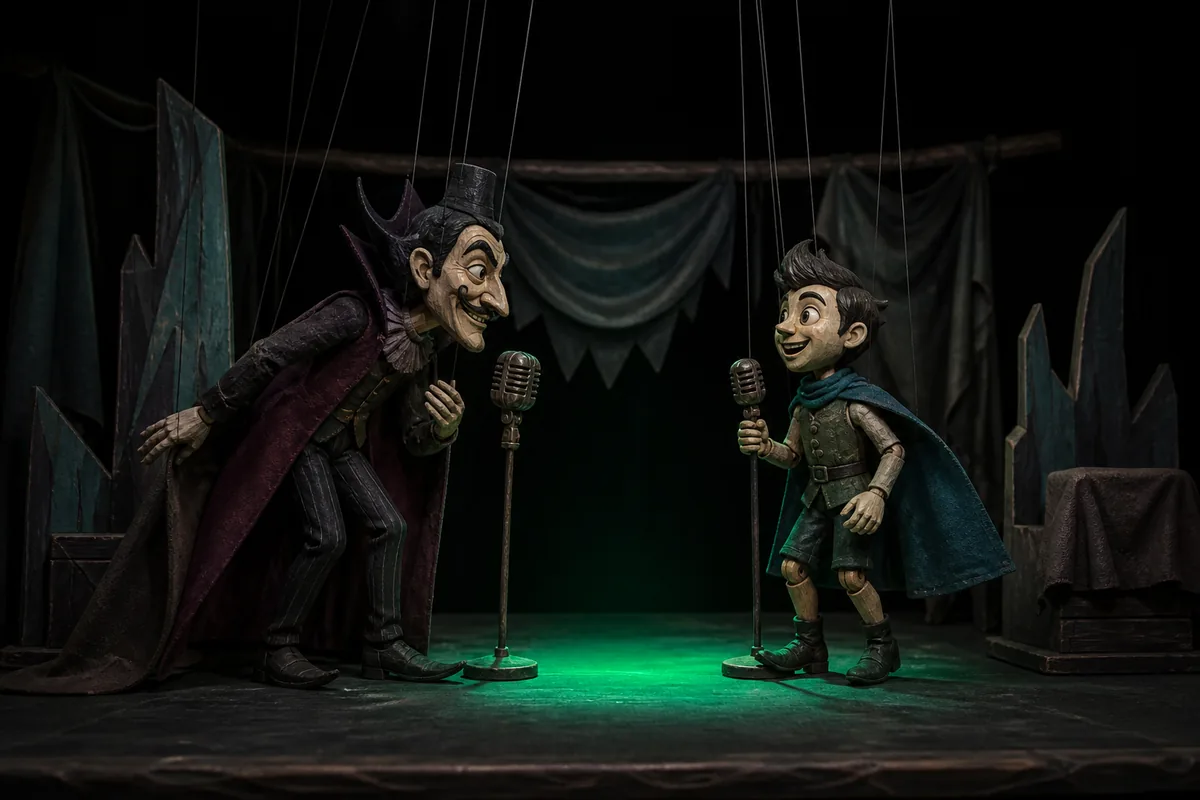
A rival character diss track works when each side sounds like the person singing it. Treat the villain and the hero as two separate tracks, each with its own mood, voice and set of jabs drawn from your story.
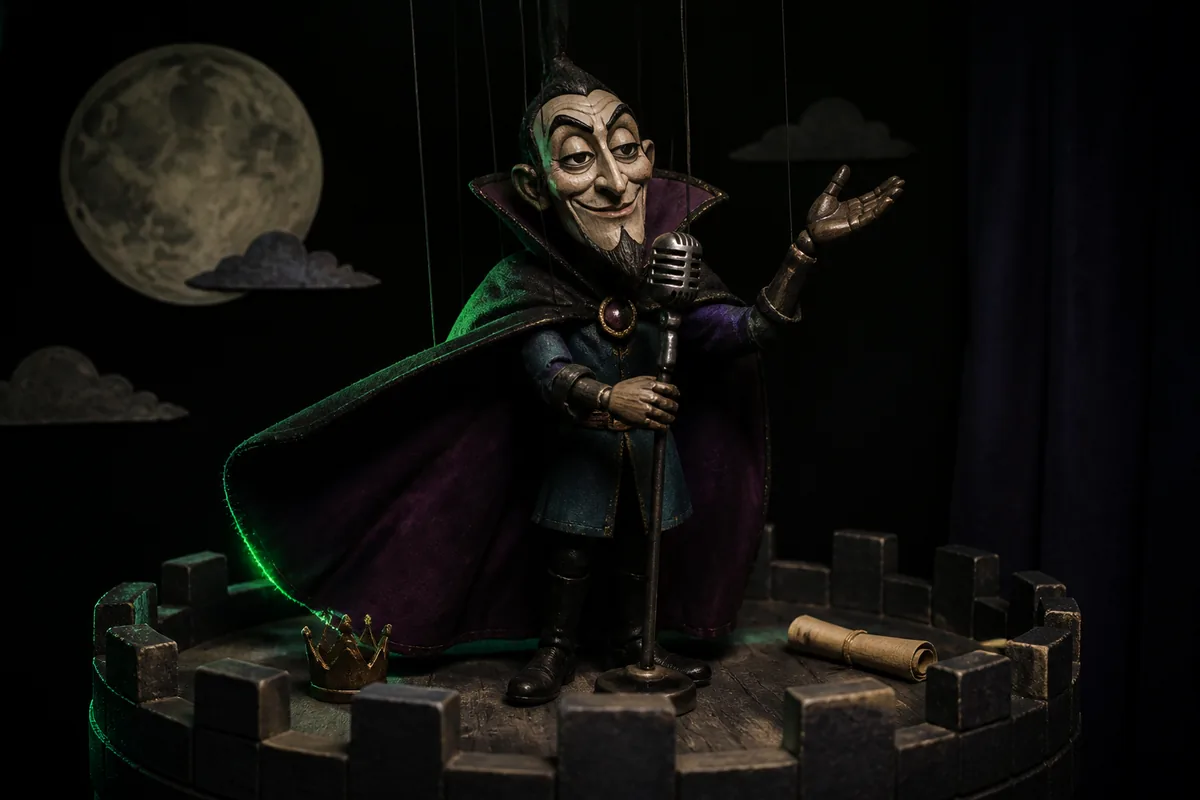
Villains tend to boast. Let yours list their schemes, mock the hero's clumsy first adventure and brag about the castle they stole. Darker beats suit this side, and the Heat popover lists Beef level from Playful to Ruthless.

A hero vs villain rap needs a comeback. The hero can poke fun at the villain's overlong cape, failed plans and dramatic speeches, while staying good-natured and a little cocky. A brighter vibe such as Friendly roast fits a hero who wins with humour.
The screenshot shows the AI Diss Track Generator panel with its default Style Prompt. Open each field in the list to read what it holds for an in-character diss track.
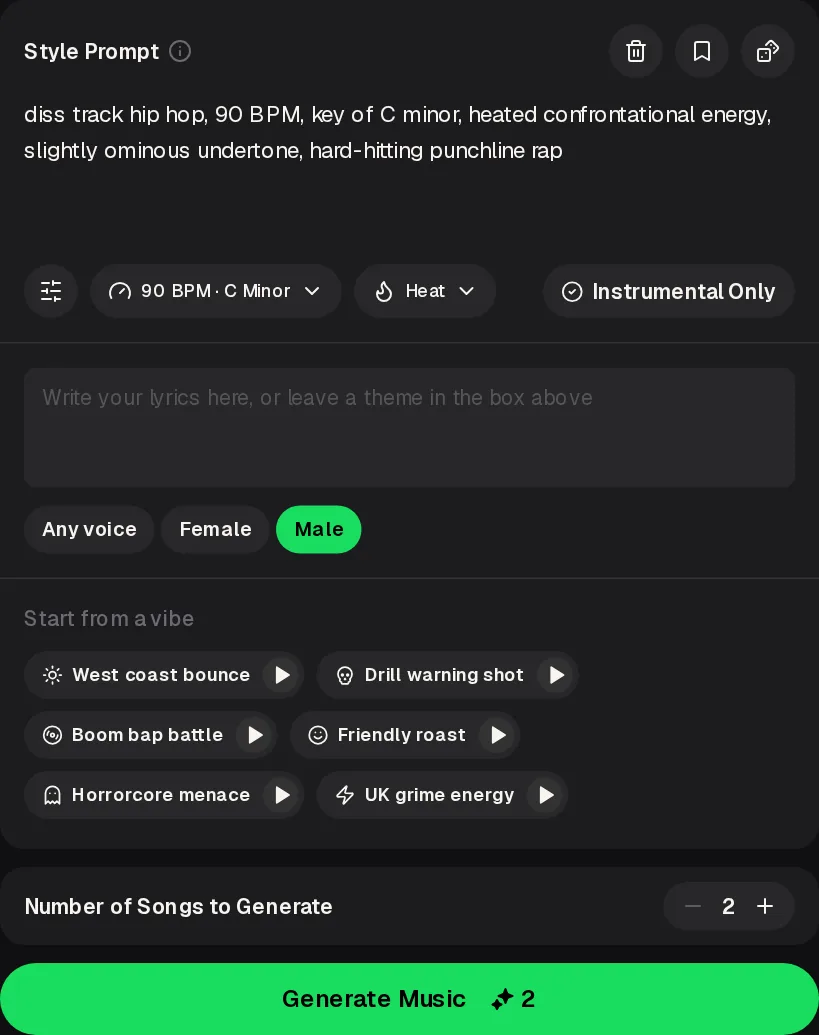
Up to 1000 characters of style words. A sinister villain might get slow, ominous words, and a cheerful hero lighter ones.
Tempo and Key sit in one popover, so the villain's track and the hero's track can each get their own setting.
Beef level runs from Playful to Ruthless and Darkness from Bright to Sinister.
Write the lines in the lyrics box, or leave a theme in the Style Prompt, then choose Any voice, Female or Male.
West coast bounce, Drill warning shot, Boom bap battle, Friendly roast, Horrorcore menace and UK grime energy.
Turn it on when you want a backing track without any singing or rapping.
These three steps take one side of your fictional rivalry from an idea to a downloaded track. Repeat them for the other character when you want the reply.
Start from a vibe that suits the character, then edit the Style Prompt and pick Beef level and Darkness under Heat for the scene.
Put the character's lines in the lyrics box, or leave it empty and put a theme in the Style Prompt, and choose Any voice, Female or Male.
Number of Songs to Generate defaults to 2. Each song uses 2 credits. Play the results, pick the one that suits your character, then open Downloads in its '...' menu, which lists MP3 Audio, WAV Audio and FLAC Audio.
Two examples are below. Play each one, then note how you want your own villain and hero to sound.
Write one word about each example, then sort those words into a villain column and a hero column for your own Style Prompt. Contrast between the two sides is part of what makes a feud between characters fun to hear. Listen once for the beat and once for the voice, and keep the list short so it carries straight into your next prompt.
Anyone with invented characters and a rivalry between them can use a character diss track. Two kinds of storytellers get the most out of it.
You want a fictional rivalry song that fans can play alongside a chapter.
You need a diss track for an audio drama scene where two characters clash.
A character feud stays fun when it stays inside the story. These swaps help your diss track for fictional characters stay playful and clearly invented.
Mistake: aiming lines at a classmate, coworker or anyone real.
Fix: write only about invented traits of invented characters, such as a cursed hat or a failed spell.
Mistake: setting Beef level to Ruthless for a light comedy scene.
Fix: keep Heat near Playful and Bright when the story is a comedy, and push it further only for a dramatic showdown.
Mistake: jabs that would make sense in any story.
Fix: use details only your readers know, like the villain's lost map or the hero's fear of geese.
Leave real people out and keep the tone playful.
The ideas in this guide are built around characters you invent for a story, comic or audio drama. Jabs about invented flaws, magic mishaps or a ridiculous costume keep the feud light. Aiming lines at a real classmate, coworker or public figure can hurt someone, so leave real people out and let the rivalry stay inside your fictional world. A good test is whether the joke still works for a reader who has never met anyone you know.
The AI Diss Track Generator panel has no Clean or Explicit switch.
What the characters say depends on the lines you write in the lyrics box, so keeping your own lines clean is the simplest way to keep the track clean. If you would like a setting for this, the AI Rap Generator has a Profanity Level control with a Clean option that you can choose before you generate. Mild words like rascal, goblin or show-off often fit a comic villain better anyway.
Yes, choose a voice for each track you make.
The panel offers Any voice, Female and Male. Make the villain's track and the hero's track as separate generations, and pick the voice that suits each character before you generate. You can also change the vibe, Style Prompt and Heat between the two, so each side of the feud gets its own sound and personality. Note the voice and vibe you used for each side, so the next reply can match the same character.
Yes, turn on Instrumental Only.
Some scenes work better when the characters talk over a beat instead of singing. Turn on Instrumental Only, start from a vibe that fits the moment, such as Horrorcore menace for a spooky lair or Friendly roast for a comic standoff, and adjust the Style Prompt. You can make a separate instrumental for each character, with a different vibe and Heat setting, so the villain and the hero each get a theme of their own. A slow, low vibe can suit the villain's entrance, while a lighter one can follow the hero onto the stage.
Pick a vibe for your villain, write their lines in the lyrics box and generate the first side of your fictional rivalry.
Write a Character Diss