
The Ultimate Online Vocal Remover
Remove Vocals from Any Song Instantly with AI
Transform any track into instrumentals or isolated vocals with our powerful vocal remover. Experience the best vocal separator that music creator trust. Remove vocals from a song in seconds - no quality loss, just pure separation.

Simple Steps to Separate Your Tracks
Transform Your Tracks with Our AI Beat Remover
MusicCreator's intuitive platform guides you through the process of separating vocals and instrumentals in just a few clicks.
Upload Your Audio
Drag and drop your music file or choose from our extensive library. Our advanced AI is ready to process your tracks.
Process with AI
Our intelligent technology will automatically detect and separate the vocal track from the instrumental beat, giving you pristine results.
Download Your Stems
Instantly download your isolated vocals and the clean beat file, ready for your next project or remix.
POWERFUL AUDIO SEPARATION
Unlock New Possibilities with Our Advanced Beat Remover
Discover the intelligent capabilities of MusicCreator's AI Beat Remover designed to empower your music production.
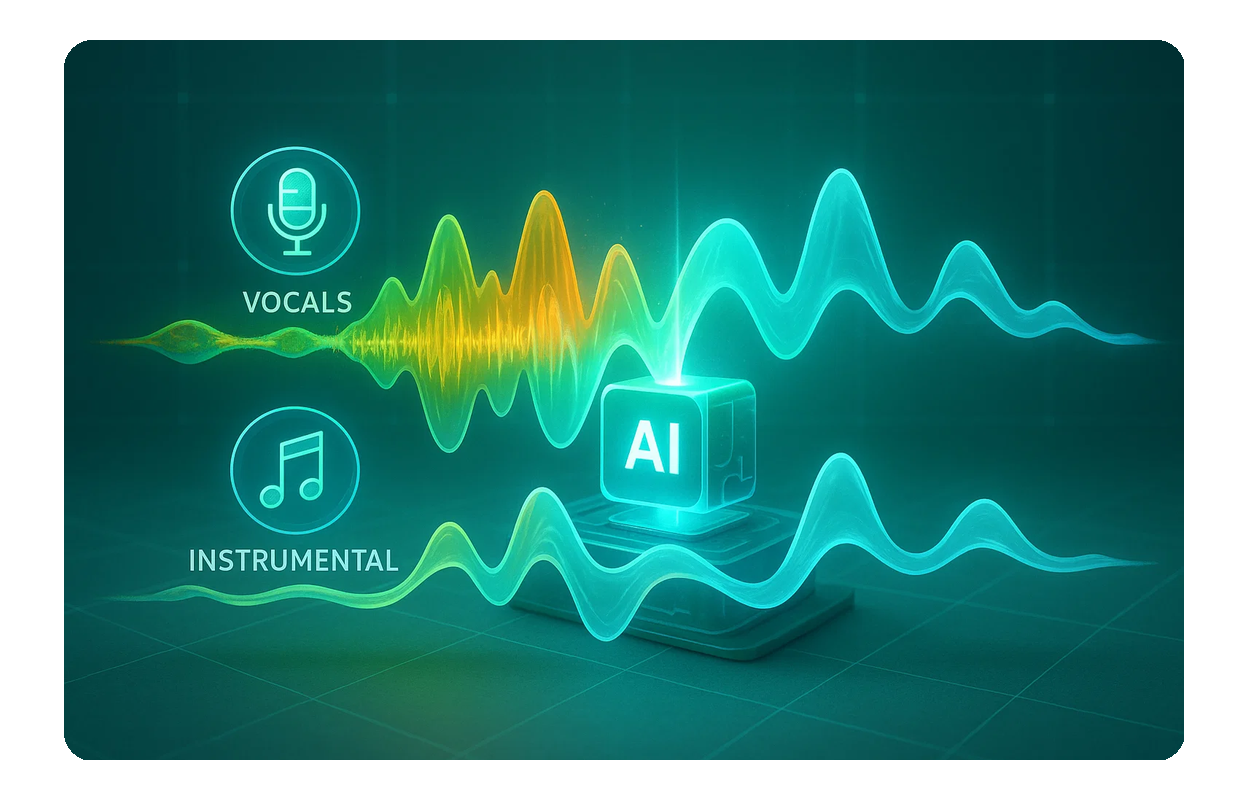
Crystal Clear Separation
Our AI Beat Remover delivers high-fidelity vocal and instrumental separation, ensuring professional-grade audio quality for all your projects.

Fast Online Processing
No software downloads needed. Experience rapid processing times with our online Beat Remover, getting your isolated tracks in seconds.
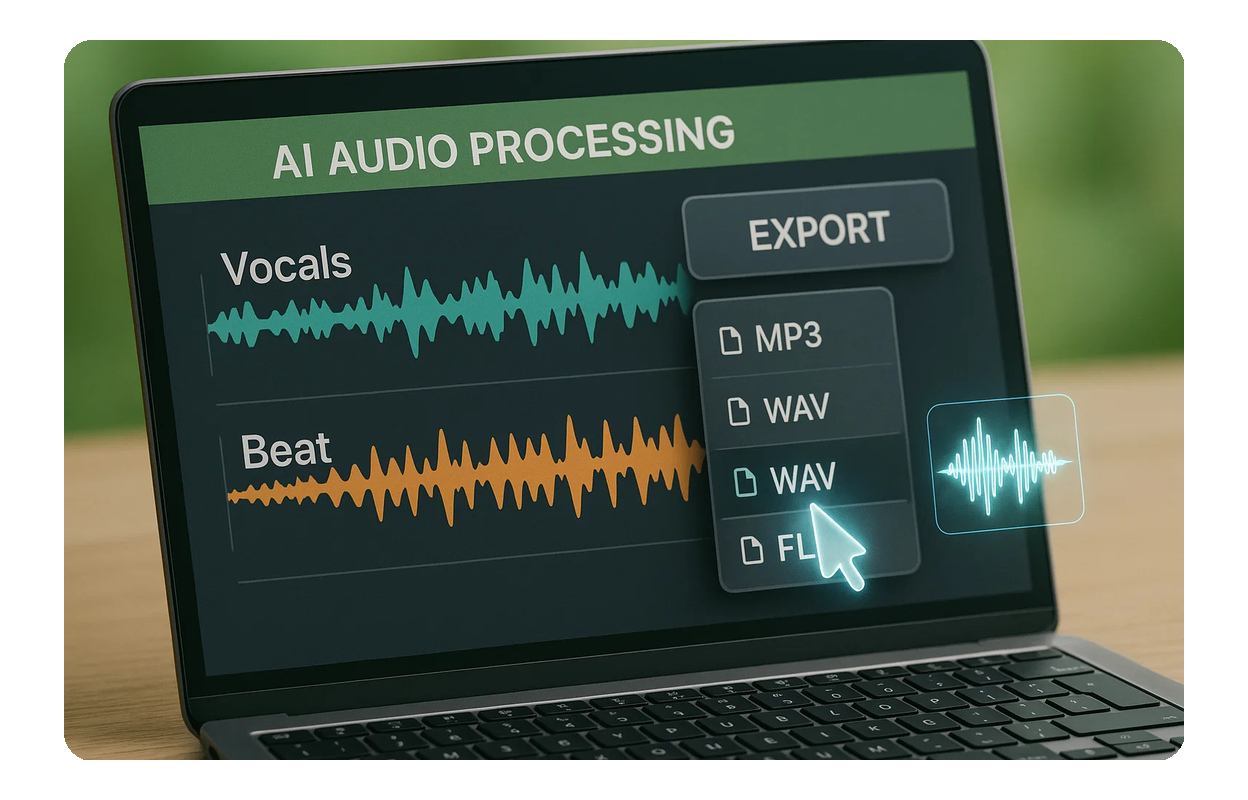
Versatile Output Formats
Download your separated vocals and the clean beat in various popular audio formats, compatible with all major DAWs and editing software.
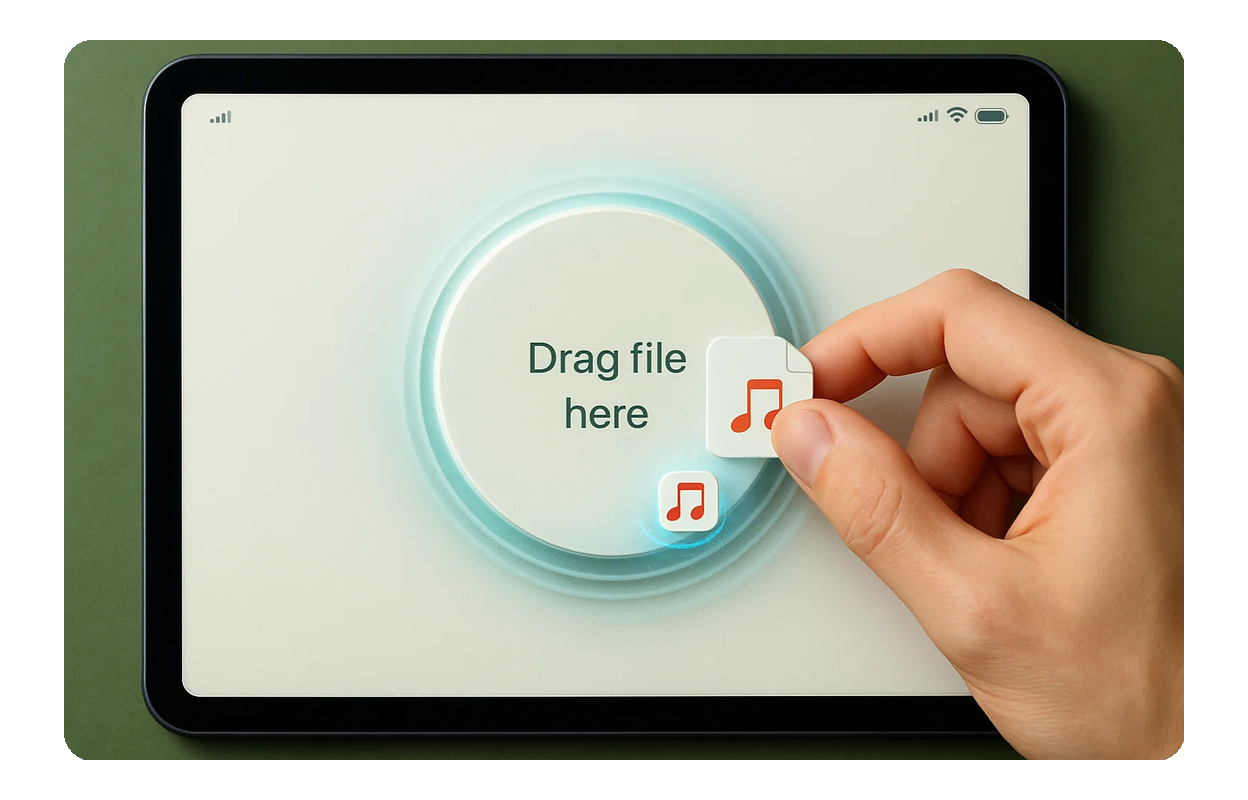
Intuitive User Interface
Our user-friendly design makes it easy for anyone to remove beat from any song, regardless of technical expertise. Just upload and go.

Frequently Asked Questions
Is this AI Beat Remover free to use
MusicCreator offers a set amount of free credits to get you started. For unlimited access and more features, consider our subscription plans.
How accurate is the vocal and instrumental separation
Our advanced AI algorithms are trained on vast datasets to provide highly accurate separation, delivering clean vocal and instrumental tracks.
Can I remove beat from any song
Yes, our tool is designed to remove beat from a wide variety of music genres and audio files, providing excellent results for most tracks.
What file formats does the remove beat tool support
We support popular audio formats like MP3, WAV, and FLAC for both input and output, ensuring compatibility with your workflow.
What about copyright when I use the AI Beat Remover
MusicCreator provides tools for creation. Users are responsible for ensuring they have the necessary rights to use and modify any audio files they upload.

Ready to Isolate Your Music Elements
Join thousands of creators using MusicCreator to effortlessly remove beat and unlock new creative possibilities.