
The Ultimate Online Vocal Remover
Remove Vocals from Any Song Instantly with AI
Transform any track into instrumentals or isolated vocals with our powerful vocal remover. Experience the best vocal separator that music creator trust. Remove vocals from a song in seconds - no quality loss, just pure separation.

Who Needs This Tool
Who Can Benefit from Removing Background Music
Discover how MusicCreator's powerful background music removal tool can elevate your audio quality and streamline your creative workflow.
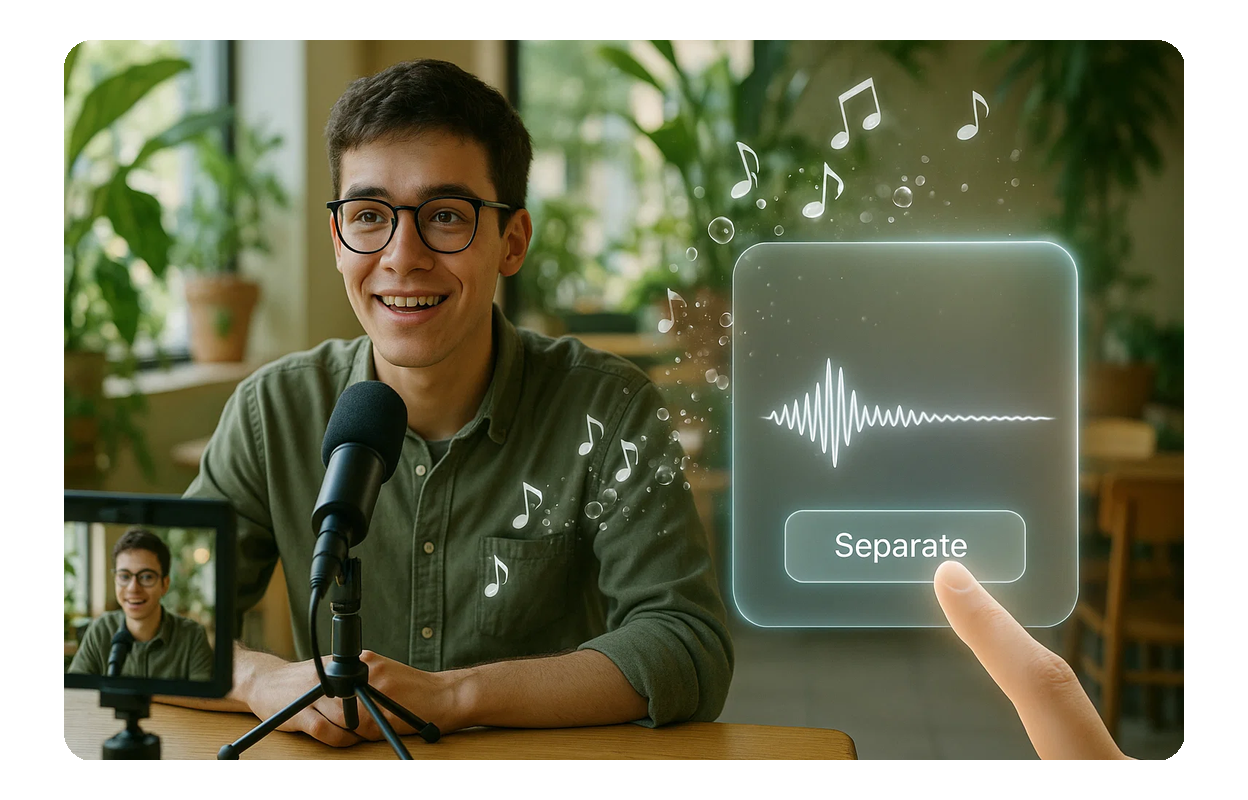
Content Creators
Podcasters, YouTubers, and vloggers can easily remove background music from audio recordings, ensuring crystal-clear dialogue and professional-sounding content.
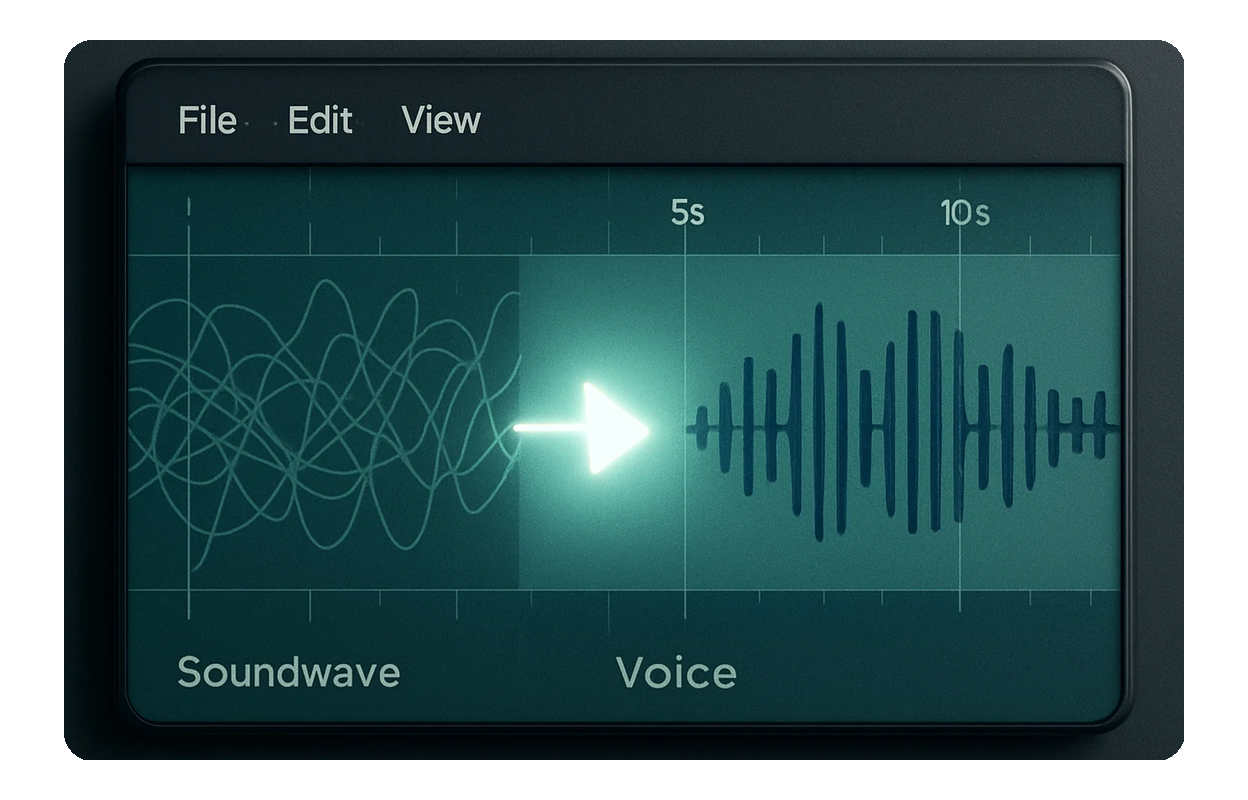
Musicians and Producers
Isolate vocals for acapellas or extract instrumental tracks for remixes and covers. MusicCreator helps you get the clean audio files you need for your next masterpiece.
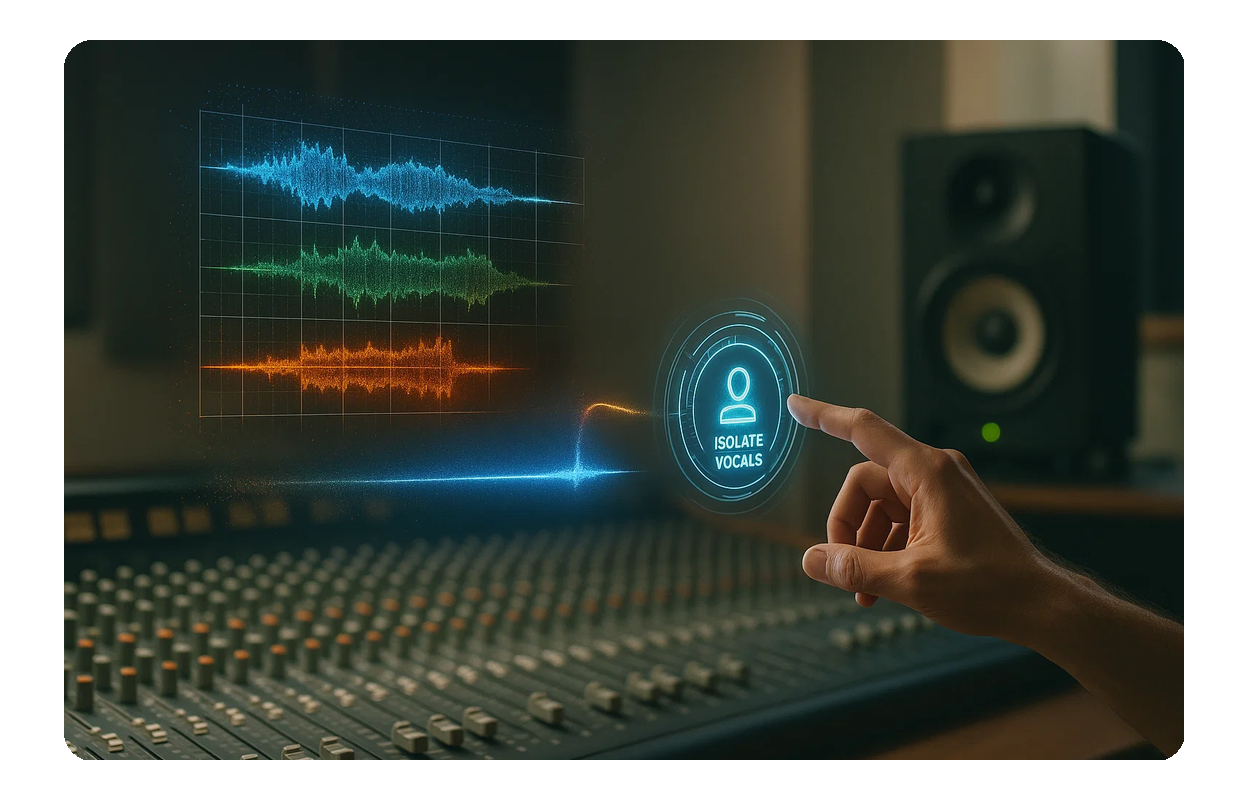
Audio Editors
Quickly clean up interviews, voiceovers, or field recordings by removing unwanted background music. Achieve pristine audio quality without complex manual editing.
KEY FEATURES
Powerful Features to Remove Background Music
Explore MusicCreator's intuitive features designed to help you remove background music from audio quickly and efficiently, delivering professional results every time.

AI-Powered Audio Separation
Upload your audio and let our intelligent AI automatically remove background music, distinguishing between vocals and instrumental elements with precision.
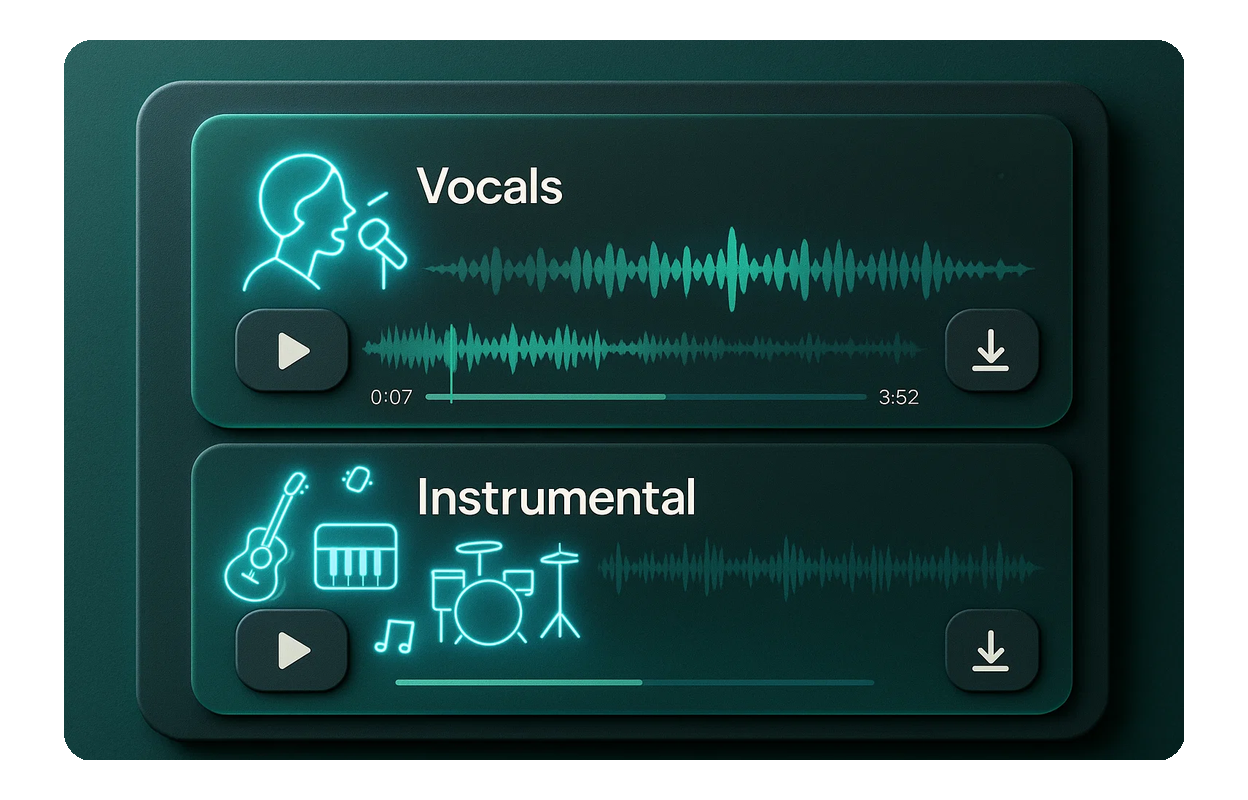
Isolate Vocals and Instruments
Get separate files for vocals and instrumental tracks. Whether you need an acapella or a clean backing track, MusicCreator delivers both.

High-Quality Output
Our advanced algorithms ensure that when you remove background music, the remaining audio is clear, crisp, and free from artifacts, maintaining original sound fidelity.
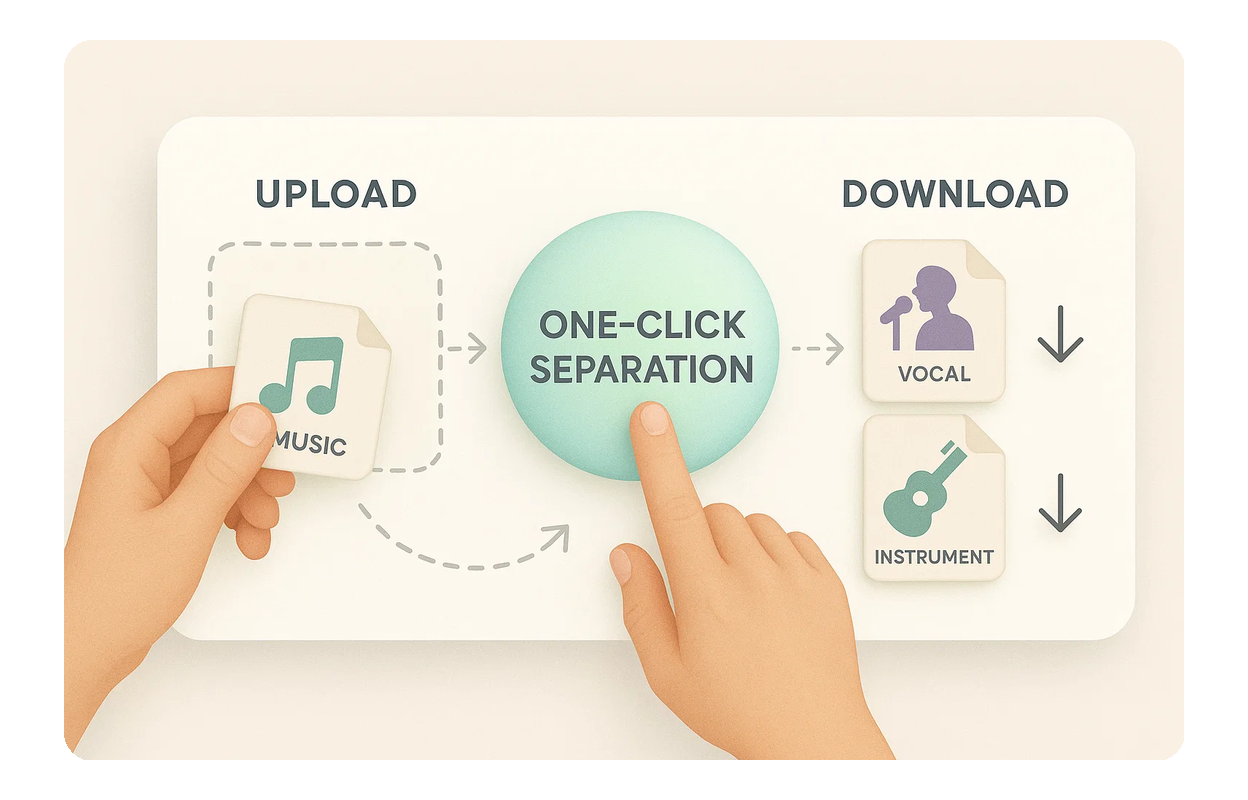
User-Friendly Interface
Simply upload your audio file, click a button, and download your separated tracks. MusicCreator makes it easy to remove background music from audio without any technical hassle.

Frequently Asked Questions
Is it free to remove background music?
MusicCreator offers a certain number of free credits to get you started. For unlimited access and more features, consider our subscription plans.
How does MusicCreator remove background music from audio?
Our advanced AI analyzes your uploaded audio, intelligently separating the main elements like vocals and instruments. You then receive individual tracks for download.
What audio file formats are supported?
MusicCreator supports common audio formats such as MP3, WAV, and FLAC for seamless processing when you want to remove background music.
What is the quality of the separated tracks?
Our AI ensures high-fidelity separation, minimizing artifacts and preserving the original audio quality for both vocal and instrumental tracks, providing professional results.
Can I use the separated audio for commercial projects?
MusicCreator offers options for commercial use. Depending on your subscription plan, you may receive royalty-free licenses for your separated audio. Please check our terms of service for details on copyright and usage rights.

Ready to Remove Background Music Today
Experience the simplicity and power of MusicCreator's AI tool. Transform your audio projects with clean, separated tracks in just a few clicks.