
The Ultimate Online Vocal Remover
Remove Vocals from Any Song Instantly with AI
Transform any track into instrumentals or isolated vocals with our powerful vocal remover. Experience the best vocal separator that music creator trust. Remove vocals from a song in seconds - no quality loss, just pure separation.

Easy Audio Separation
Get Your Vocals with Instrumental Remover
MusicCreator's advanced AI makes separating vocals and instruments simple, delivering high-quality stems for all your creative needs in under a minute.
Upload Your Track
Drag and drop your audio file or choose from our extensive music library. Our AI Instrumental Remover is ready.
AI Processes Instantly
Our powerful AI instrumental extractor analyzes your song, isolating vocals and individual instruments with precision.
Download Your Stems
Get separate vocal and instrumental tracks in high quality, ready for your next project or practice session.
Powerful Audio Separation Features
Unlock Creative Potential with Our Instrumental Remover
MusicCreator offers advanced tools designed to give you unparalleled control over your audio, making vocal and instrumental separation seamless and professional.
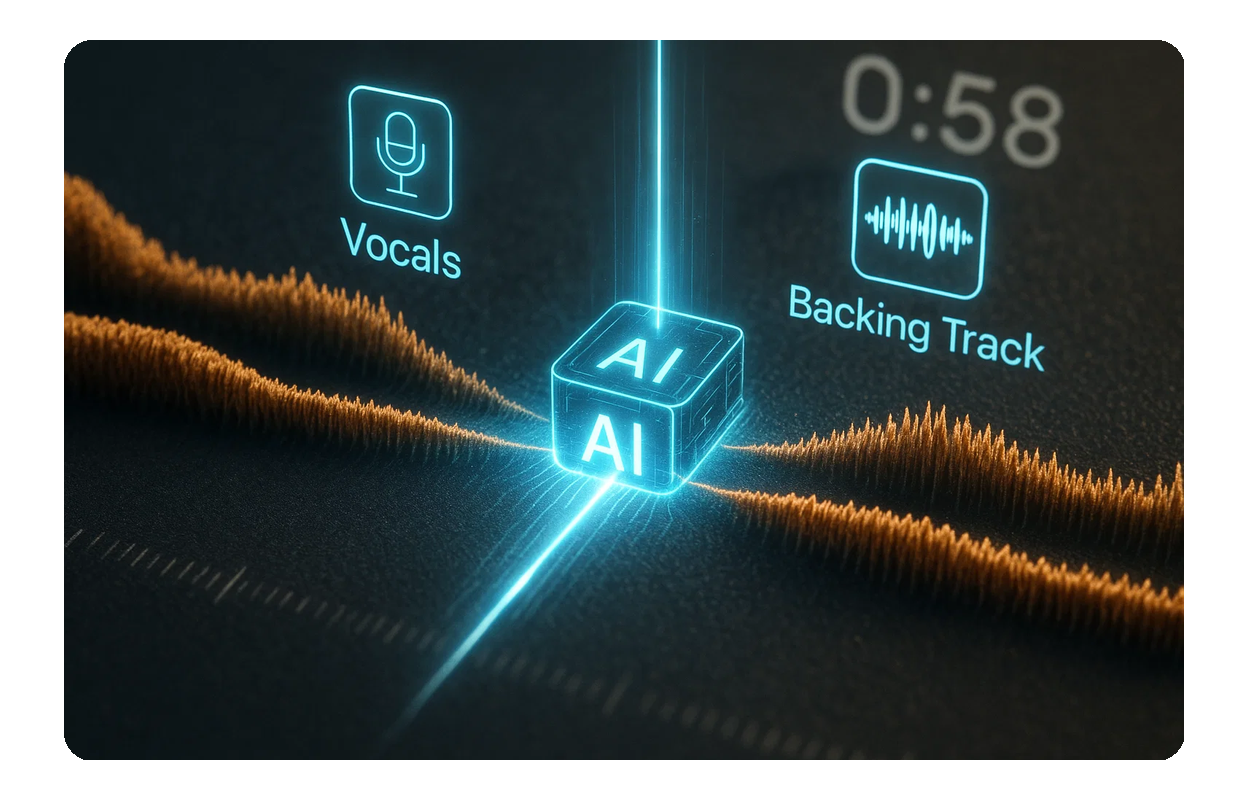
Lightning-Fast Separation
Our AI Instrumental Remover processes your tracks in under a minute, delivering clean vocal and instrumental stems quickly.
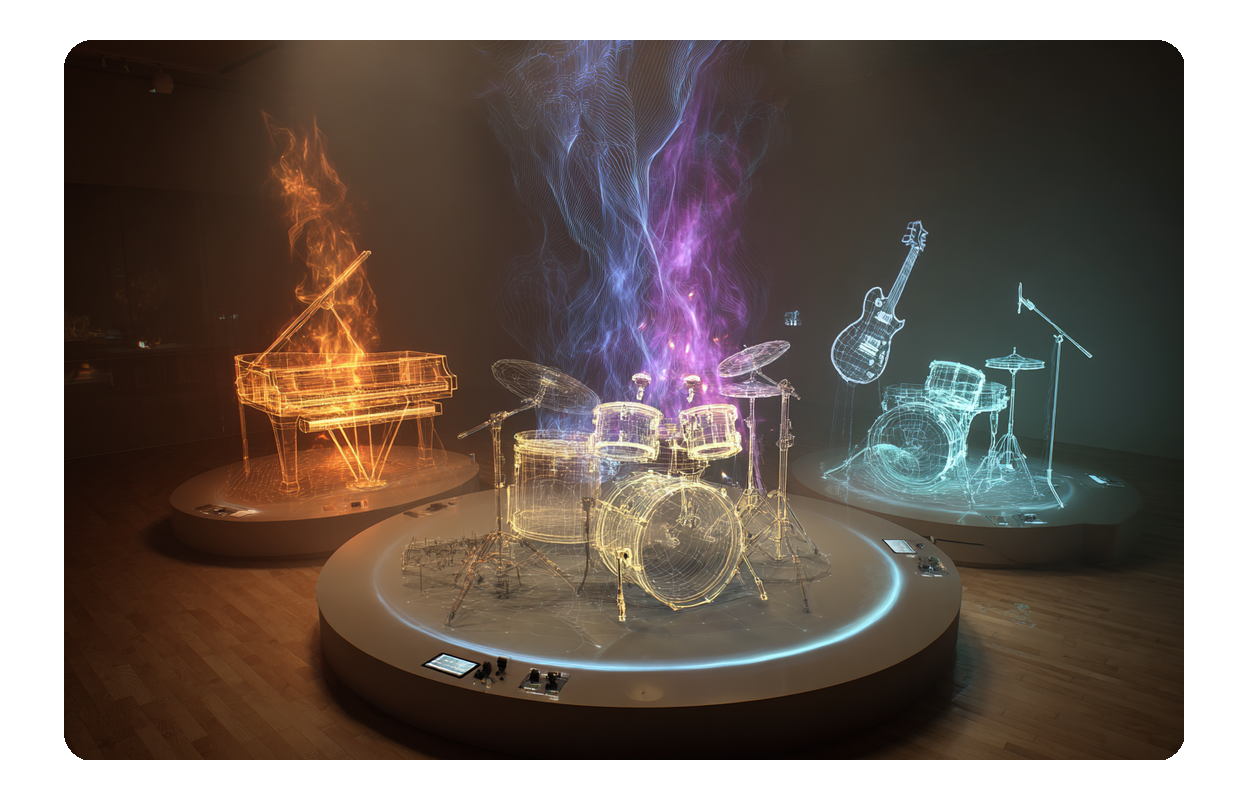
Multi-Track Extraction
Beyond just vocals, our instrumental extractor can isolate drums, bass, piano, and other instruments for detailed remixing.
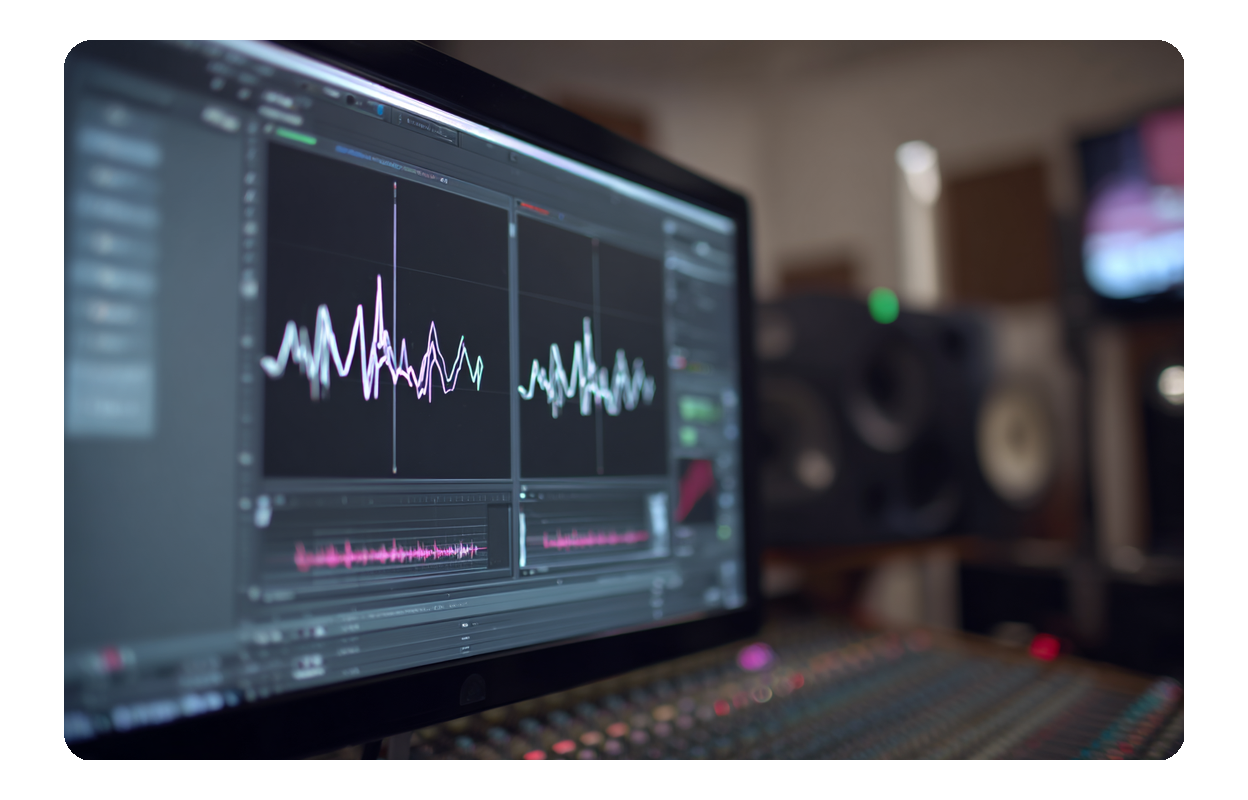
High-Quality Output
Experience studio-grade audio separation. Our remover instrumental technology ensures pristine sound quality for all your projects.
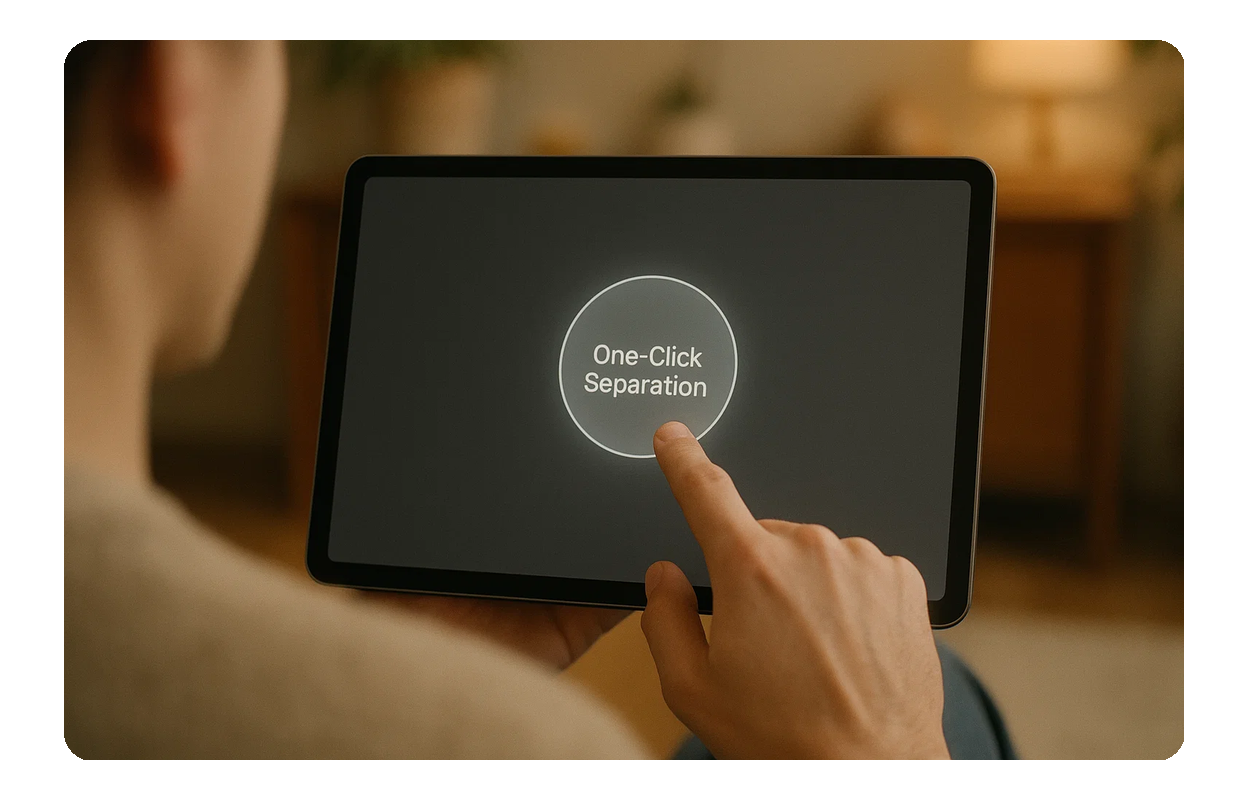
User-Friendly Interface
No technical skills needed. Our intuitive online instrumental remover makes audio separation accessible to everyone.

Frequently Asked Questions
What is an instrumental extractor and how does it work?
An instrumental extractor uses advanced AI to analyze an audio track and separate it into individual components like vocals, drums, bass, and other instruments. MusicCreator's AI quickly processes your uploaded song to provide these isolated tracks.
Is the AI Instrumental Remover free to use?
MusicCreator provides a certain number of free credits for you to try our powerful AI instrumental remover. For unlimited access and more features, you can purchase a subscription plan.
Can I download the separated tracks?
Yes, once your track is processed, you can easily download the individual vocal and instrumental tracks in high-quality formats, ready for your use.
What kind of audio files does MusicCreator support for instrumental removal?
Our platform supports a wide range of popular audio formats, including MP3, WAV, FLAC, and more, ensuring compatibility for most users' needs.
Are the separated tracks royalty-free for commercial use?
MusicCreator offers options for commercial use. Depending on your subscription plan, you may receive royalty-free licenses for your separated tracks. Please check our terms of service for details on copyright and usage rights.

Transform Your Music with Our Instrumental Remover
Experience the power of AI to effortlessly separate vocals and instruments, unlocking new creative possibilities for your projects.