• Own LyricsYour words, sungPaste a finished sheet and describe the sound you want
  • Free startCredits each yearThe free plan: 30 credits a year, about 15 generations, at 2 credits per song

Paste · describe · compare

AI Music Generator From Lyrics

You already have the verse and the chorus. An AI music generator from lyrics gives them a melody, a band and a voice: paste the sheet into Own Lyrics, describe the style in one line, and each run returns two tracks so you can hear your lyrics sung two ways.

Painted night scene of an open notebook filled with blurred handwriting on a desk under a lamp, with headphones, a pencil and a moonlit window

Three Moves With the AI Music Generator From Lyrics

Everything happens on one MusicCreator panel, the one the Paste Your Lyrics button opens. Generating needs an account, so sign in before your first run.

  1. Paste the sheet

    Switch to Own Lyrics and paste your words into the Lyrics box. Put each section label, such as [Verse], [Chorus] or [Bridge], on a line of its own so the sheet is easy to follow when you compare takes.

  2. Describe the sound

    Write one sentence in Styles covering genre, lead instruments, tempo and mood, or start from a style chip. Then choose a Vocal Gender of Random, Male or Female, and add a title if you want one.

  3. Generate and choose

    Press Generate Music for Free Now, and two tracks come back for the same sheet; play both, keep the take that suits the words, and save it from the Downloads menu.

One Sheet, Two Example Takes for the AI Music Generator From Lyrics

The two example songs below share one lyric sheet, titled "Moth Glass", and one style line. Play the first take all the way through, then the second, before you decide which sung version of your lyrics carries the words better.

Take A · 2:54

Moth Glass

Styles: “neo-soul ballad, Rhodes electric piano, round soft bass, brushed snare, warm female vocal, 78 BPM, late-night and tender”

Listen for where the singer places “Leave the porch light on for me” and whether the chorus lifts above the verses.

Take B · 3:03

Moth Glass, second take

Listen for how the phrasing of the bridge differs from take A.

The sheet

What was pasted

Two verses, a repeated chorus, a two-line bridge and a one-line outro, each section marked with a label such as [Verse] or [Chorus] on its own line.

What the AI Music Generator From Lyrics Asks You For

Three fields on the panel deal directly with the music for your lyrics. Settling each one before you press Generate saves credits for the takes that matter.

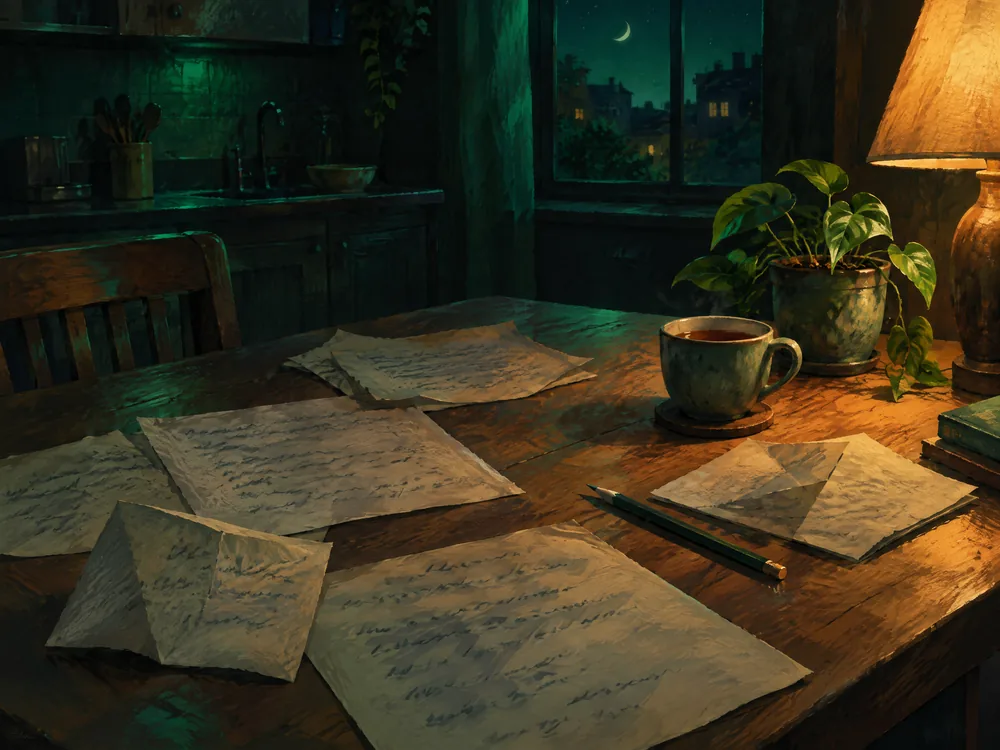
Painted kitchen table at night covered in loose handwritten sheets, with a pencil, a cup of tea, a potted plant and a lamp

The words, exactly as you want them sung

Paste your sheet into the Lyrics box, marked "Enter your lyrics here...". Read it aloud once before pasting, because a line that trips your tongue will be just as awkward for a singer. Reading it aloud also shows you where one line runs much longer than its neighbours.

Painted music corner with a shelf of vinyl records, an electric piano on a stand, a stool and an acoustic guitar leaning on the wall

A style line that sets the room

Styles is a text box for the style, mood or genre. The box suggests a pattern like "Romantic ballad, gentle, piano", and chips such as Baroque, Classical, Jazz, Funky and Disco, with More for the rest, give you a quick starting point. One clear sentence is easier to adjust later than a long list of adjectives.

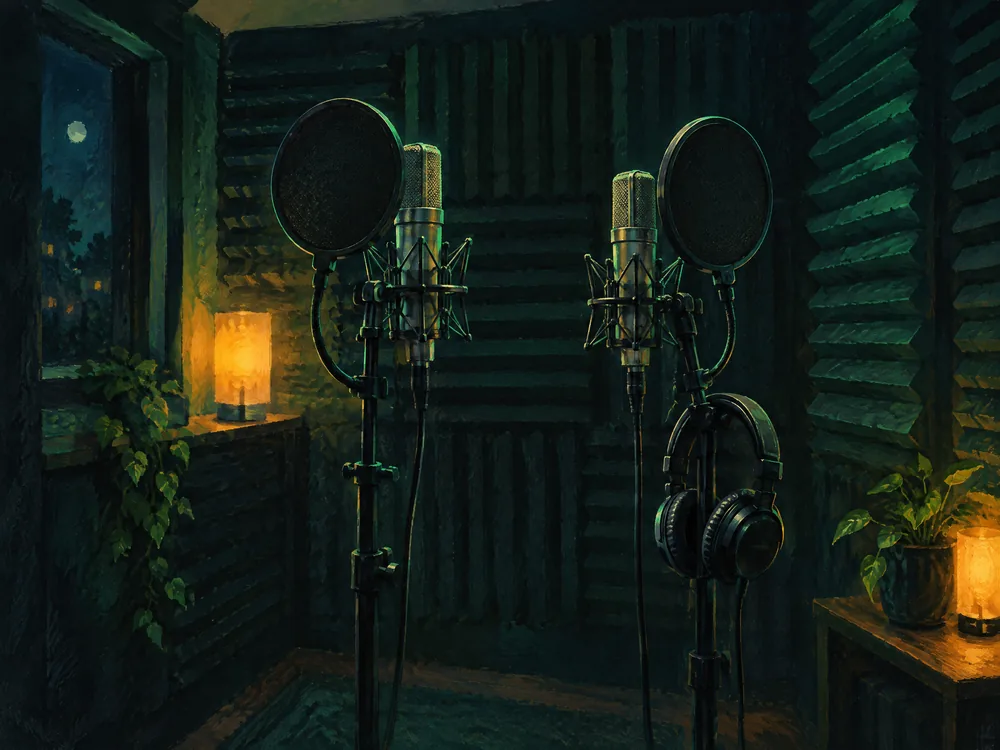
Painted home vocal booth with two studio microphones on stands behind round pop filters, headphones hanging on one stand and foam on the walls

A voice for the lyric

Vocal Gender offers Random, Male or Female. When the words belong to a particular narrator, choose the setting that matches that person and keep it the same while you compare different style lines.

The AI Music Generator From Lyrics Panel, Field by Field

A quick reference to the fields on that panel once Own Lyrics is selected, so you know what each one is for before you add music to lyrics you have worked hard on.

Prompt / Own Lyrics
The switch at the top. Prompt is for a described song; Own Lyrics is for words you bring.
+ Audio, + Persona
Two buttons above the Lyrics box; + Persona opens a Personas dialog with My Personas, Favorites and Create New.
Lyrics
The main box, marked "Enter your lyrics here...", with an Optimize button.
Optimize editor
Opens a draft area with Extend Next Line, Clear Draft and Use This Lyrics, plus a Generate Lyrics field that asks you to describe the lyrics you want or give a theme.
Styles
A text box for style, mood or genre, with style chips underneath.
Title (optional)
Up to 80 characters.
Vocal Gender
Random, Male or Female.
Generate Music for Free Now
Starts the run, which returns two tracks.

Style Lines to Try With the AI Music Generator From Lyrics

Turning lyrics into music is partly a casting decision, and the same sheet can live in very different rooms. Keep your lyrics fixed, swap only the style line, and compare what changes. These three lines give one lyric sheet three settings to test.

Late night

Neo-soul ballad

“neo-soul ballad, Rhodes electric piano, round soft bass, brushed snare, warm female vocal, 78 BPM, late-night and tender”

The style line listed with the two example takes above. Listen for how much room the keys leave around each word.

Open road

Country two-step

“country two-step, acoustic guitar, pedal steel, upright bass, male vocal, 112 BPM, warm and easygoing”

Listen for whether the faster pulse squeezes the longer lines, and mark any that need fewer syllables.

Bright

Synth-pop lift

“synth-pop, bright arpeggiated synths, punchy drum machine, airy female vocal, 120 BPM, hopeful”

Listen for whether the chorus line stands out above the synths or the hook needs more punch.

Changing Words After the AI Music Generator From Lyrics Has Sung Them

A finished take is a recording, so a new word means generating that part again. MusicCreator's own help pages describe two routes, depending on how much of the sheet has changed.

AI Music Generator From Lyrics Mistakes and Their Fixes

Here are three habits worth dropping, each paired with a change to try on your next run.

Mistake: a Styles box packed with ten adjectives and three genres.

Fix: one sentence naming the genre, the lead instruments, the tempo and the vocal, so you know what to change next time.

Mistake: deciding after the first few seconds of each take.

Fix: play both takes through the chorus and the bridge, since that is where the hook either lands or slips.

Mistake: rewriting the whole sheet because one word came out blurred.

Fix: change that line only, keep the style line as it was, and regenerate the section around it.

AI Music Generator From Lyrics Questions

Short answers about credits, files, rights and voices before your first run.

Credits

Is there a free AI music generator from lyrics?

Yes, MusicCreator lets you start for free once you have an account. On the free plan you get 30 credits a year, about 15 generations, at 2 credits per song, and each run hands back a pair of tracks for your sheet.

Unused credits reset on your renewal date, which is a good reason to put them toward songs you mean to finish. If one project needs a burst of runs, Pay Once lets you buy a single batch of credits next to the paid plans.

Lyrics

Do my lyrics need to be finished first?

Finished words give you the most useful comparison, because the only thing changing between takes is the music. Read the sheet aloud, settle the chorus, and mark each section on its own line before you paste.

The Lyrics box also has an Optimize button. It opens a separate editor with a draft area, Extend Next Line, Clear Draft, Use This Lyrics and a Generate Lyrics field, so you know where those controls sit when you open the panel.

Files

Which files can I download?

On a paid plan, the Downloads menu offers MP3, WAV and FLAC audio, with Batch Download, a Commercial License entry and a PNG cover image listed beside them.

On a free account the number of song downloads is limited, so compare both takes in the browser first and save only the one you intend to keep. Renaming the file with the song title and the style you used makes it easier to find when you return to the project weeks later.

Rights

Can I publish a song built on my lyrics?

Songs made on a paid plan, monthly or annual, can be released and monetised within the scope of the Commercial License.

The license is saved from the same Downloads menu as the audio, so it is worth keeping the two files together in one folder. That way the paperwork is ready whenever a distributor, a client or a collaborator asks how the track was licensed.

Length

How long can a song from my lyrics be?

A single MusicCreator song can last as long as 8 minutes, enough for story songs with several verses, an extended bridge or a slow outro.

A longer sheet still follows the same habit: label each section on its own line, keep the style line to one sentence, and listen through to the last chorus of both takes, checking the second half of each take as carefully as the first.

Voice

Can I choose who sings my lyrics?

Vocal Gender on the panel offers Random, Male or Female. The Styles box on the same panel accepts a short description of style, mood or genre.

Once you know which voice suits the lyric, select it and keep the rest of the style line unchanged between runs. Changing one thing at a time keeps your notes on each pair of takes easy to compare.

Next step

Try the AI Music Generator From Lyrics

Paste your words, write one style line, and hear a song from your lyrics in two versions.

Paste Your Lyrics
  • PasteYour sheet in Own Lyrics
  • DescribeOne line in Styles
  • ChooseThe take that fits
AI Music Generator From Lyrics