Live room · edit bench · mix room

AI Music Studio

The AI music studio on MusicCreator is a set of rooms in your browser: you record ideas on the AI Music Generator, rework them with Cover, Extend or Replace Section in My Workspace, then split, master and export the version you want to keep.

Backlit paper light-box scene of a home music studio with a laptop desk, studio monitors, a microphone, a guitar and a keyboard
  • Live roomPrompt or Own Lyrics, takes to compare
  • Edit benchCover, Extend, Replace Section, Mashup
  • Mix roomStem splits and AI Mastering

Three Rooms Inside the AI Music Studio

Each room is a real part of the site, and each one picks up the song where the previous room left it.

Live room: the AI Music Generator

This is where the sound starts. Type a description on the Prompt tab or paste finished words on the Own Lyrics tab, flip Instrumental Only for a purely instrumental track, and tap an Inspiration tag when you want a starting genre. The same brief comes back as takes you can compare side by side.

Paper light-box live room with a microphone in the centre, a drum kit and an upright bass behind it and green sound ribbons in the air

Edit bench: the Remix menu in My Workspace

Open a saved take and the Remix menu offers Cover, Extend, Replace Section and Mashup. The bench is where a take that is almost right gets another pass.

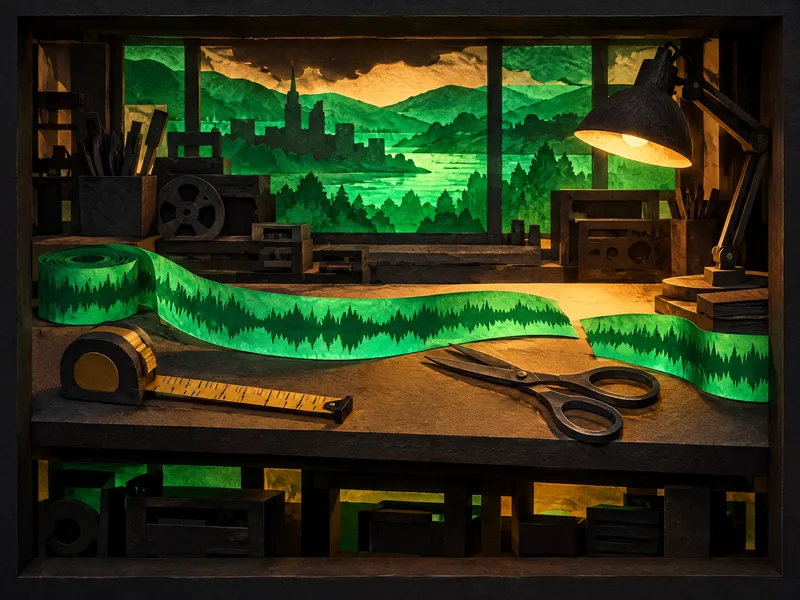
Paper light-box editing bench with a glowing waveform ribbon, scissors, a tape measure and a desk lamp

Mix room: stems and mastering

The song’s Editor menu opens AI Vocal Remover and AI Stem Splitter. In the splitter, the panel also lists Pro Split with 81 separable stems, AI Multi-Stem Split for AI-generated music, a 12-stem split, a 6-Stem Split and a 4-Stem Split. AI Mastering then takes the song as Target Music, and you can add an optional Reference Music track beside it.

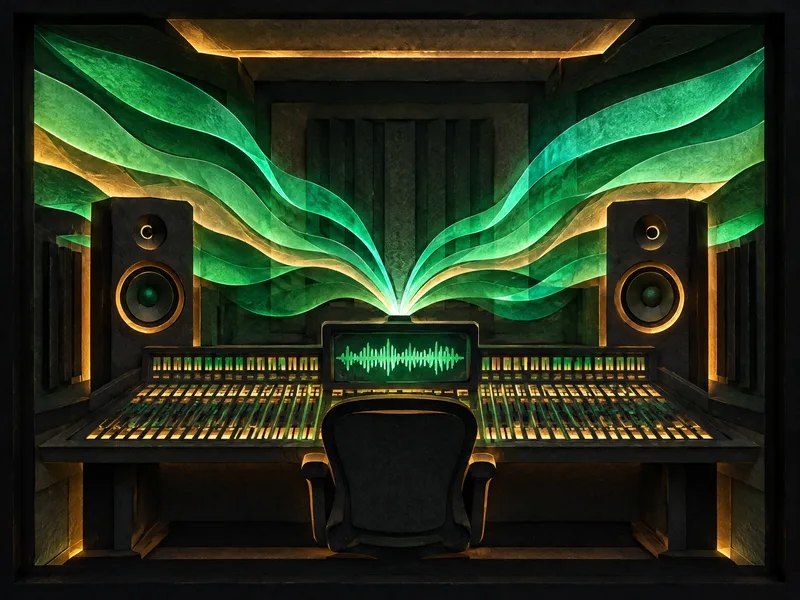
Paper light-box mixing room with a wide console, two tall speakers and green sound ribbons fanning out from one source

AI Music Studio Controls, Room by Room

The first group is the generator panel that the button at the end of the page opens. The second group lives on every song you save.

ControlWhat it does
AI Music Generator panel
PromptA text box for genre, mood, instruments, tempo and key, all written as plain words.
Own LyricsA second tab with a Lyrics box, Styles tags, an optional Title, Vocal Gender (Random, Male, Female) and Advanced settings.
Audio and Lyrics buttonsTwo buttons under the prompt box, beside the Instrumental Only toggle.
Instrumental OnlyA toggle for instrumental tracks.
Inspiration tagsCountry, Folk, Rock, Blues, Classical, Disco, Funk and more, each adding a starting style.
Number of SongsNumber of Songs to Generate defaults to 2, and the ± buttons adjust it.
Song menu in My Workspace
RemixCover, Extend, Replace Section, Mashup.
EditorStory Video, Photo Video, AI Vocal Remover, AI Stem Splitter.
LyricsView Lyrics and Use Style & Lyrics.
DownloadsMP3, WAV and FLAC audio, Batch Download, Commercial License, PNG cover image.
OrganiseMove to, Share, Edit title, Delete.

One AI Music Studio Session in Three Steps

A browser AI music studio session follows the rooms in order, and the takes from the first stop wait for you in My Workspace.

  1. 1 Record
  2. 2 Edit
  3. 3 Finish

Record your takes

Write a brief with a genre, a tempo and two instruments, choose Prompt or Own Lyrics, and run it once.

  • Prompt
  • Own Lyrics
  • Instrumental Only

Edit the keeper

Play the takes, keep one, and open its Remix menu when a section needs a new pass or the song needs more length.

  • Cover
  • Extend
  • Replace Section

Split, master, export

Pull stems if you want to mix, master against a reference, then take the files from the Downloads menu.

  • Stems
  • Mastering
  • Downloads

Two AI Music Studio Takes to Compare

Two late-night neo-soul instrumental takes to compare side by side. A brief in this style could read: “Late-night neo-soul instrumental, 84 BPM, warm Rhodes chords, round electric bass, brushed drum kit, soft muted trumpet melody, relaxed and smoky.”

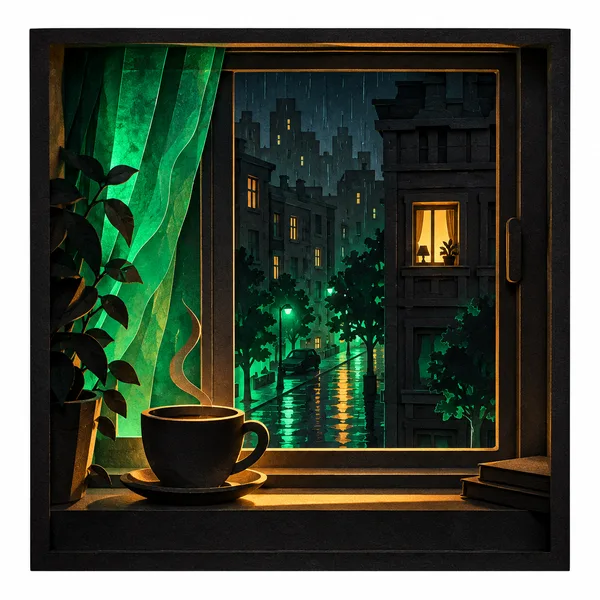
Cover art for Take A: a rainy night street seen from a window with a cup of coffee on the sill
After Hours Rhodes · Take AInstrumental · neo-soul
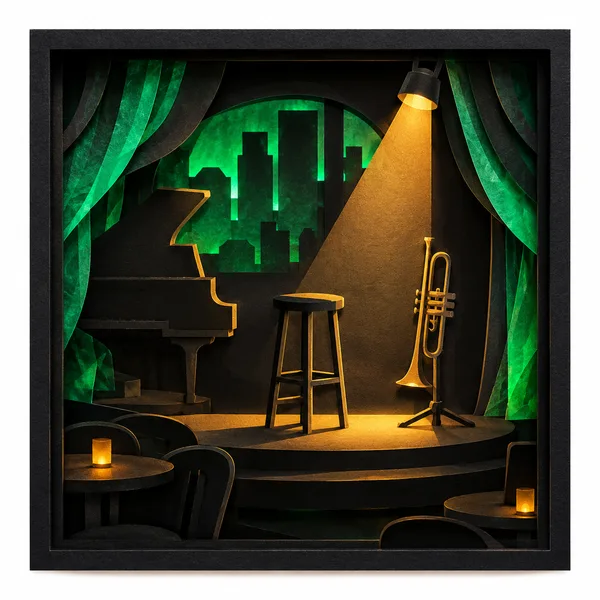
Cover art for Take B: an empty jazz club stage with a stool, a trumpet on a stand and a warm spotlight
After Hours Rhodes · Take BInstrumental · late-night groove

Two takes, two readings. Compare the intros and how busy each groove feels, keep the take that suits your project, and carry it to the edit bench of this online AI music studio.

Who Works in an AI Music Studio Like This

Three working styles, each matched to the rooms it leans on.

01

Songwriters with a lyric

Start in the live room on the Own Lyrics tab, then open the Lyrics menu on a saved take for View Lyrics or Use Style & Lyrics when you want another pass.

02

Producers sketching tracks

Record takes from short briefs, take the keeper to the edit bench, and finish in the mix room with stems and AI Mastering.

03

Beginners trying a first song

Treat it as an AI music studio for beginners: start from an Inspiration tag plus one line of mood, then compare the takes before you change anything.

AI Music Studio Questions

Credits, files, rights and where your songs are kept.

How do credits work across the studio rooms?

Each song costs credits, and the free plan comes with 30 credits a year, about 15 generations, at 2 credits per song; unused credits reset on your renewal date. When a project needs more runs before your renewal, Pay Once lets you buy credits as a one-time purchase. Plan a session around a few briefs you care about, and compare the takes from each brief to decide the next edit.

Where are my songs kept between sessions?

Every take lands in My Workspace, the AI music studio workspace for the whole site. From each song’s menu you can Move to a folder, Share, Edit title or Delete, and the Lyrics menu holds View Lyrics and Use Style & Lyrics. Saved songs can also be picked straight from My Music on tools such as AI Mastering and the AI Song Cover Generator, so a take can move from room to room straight from your library.

Which files can I export?

The Downloads menu on a song lists MP3 Audio, WAV Audio, FLAC Audio, Batch Download, the Commercial License and a PNG of the cover image. Free users can download a limited number of songs, while paid plans include MP3, WAV and FLAC files. Keep the take you plan to release as WAV or FLAC beside an MP3 for quick listening, and name each file with the brief and the date.

Can I release songs I record in these rooms?

Yes. Monthly and yearly subscribers hold commercial rights, within the scope of the Commercial License, for songs made in the studio. The Commercial License certificate costs 5 credits per song on monthly plans and Pay Once, and 0 credits on yearly plans, with no extra charge. Download the certificate from the song’s Downloads menu when the track is final, and store it with the audio so the paperwork travels with the release.

Does it work as an AI music studio online on a phone?

Yes. The live room opens in your phone's browser as well as on your computer. Use the commute to try three or four briefs and note which takes deserve a second listen. A phone suits recording briefs and comparing takes on headphones; the mix room tools are easier to judge on studio monitors or good speakers when you get back to the desk.
Other AI Music Studio Tools for Specific Jobs

Four more rooms of the web based AI music studio, each tuned to one job.

  1. AI Lyrics Generator

    Best for words first: a Title box, a Prompt box and More Settings for Mood, Structure, Style and Language.

  2. AI Music Extender

    Best for lengthening a file you already have: it takes audio between 3 seconds and 8 minutes and plays Original and Extended side by side.

  3. AI Song Cover Generator

    Best for a new voice on a finished song: pick a Voice Model, then upload the song or choose it from My Music.

  4. AI Mastering

    Best for the final polish: load Target Music and an optional Reference Music track, either uploaded or picked from My Music.

  • BringA genre, a tempo and two instruments
  • GetTakes saved to My Workspace
Next step

Open the AI Music Studio Live Room

Write one short brief and record your first takes, then create songs in the AI music studio one room at a time.

AI Music Studio