Copper production takeSample take
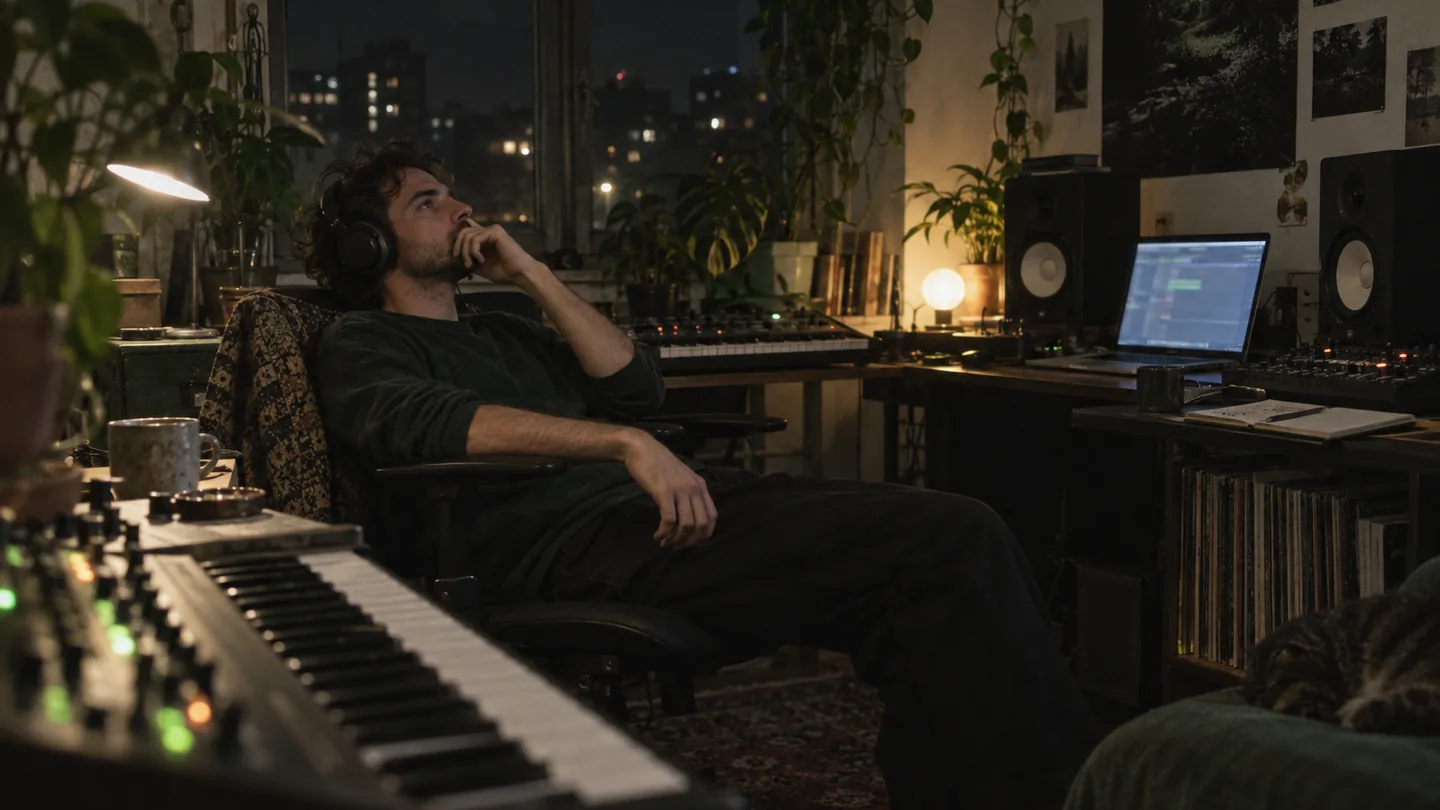
For producers
AI Music Production Tools
Eight AI music production tools that cover a track from the first idea to the finished master. AI now shows up at almost every step of making a record; the useful question is which stage needs help without losing your sound.
- IdeaFirst draftAny stage
- EditAI helpersKeep your sound
- FinishMaster pathSave time
Where it helps
What Producers Want from AI Music Production Tools
Producer forums are full of mixed feelings about AI. The common thread is that people want production toolkit to help with the tedious or stuck parts, not to replace their taste. One member of r/WeAreTheMusicMakers summed it up:
“I’m looking for software or hardware that enhances playfulness and inspiration in music production without taking the artistry out of the process.”— a producer on r/WeAreTheMusicMakers
Idea generationLyricsStem separationVocal removalEditingMasteringMIDI conversionMusic video
The list
Eight AI Music Production Tools, Stage by Stage
Each pick covers one job. Where other well-known names exist for the same job, they are listed so you know what to compare. Features and plans for the production kit change, so check each developer's current information before choosing.
01
Song and idea generation
MusicCreator AI Music Generator
Describe a track or paste lyrics, choose vocals or Instrumental Only, and get two takes per run by default. Useful for sketches, references and breaking a blank session. Other names in this space include several browser generators and bed libraries.
02
Composition assistance
Genre generators · AIVA
MusicCreator offers 19 genre-focused generators, from Rap and Lofi to K-Pop, for exploring a style. AIVA presents itself as an AI music generation assistant aimed at composition.
03
Beats and drums
MusicCreator AI Beat Maker
Set BPM, key and hardness, or start from vibe presets like Dark trap, UK drill or 90s boom bap, to get instrumental beats you can rebuild in your DAW.
04
Lyrics
MusicCreator AI Lyrics Generator
Draft verses with settings for mood, structure, style and language, then edit them into your own voice.
05
Editing a finished song
MusicCreator AI Music Editor
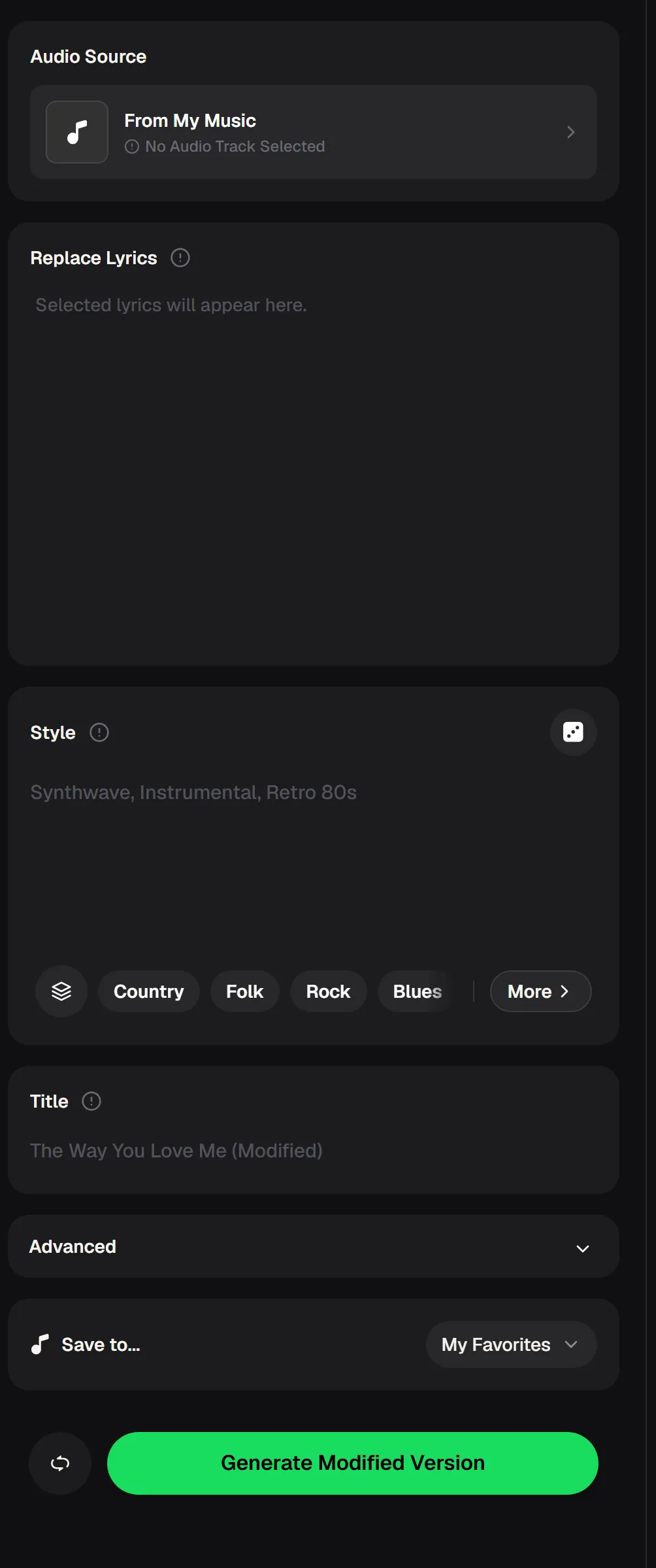
Pick a track from My Music, replace lyrics, set a new style and generate a modified version, without starting the song from scratch.
06
Stems and vocal removal
Stem Splitter · Vocal Remover · RipX DAW
MusicCreator splits songs into 4 or 6 stems, or up to 12 detected stems on AI songs, and separates vocals from instrumentals. RipX DAW describes itself as an AI DAW built around separated audio.
07
Mastering
MusicCreator AI Mastering · LANDR
Upload WAV, AIFF, FLAC, OGG or MP3 and get a WAV master at 16 or 24-bit. LANDR also offers AI music tools and plugins for producers.
08
Visuals for release
MusicCreator AI Music Video Generator
Turn the finished track into a 16:9 or 9:16 video with images, lyric captions and an optional sound wave.
Closer look
Editing Songs With AI Music Production Tools
Most stage tools generate something new. The editor works on a song you already have in My Music: swap a line of lyrics that no longer fits, try the same song in a different style, or make a variation for another project, then save the result to a playlist such as My Favorites.
- Source
- A track from My Music
- Lyrics
- Replace Lyrics box
- Style
- Text plus genre tags
- Output
- Modified version, new title
By the numbers
AI Music Production Tools Toolkit in Figures
If you want several stages in one place, these figures come from the live MusicCreator tool and pricing pages. They are the specifics worth comparing against any other set of production toolkit.
19
Genre generators
Rap, Lofi, Pop, Rock, Jazz, EDM and more
12
Max detected stems
All Detected Stems mode, AI songs
24-bit
WAV mastering output
16 or 24-bit PCM
2credits
Per song generation
cost shown on each button
Have a mix ready to finish?
Master a trackUpload it to the AI mastering tool to get a reference master you can compare with your own on the same speakers.
Keep it human
Using AI Music Production Tools Without Losing Your Sound
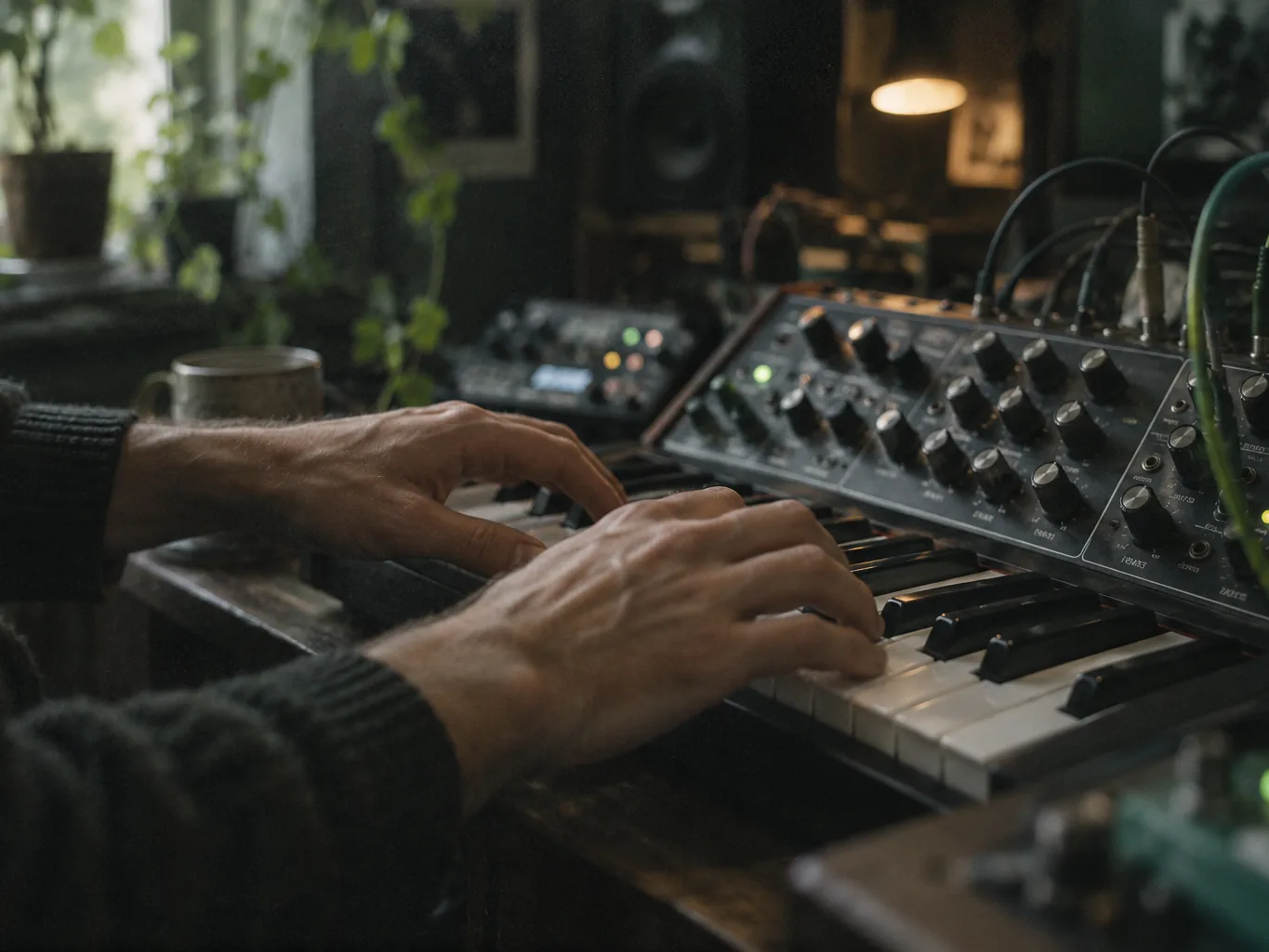
Producers often say the hardest part is feel. As one put it, “to get that swing and human like feel with that lack of predictability seems so difficult for me.” the toolkit can give you a starting point; these habits keep the result yours.
- Use AI sketches as references, then replay key parts yourself.
- Pull stems from a generated idea and keep only the element you like.
- Add your own drums or timing changes to break up perfect grids.
- Rewrite generated lyrics until every line sounds like you.
- Do not rely on one tool for every stage; compare results.
Finishing
Finishing Stages Where AI Music Production Tools Save Time
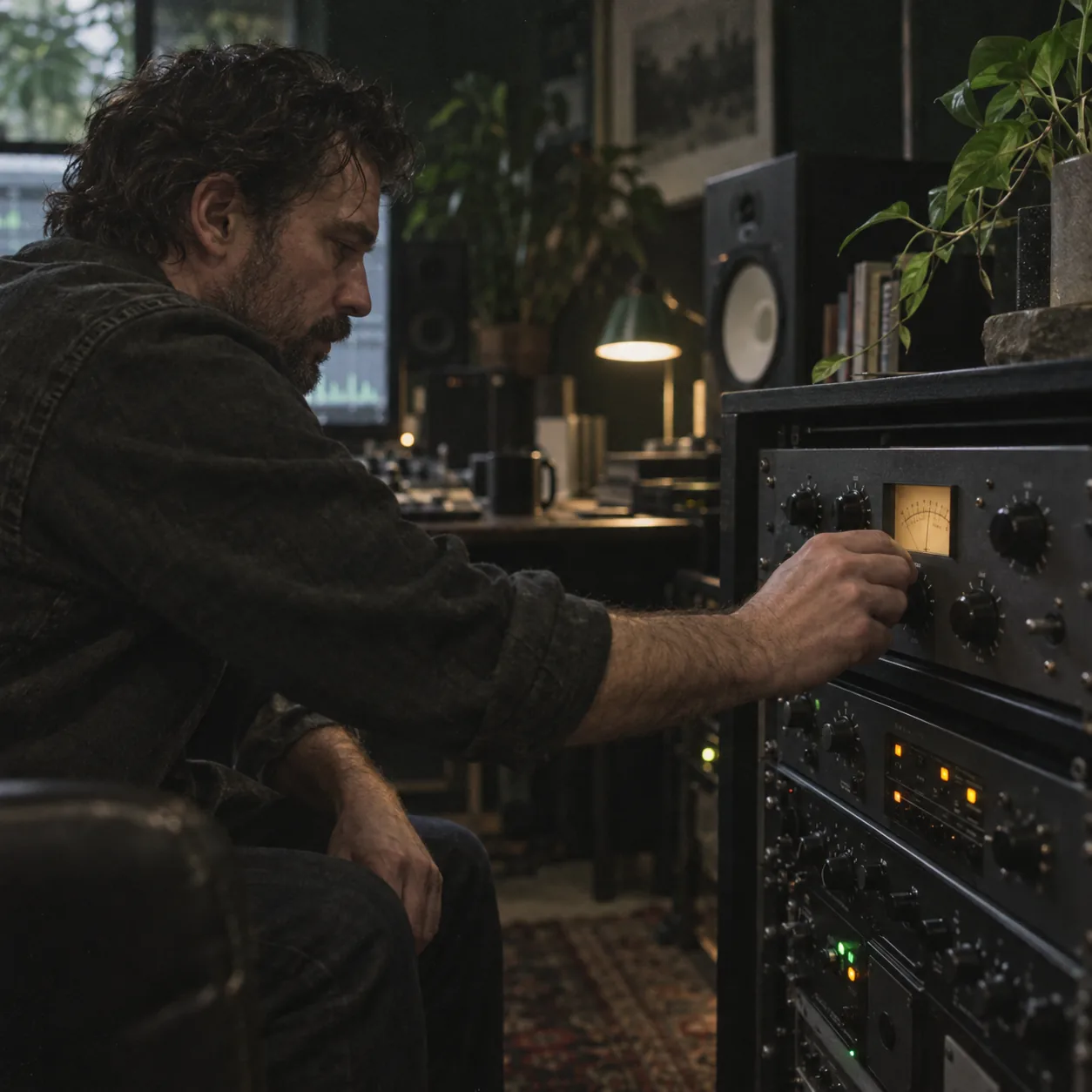
The final steps of a release are repetitive, which makes them a natural fit for automation. These are the jobs producers most often hand to the production kit once a song is written.
WAV
Mastering drafts
Get a quick reference master to check how the mix translates before final decisions.
Instrumentals
Split the vocal off for TV mixes and performance tracks.
MIDI
Free MP3 to MIDI and audio to MIDI converters help you capture a melody as notes.
Release visuals
Make a lyric video in 9:16 for short clips and 16:9 for a full upload.
Hear Ai Music Production Tools Sample Takes
Two listen-ready drafts from this this production-stage path path—same brief, different color. Keep the clearer take.
FAQ
AI Music Production Tools FAQ
What producers ask before adding AI to their workflow.
What tools do music producers use?
The core is a DAW for recording, arranging and mixing, plus instruments, samples and plugins. Around that, many producers now use stage tools for specific jobs: generating ideas, separating stems, removing vocals, drafting lyrics and creating reference masters. Most combine several tools rather than relying on one.
What is the best AI for music production?
It depends on the stage. For idea generation, compare a few generators on the same prompt. For stems, test several splitters on a dense mix. For mastering, compare a reference master to your own. MusicCreator's the toolkit cover most stages in one place, which helps if you want fewer accounts to manage.
Do professionals use AI in music production?
Many do, mostly using the production kit for practical tasks such as stem separation, cleanup and quick references, while keeping creative decisions in their own hands. How much AI to use is a personal and project-by-project choice, and some clients or labels have their own rules.
Is there an AI DAW?
Some products describe themselves as AI DAWs, built around features like separated audio. Traditional DAWs are also adding AI-based features. If you already have a DAW you like, adding browser-based stage tools for individual stages is often simpler than switching.
Can I release music made with AI tools?
Check the terms of each tool you used. For songs you generate on MusicCreator, monthly and annual plans include commercial rights within the scope of the Commercial License, and Pay Once credits can unlock a license for 5 credits per song.
Ready when you are
Add AI Music Production Tools Where Your Track Needs Them
Pick the stage that slows you down most and try the matching tool on one song. Keep what helps, and let your own ears make the final call.
- Compare two takesKeep the clearer listen-ready draft.
- Start freeCredits after a quick sign-up.