
Why Choose Our Vocal Remover
Get Professional Results With Our Youtube Vocal Remover Tool
Our vocal remover from Youtube delivers crystal-clear separation between vocals and instrumentals. Experience the best audio isolation technology for your creative projects.
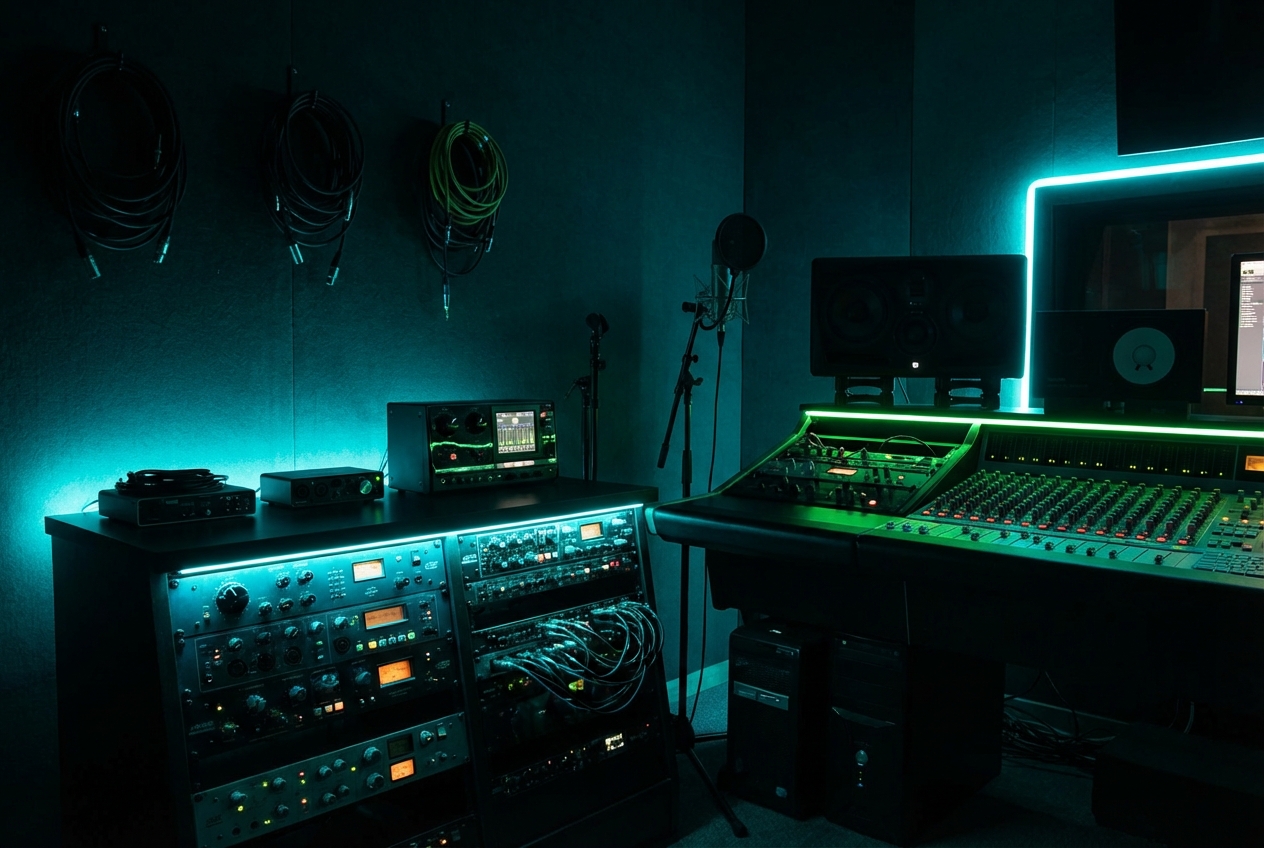
Studio Quality Vocal Separation
Our Youtube Vocal Remover uses cutting-edge AI to isolate vocals and instrumentals with professional precision. Get clean, usable tracks for your covers, remixes, and music production without quality loss.
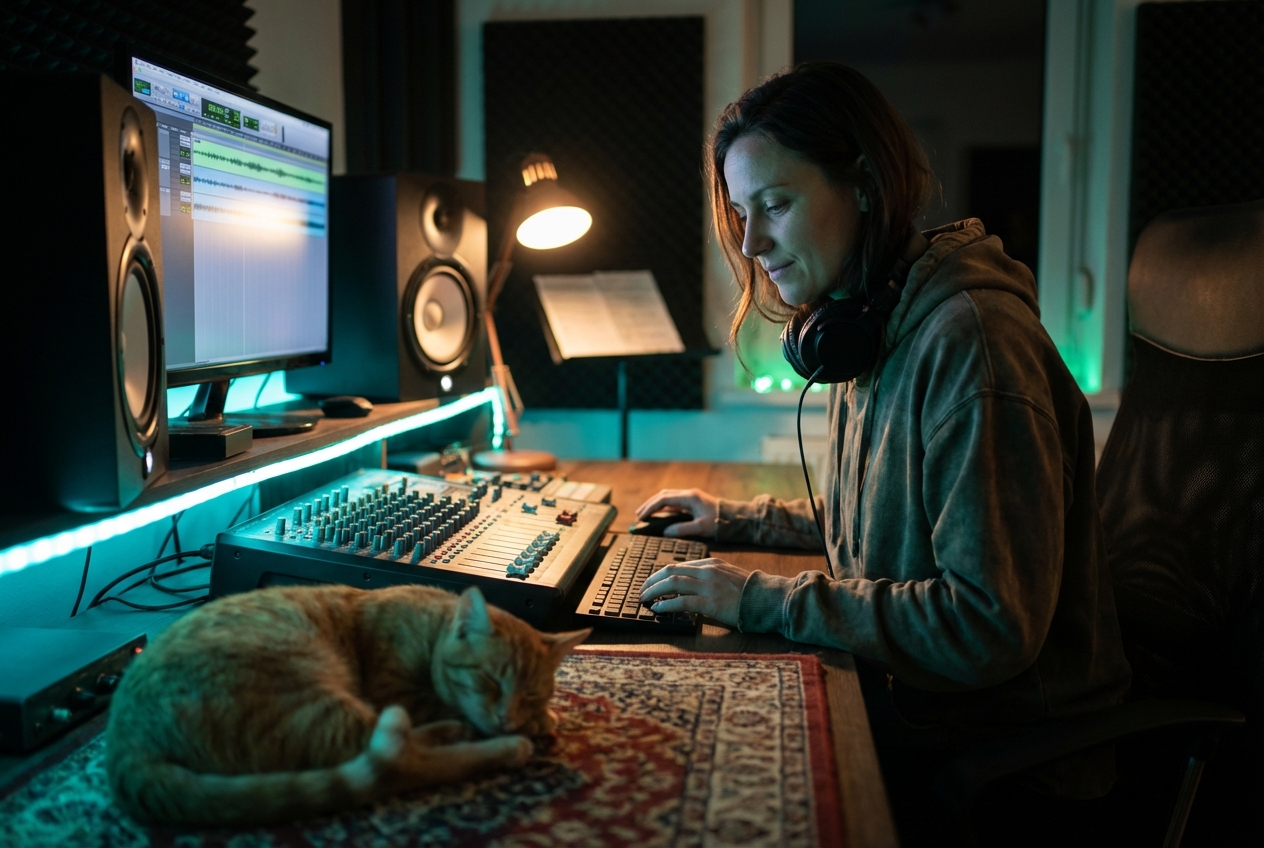
Fast and Easy Processing
Remove vocals from Youtube videos in seconds. Simply upload your audio, and our vocal remover from Youtube handles the rest automatically. No technical skills required for professional results.

Royalty Free for Your Projects
Use your separated vocals and instrumentals freely in your creative work. Our Youtube Vocal Remover gives you complete control over your audio for covers, remixes, karaoke, and commercial projects.
How Youtube Vocal Remover Tool Works
Separate Vocals From Youtube Audio in Three Simple Steps
Using our Youtube Vocal Remover is straightforward. Upload your track, let AI do the work, and download your separated vocals and instrumental instantly.
Upload Your Youtube Audio
Select the audio file from your Youtube video or upload any track you want to process. Our Youtube Vocal Remover accepts all common audio formats for maximum compatibility.
Let AI Remove the Vocals
Our advanced vocal remover from Youtube analyzes your audio and separates vocals from background music automatically. The AI technology ensures clean, professional-quality results every time.
Download Your Separated Tracks
Get both the isolated vocals and instrumental versions ready to download. Use your separated audio from the Youtube Vocal Remover for covers, remixes, karaoke, or any creative project.
POWERFUL FEATURES
Advanced Tools in Your Youtube Vocal Remover
Discover everything our vocal remover from Youtube offers. From AI-powered separation to flexible audio formats, we provide all the tools you need for professional audio production.

AI-Powered Vocal Isolation
Our Youtube Vocal Remover uses machine learning to identify and separate vocals from instrumentals with incredible accuracy. Get studio-quality results that rival professional audio engineers.
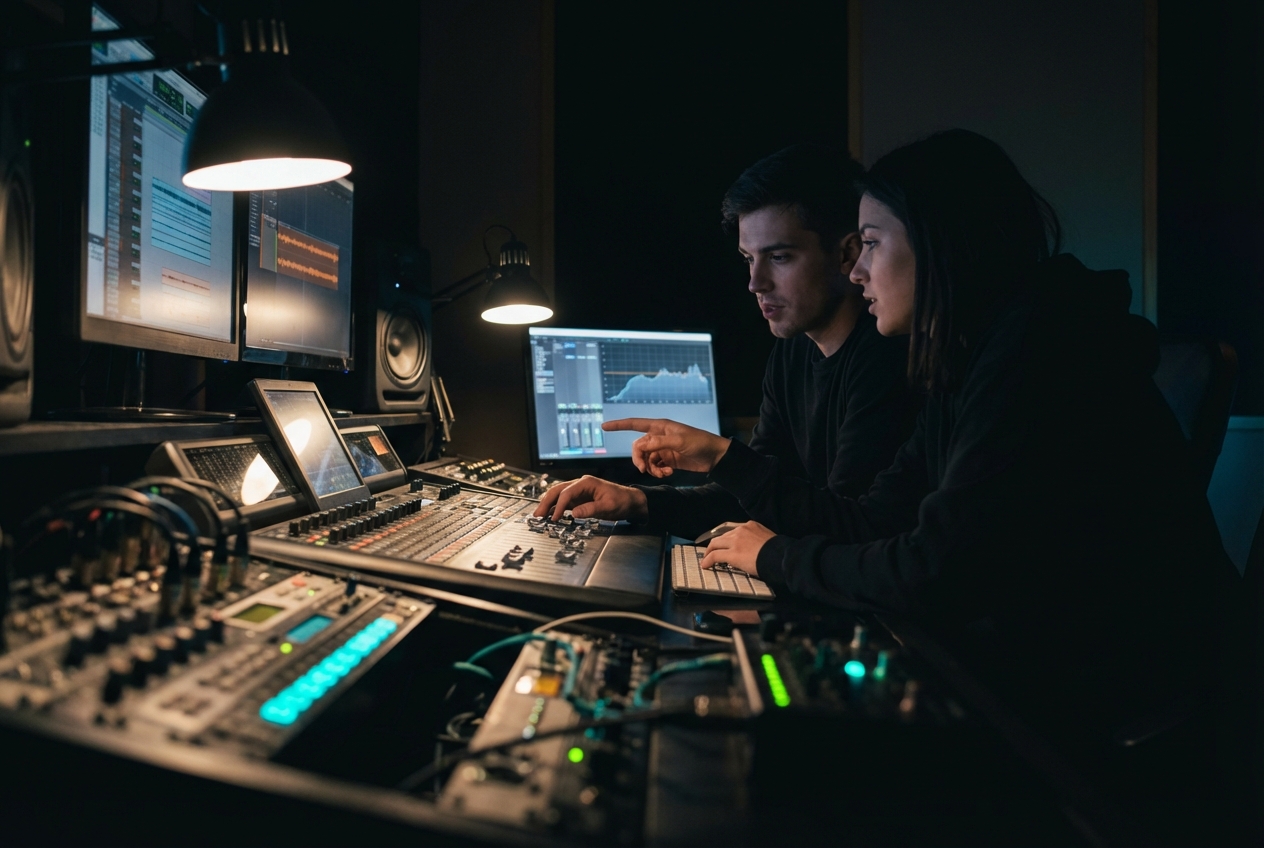
Multiple Audio Format Support
Process MP3, WAV, FLAC, and more with our vocal remover from Youtube. Upload any audio format and download your separated tracks in your preferred format for seamless integration.
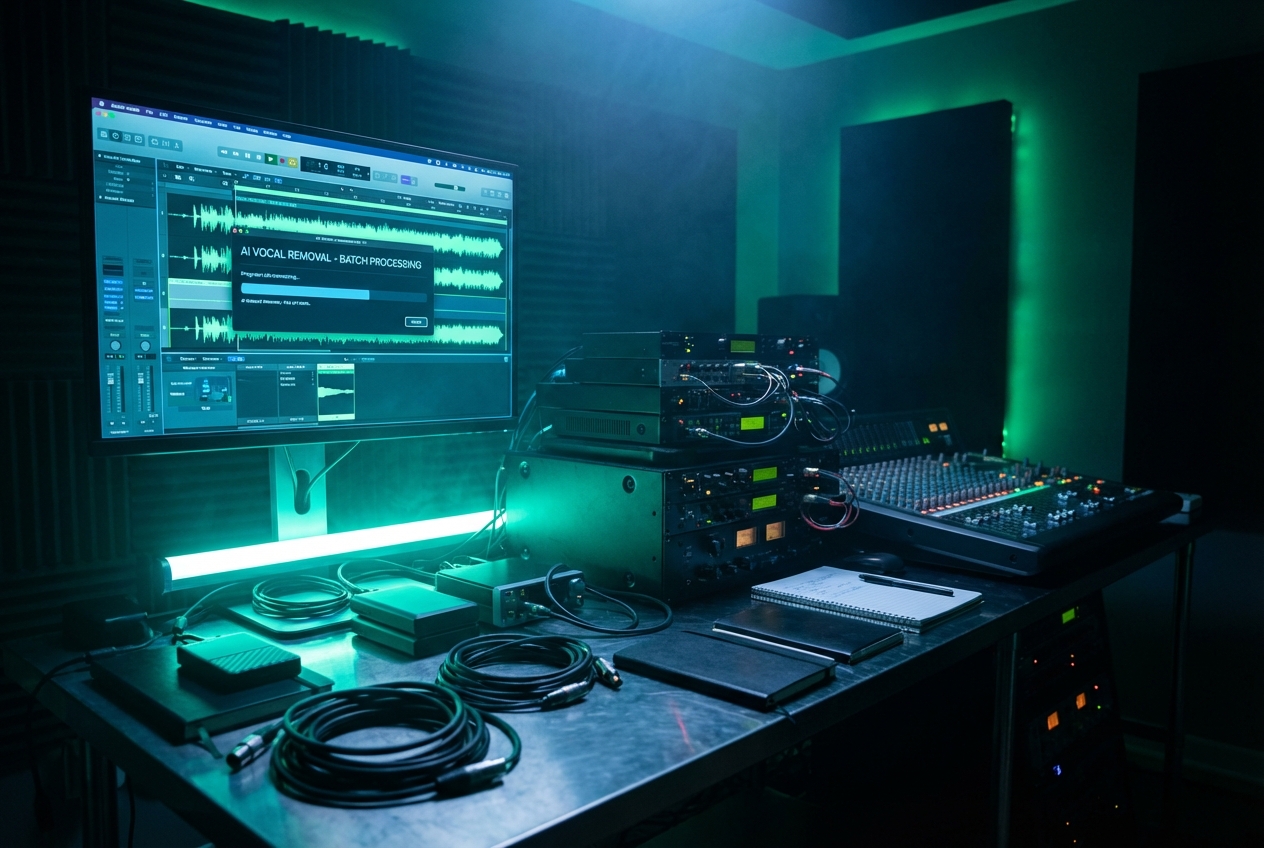
Batch Processing Capability
Remove vocals from multiple Youtube videos at once. Our Youtube Vocal Remover handles batch uploads efficiently, saving you time on large projects and production workflows.

High Quality Audio Output
Download separated vocals and instrumentals in high bitrate quality. Our vocal remover from Youtube preserves audio clarity and detail for professional mixing and production use.

Frequently Asked Questions
How does the best vocal remover from Youtube work
Our tool uses advanced artificial intelligence to analyze audio frequencies and separate vocal tracks from background music. When you upload your file to our vocal remover from Youtube, the AI identifies unique vocal characteristics and isolates them from instrumental elements, delivering clean separated tracks in seconds.
Can I use separated vocals from Youtube Vocal Remover commercially
Yes, you can use the separated vocals and instrumentals from our Youtube Vocal Remover for commercial purposes. The audio you extract is yours to use freely in covers, remixes, karaoke productions, and other creative projects without copyright restrictions.
What audio formats are supported?
Our Youtube Vocal Remover supports all major audio formats including MP3, WAV, FLAC, AAC, and OGG. You can upload any format and download your separated tracks in your preferred quality and format for maximum flexibility.
How long does it take to remove vocals using this tool
Processing time depends on your audio length, but most tracks are separated within seconds to a few minutes. Our Youtube Vocal Remover uses optimized AI algorithms to deliver fast results without compromising quality or accuracy.
Is my audio data secure when using the vocal remover from Youtube
Your privacy is our priority. All files uploaded to our Youtube Vocal Remover are processed securely and automatically deleted after download. We never store or share your audio data with third parties.

Start Using the Best Youtube Vocal Remover Today
Remove vocals from Youtube videos instantly with our professional-grade vocal remover.