
El Removedor Vocal en Línea Definitivo
Quita Vocales de Cualquier Canción Instantáneamente con AI
Transforma cualquier pista en instrumentales o vocales aislados con nuestro poderoso removedor de vocales. Experimenta el mejor separador vocal en el que confían los creadores musicales. Quita vocales de una canción en segundos - sin pérdida de calidad, solo separación pura.

¿Quién necesita esta herramienta?
¿Quién puede beneficiarse del Removedor de Música de Fondo?
Descubre cómo la potente herramienta de Removedor de Música de Fondo de MusicCreator puede mejorar la calidad de tu audio y optimizar tu flujo de trabajo creativo.
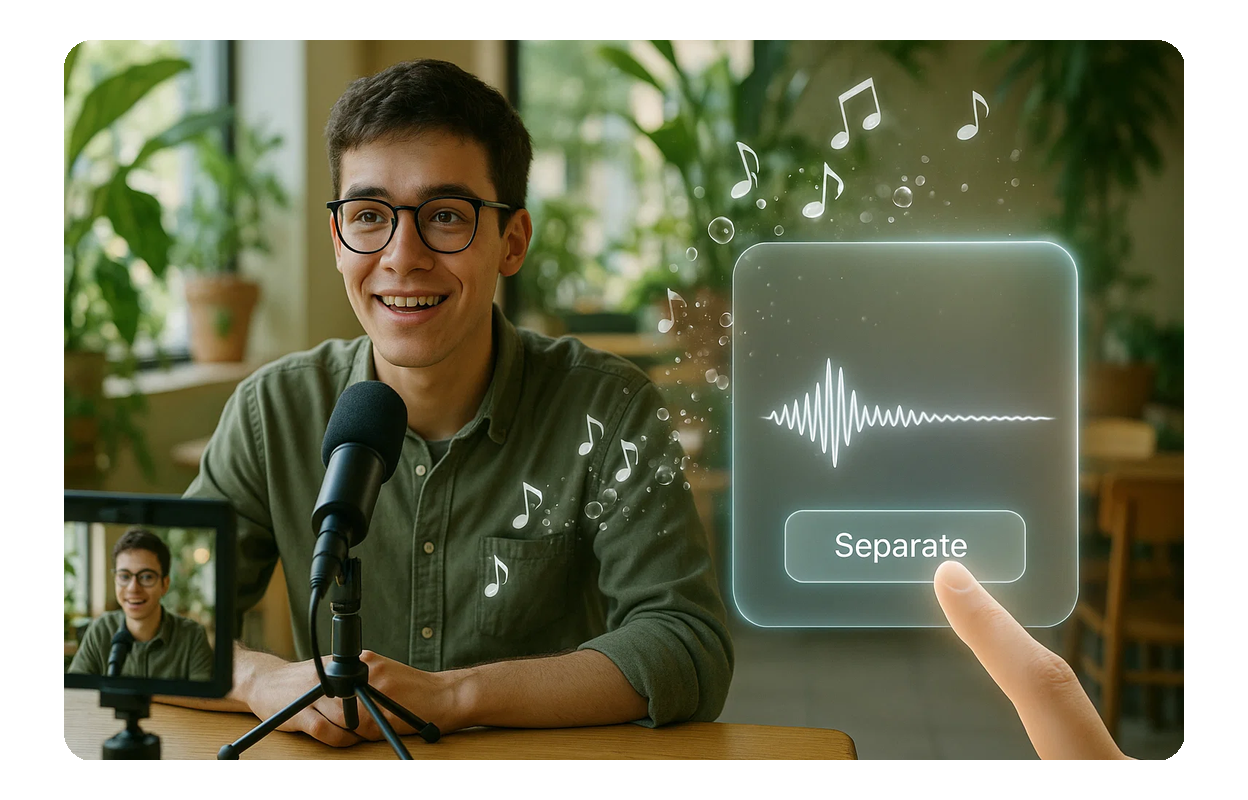
Creadores de Contenido
Podcasters, YouTubers y vloggers pueden eliminar fácilmente la música de fondo de sus grabaciones de audio, asegurando diálogos nítidos y contenido con sonido profesional.
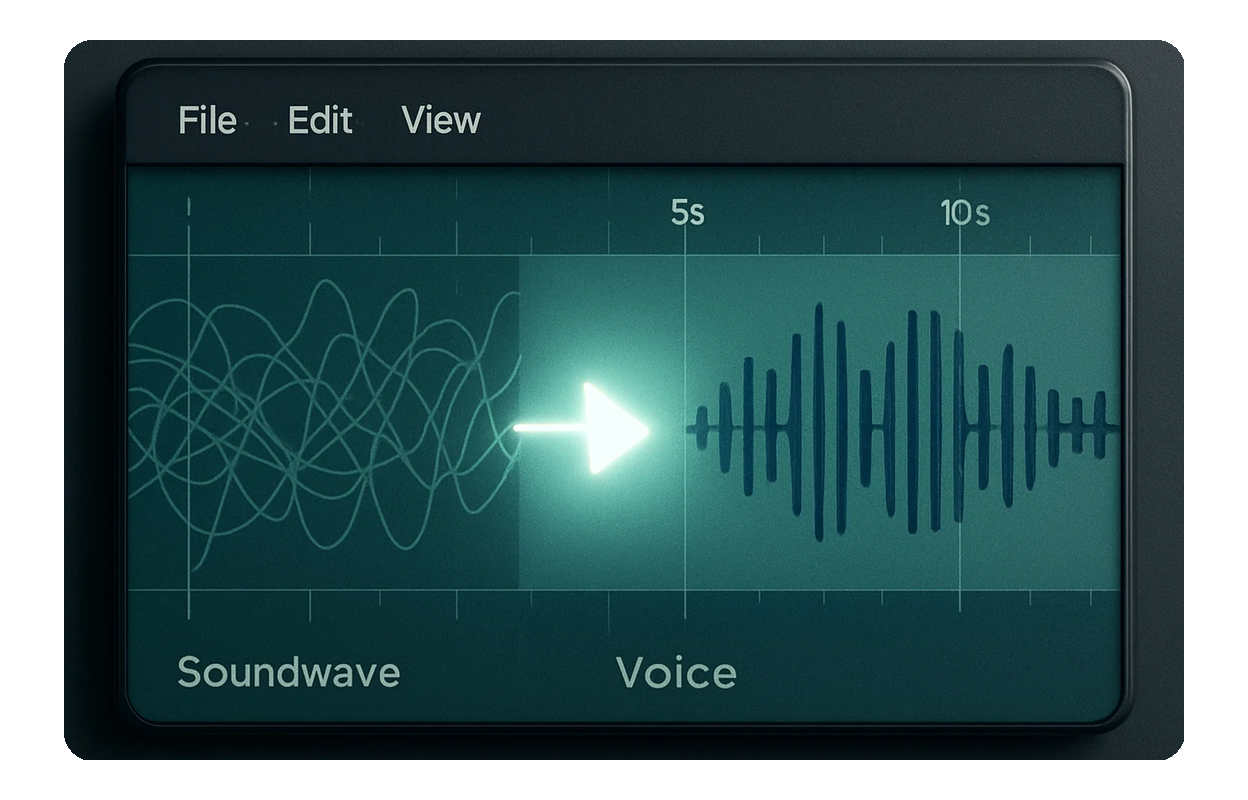
Músicos y Productores
Aísla voces para acapellas o extrae pistas instrumentales para remixes y covers. MusicCreator te ayuda a obtener los archivos de audio limpios que necesitas para tu próxima obra maestra.
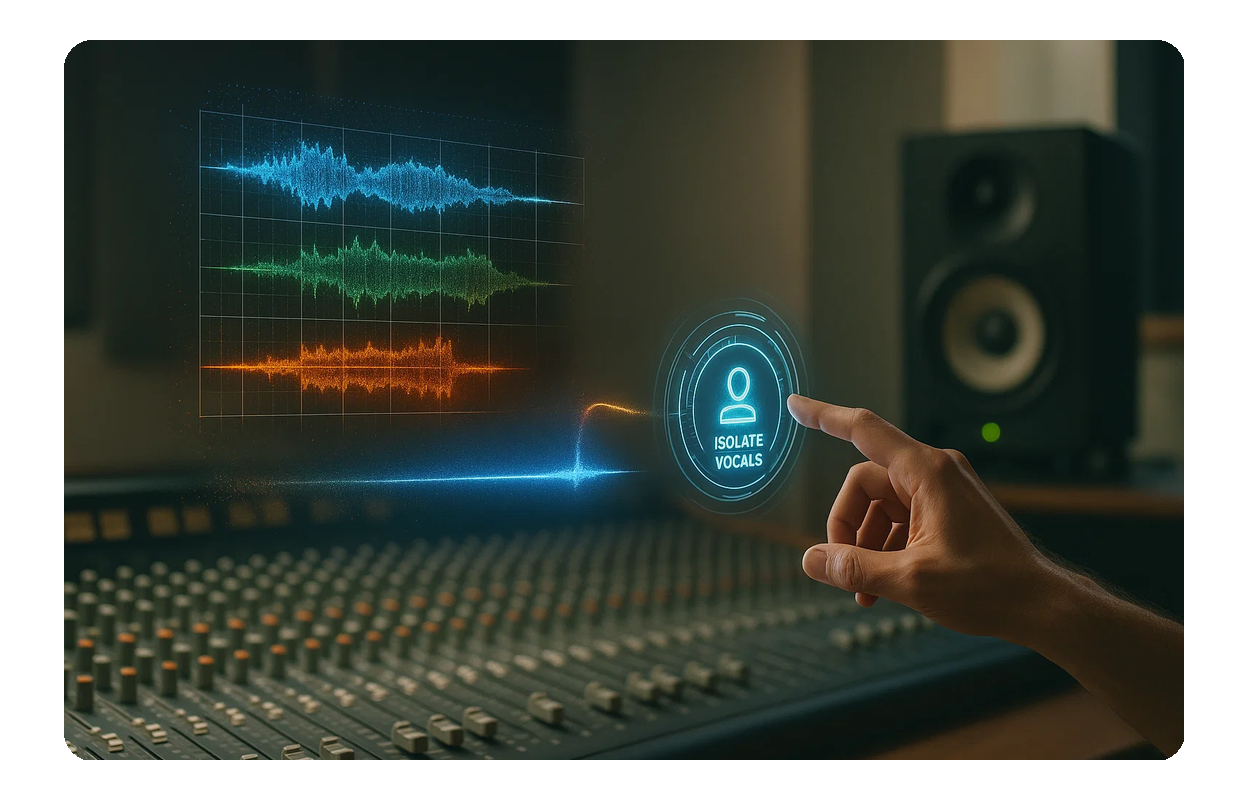
Editores de Audio
Limpia rápidamente entrevistas, locuciones o grabaciones de campo eliminando la música de fondo no deseada. Logra una calidad de audio impecable sin edición manual compleja.
FUNCIONES PRINCIPALES
Potentes funciones para el Removedor de Música de Fondo
Explora las funciones intuitivas de MusicCreator diseñadas para ayudarte a eliminar música de fondo del audio de forma rápida y eficiente, ofreciendo resultados profesionales en todo momento.

Separación de Audio con IA
Sube tu audio y deja que nuestra IA inteligente elimine automáticamente la música de fondo, distinguiendo con precisión entre voces y elementos instrumentales.
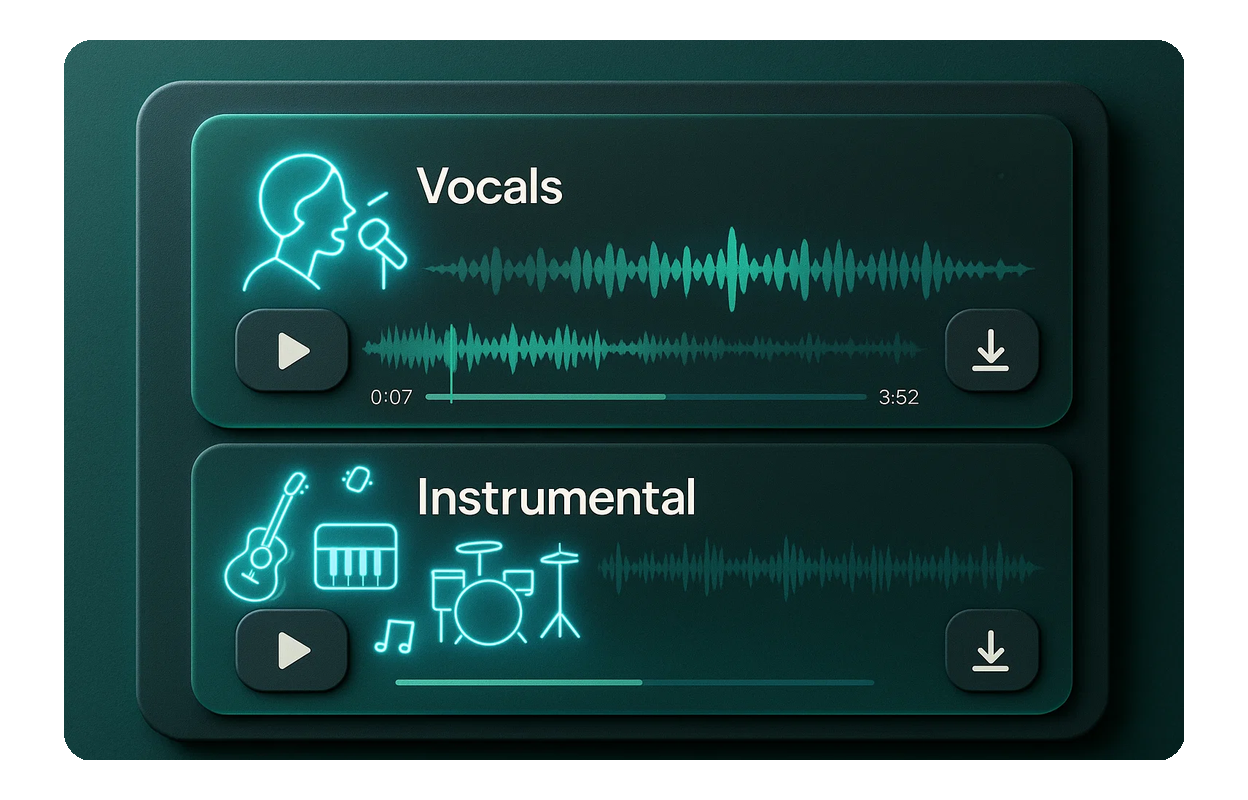
Aísla Voces e Instrumentos
Obtén archivos separados para voces y pistas instrumentales. Ya sea que necesites una acapella o una pista de acompañamiento limpia, MusicCreator te ofrece ambas.

Salida de Alta Calidad
Nuestros algoritmos avanzados aseguran que, al usar el Removedor de Música de Fondo, el audio restante sea claro, nítido y libre de artefactos, manteniendo la fidelidad del sonido original.
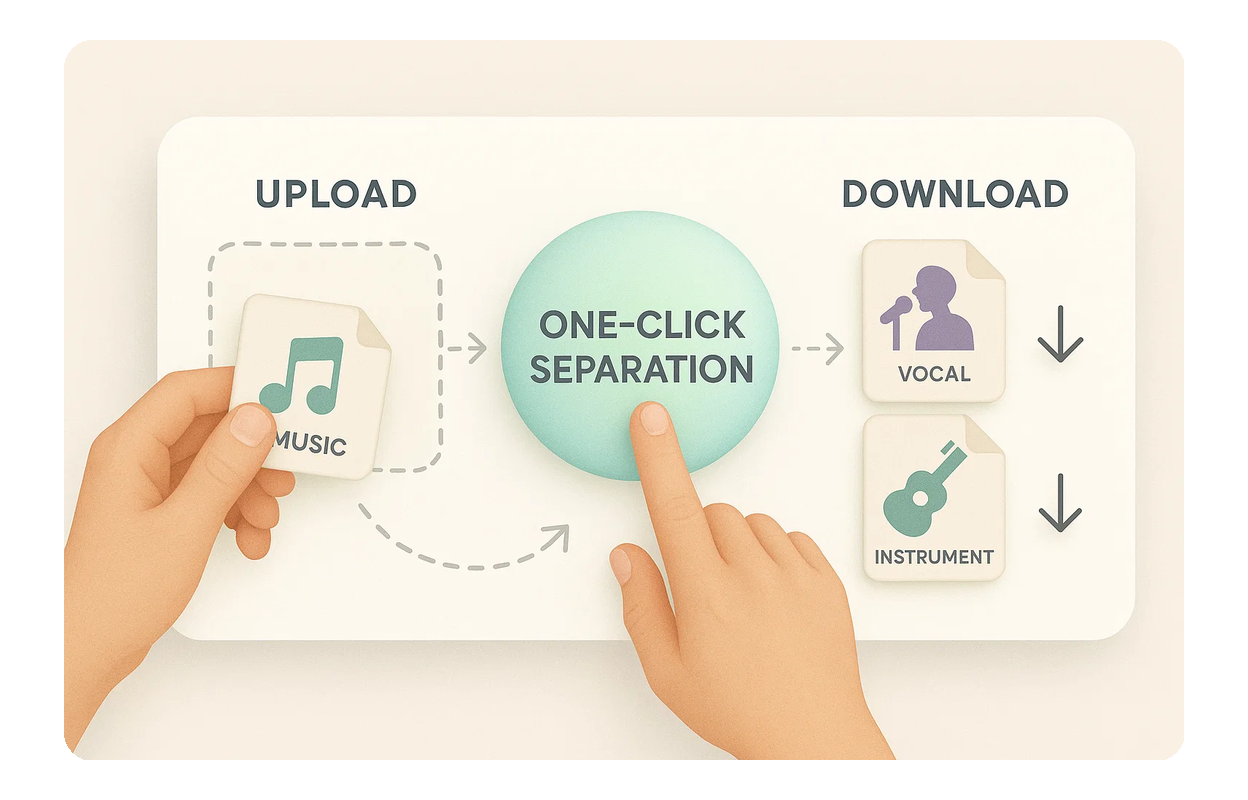
Interfaz Fácil de Usar
Simplemente sube tu archivo de audio, haz clic en un botón y descarga tus pistas separadas. MusicCreator facilita la eliminación de música de fondo del audio sin complicaciones técnicas.

Preguntas Frecuentes
¿Es gratis usar el Removedor de Música de Fondo?
MusicCreator ofrece una cierta cantidad de créditos gratuitos para empezar. Para acceso ilimitado y más funciones, considera nuestros planes de suscripción.
¿Cómo elimina MusicCreator la música de fondo del audio?
Nuestra IA avanzada analiza tu audio subido, separando inteligentemente los elementos principales como voces e instrumentos. Luego recibes pistas individuales para descargar.
¿Qué formatos de archivo de audio son compatibles?
MusicCreator es compatible con formatos de audio comunes como MP3, WAV y FLAC para un procesamiento sin interrupciones cuando quieras usar el Removedor de Música de Fondo.
¿Cuál es la calidad de las pistas separadas?
Nuestra IA garantiza una separación de alta fidelidad, minimizando artefactos y preservando la calidad de audio original tanto para pistas vocales como instrumentales, ofreciendo resultados profesionales.
¿Puedo usar el audio separado para proyectos comerciales?
MusicCreator ofrece opciones para uso comercial. Dependiendo de tu plan de suscripción, puedes recibir licencias libres de derechos para tu audio separado. Por favor, consulta nuestros términos de servicio para detalles sobre derechos de autor y uso.

Empieza a usar el Removedor de Música de Fondo hoy mismo
Experimenta la simplicidad y el poder de la herramienta de IA de MusicCreator. Transforma tus proyectos de audio con pistas limpias y separadas en solo unos clics.